Umbraa Black Friday 2026 deal
Umbraa has a confirmed Black Friday 2026 deal: 50% off, Nov 20 to 30, 2026. Confirmed to us directly by the maker, listing last checked Nov 15, 2026. Black Friday 2026 is Nov 27 and Cyber Monday is Nov 30.
| Status | Starts Nov 20, 2026 |
|---|---|
| Discount | 50% off |
| Starts | Nov 20, 2026 |
| Ends | Nov 30, 2026 |
| Last checked | Nov 15, 2026 |
See also: Black Friday 2026 Mac app deals
A Mac menu bar app that dims every display below the system minimum, with warm or red color modes and a sleep timer that fades the screen to black.
Deal status
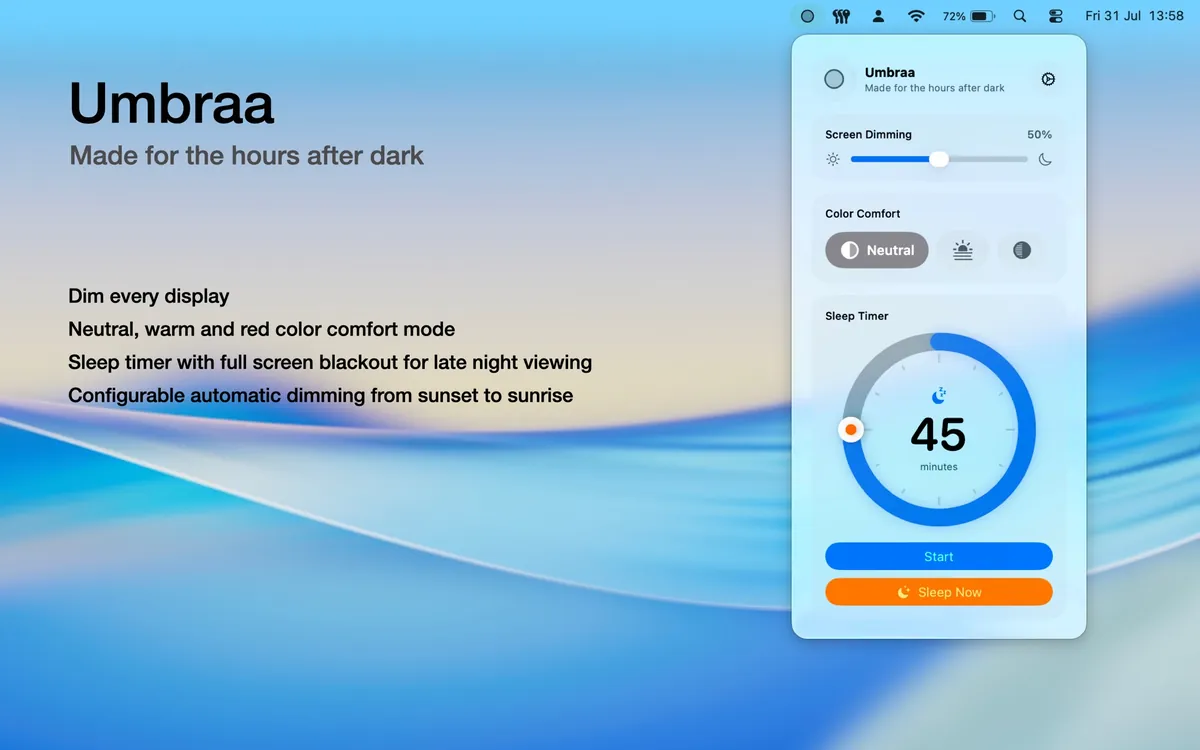
Upcoming deal · confirmed by the maker Starts Nov 20, 2026. 50% off, Nov 20 to 30, 2026What Umbraa looks likeImage from Umbraa's App Store
Get deal alerts by email
We send a weekly email in November with the Black Friday 2026 deals makers have confirmed. Free, unsubscribe anytime.
What does it do?
Even the lowest brightness setting can be too bright in a dark room, and Umbraa, a menu bar app, lets your Mac screen go darker than macOS allows. Colours can stay neutral or shift warm or red, a sleep timer fades the display to black, and one click blacks out every screen instantly.
Who is it for?
Mac owners who read, watch or work in a dark bedroom or studio and find even the minimum built-in brightness too harsh on their eyes.
When would you use it?
- Reading late at night: Drag the dimming slider past the system minimum and switch to the warm tint to cut the glare in a dark room.
- Falling asleep to a film: Start the sleep timer and the screen fades to black when it ends, so a bright display does not wake you later.
- Stepping away briefly: Use the instant blackout to darken every connected display at once, then tap the screen to bring it back.
- Following the daylight: Enable the sunset-to-sunrise automation so dimming switches on at dusk and off again at dawn.
Why pay for it?
macOS stops at a brightness floor that is still bright in a dark room. Umbraa removes that floor from the menu bar, works on external monitors too, and adds a red mode that removes nearly all blue and green light, all for a small App Store price paid once.
What should you know?
- Anathema Labs sells it for $3.99 through Apple's Mac App Store.
- Dimming works on every connected display, including external monitors, and can be driven with keyboard shortcuts.
- Everything runs locally, and the maker states the app has no analytics, no tracking and no sign-in.
- It can launch at login and resume your last setting with an adjustable fade.
A look inside Umbraa
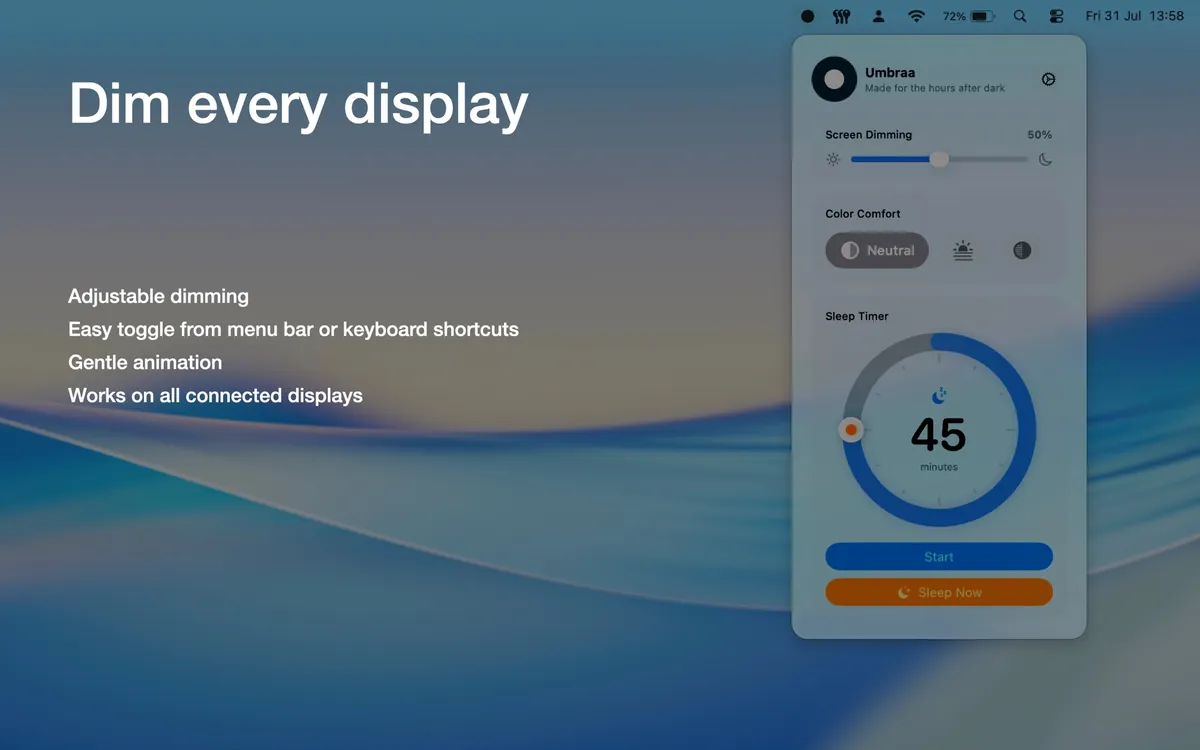
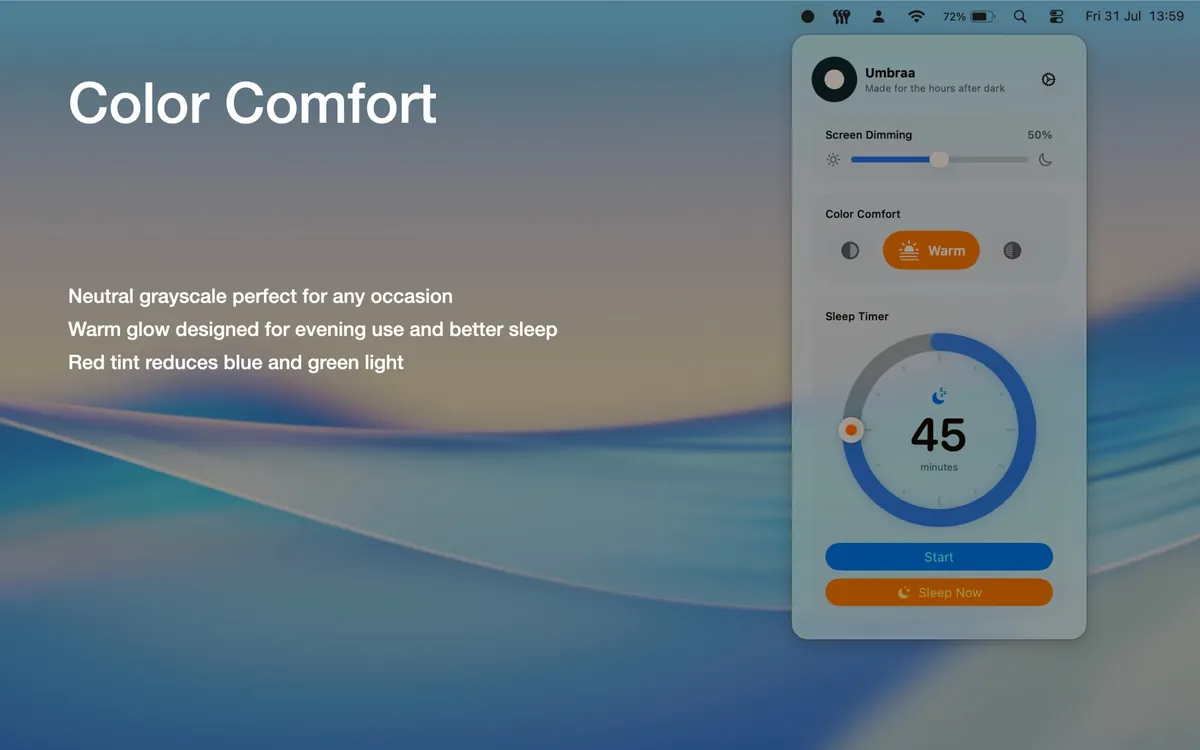
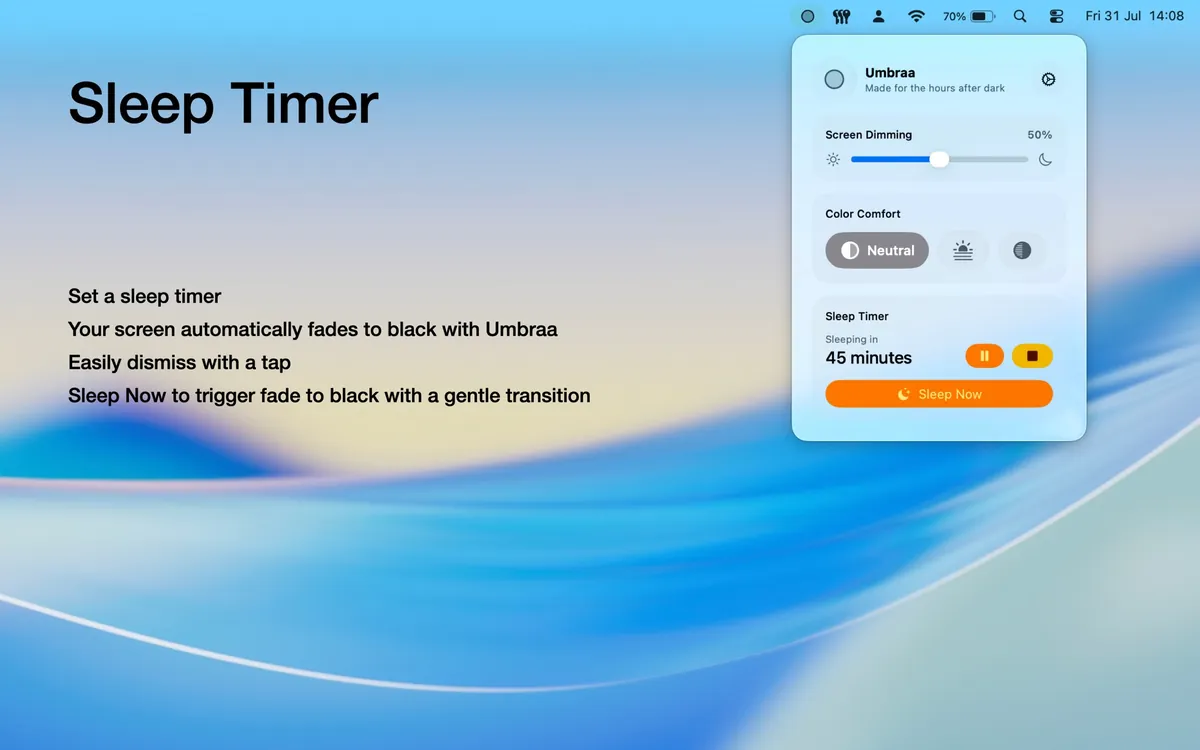
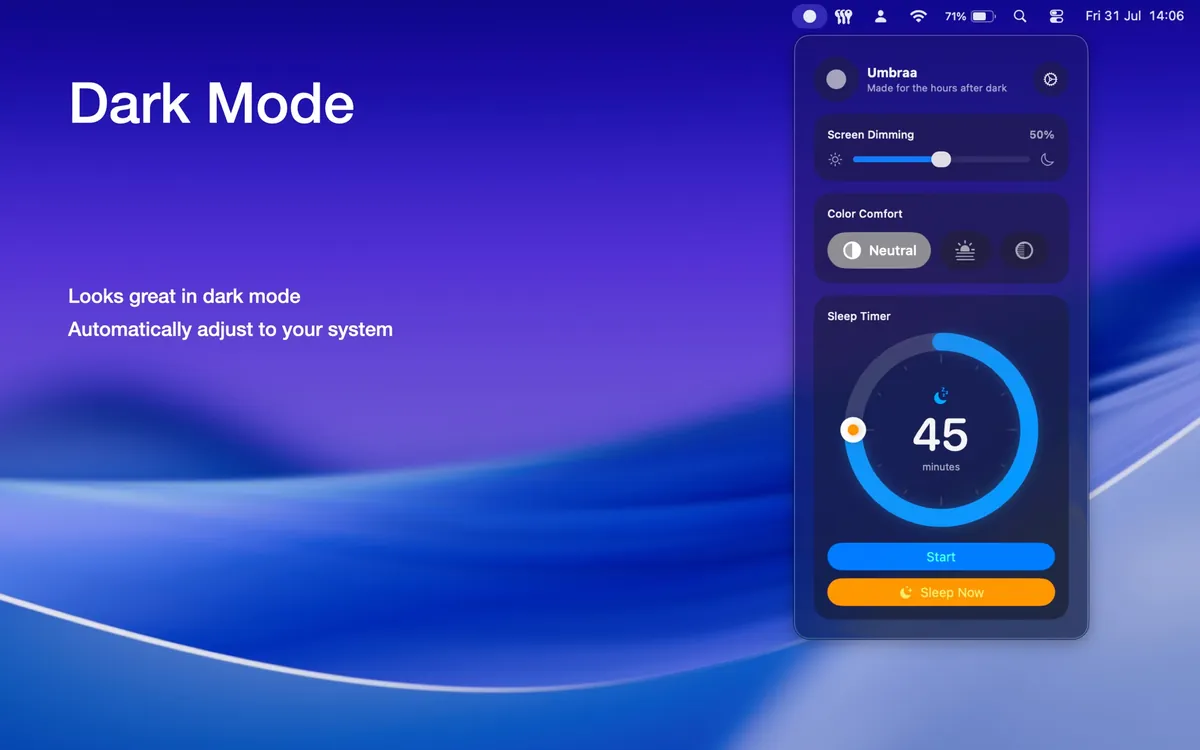
Images from the App Store listing.
Prices and codes change. Last year's codes may no longer work — always confirm on the maker's site. Are you the maker? Send us your 2026 deal — listing is free.
Similar deals
- Sidebar — Swap the Mac Dock for a customizable bar with window previews, media controls, stacks…
- Cosmil — Browse Mac files in a multi-pane window, including servers and NAS shares.
- CoolDock — A second Dock for your Mac with live widgets for music, todos, calendar, weather,…
- Trash Buddy — Check, empty and manage your Mac's Trash from anywhere with shortcuts, item counts and…
- Paddock Pro — Puts everything about your Mac in the menu bar, with a year of history, app alerts, and…
- Bookmark Bar – Browser Hub — Open any bookmark in any Mac browser from a menu-bar hub that stays on the device.
Umbraa deal history
| Year | Offer | Dates | Source |
|---|---|---|---|
| 2026 | 50% off, Nov 20 to 30, 2026 | Nov 20, 2026 – Nov 30, 2026 | Confirmed by the maker |
Similar apps to Umbraa
- Sonant — A menu bar pill that shows and controls what Spotify or Apple Music is playing, with lyrics and a sleep timer. Live deal Black Friday: EUR 9.99 instead of EUR 14.99 (EUR 5 off) as a one-time purchase, applied automatically on the official site, until December 1, 2026, 23:59 Amsterdam time.
- Sip — Pick any color on your screen, build palettes as you go and check contrast, all from a polished Mac menu bar app. Live deal 50% off with codes BLACKFRIDAY26 (Nov 27–29) and CYBERMONDAY26 (Nov 30–Dec 1), 2026
- Vigil — Menu bar app that keeps a closed MacBook awake while Claude Code, a build or an export runs, then lets it sleep. Live deal 50% off Vigil with code BLACKFRIDAY at appsbymo.app, Nov 9 to Dec 1, 2026. The maker's app list shows a regular price of $9.99.
- Oasis: Sleep & Nature Sounds — Layer rain, rivers, birds and other field recordings from your Mac menu bar, with an iPhone version for sleep. Live deal Black Friday: the lifetime Oasis Infinite unlock is free ($0 instead of $24.99) until December 1, 2026, as an in-app purchase. No code: open Oasis Infinite in the app and choose Lifetime (the yearly plan is selected first). One purchase covers the iPhone and Mac versions.
- DockX — Turn your Mac's Dock and menu bar into a live dashboard for network speed, system stats, world clocks and memos. Live deal 25% OFF on the App Store, or with code BF2026 at dockx.app checkout (DockX Pro $3.99 to $2.99)
- iStat Menus — Menu bar system monitor for CPU, GPU, memory, disks, network and sensors. Awaiting this year's deal; 2025 offer (unconfirmed): 50% off
More in Mac app (525 apps) · More in Utilities (174 apps) · When Mac app Black Friday sales start
FAQ
Is Umbraa on sale for Black Friday 2026?
Yes. The maker has confirmed a Black Friday 2026 deal: 50% off, Nov 20 to 30, 2026. It runs until Nov 30, 2026. Confirmed directly by the maker (last checked Nov 15, 2026).
Does Umbraa have a lifetime or one-time price?
One-time Mac App Store purchase. The official site and App Store list $3.99 in the US; pricing varies by country. The maker did not describe a subscription, per the maker's pricing page. Check the maker's site for current pricing.
What platforms does Umbraa run on?
Umbraa is listed for Mac.
See also: Utilities Black Friday deals · Mac Black Friday 2026 deals.
For makers: add this badge
Optional. Copy this HTML to add a “Listed on IndieMarkdowns” badge that links to this deal page. It is never a condition of the listing.
A dark version uses https://indiemarkdowns.com/badge/listed-dark.svg. The older /badge/featured-light.svg and /badge/featured-dark.svg URLs work too.