ScreenOtter Black Friday 2026 deal
ScreenOtter has a confirmed Black Friday 2026 deal: Black Friday: 40% off both ScreenOtter licenses with code BLACKFRIDAY26 through November 30, 2026. One Mac is $29.40 instead of $49. Confirmed to us directly by the maker, listing last checked Nov 19, 2026. Black Friday 2026 is Nov 27 and Cyber Monday is Nov 30.
| Status | Confirmed for Black Friday 2026 |
|---|---|
| Discount | 40% off |
| Code | BLACKFRIDAY26 |
| Ends | Nov 30, 2026 |
| Last checked | Nov 19, 2026 |
See also: ScreenOtter alternatives for Mac · Black Friday 2026 Mac app deals
A native Mac screen recorder and screenshot editor that adds automatic zooms, captions and backdrops so demos look polished quickly.
Deal status
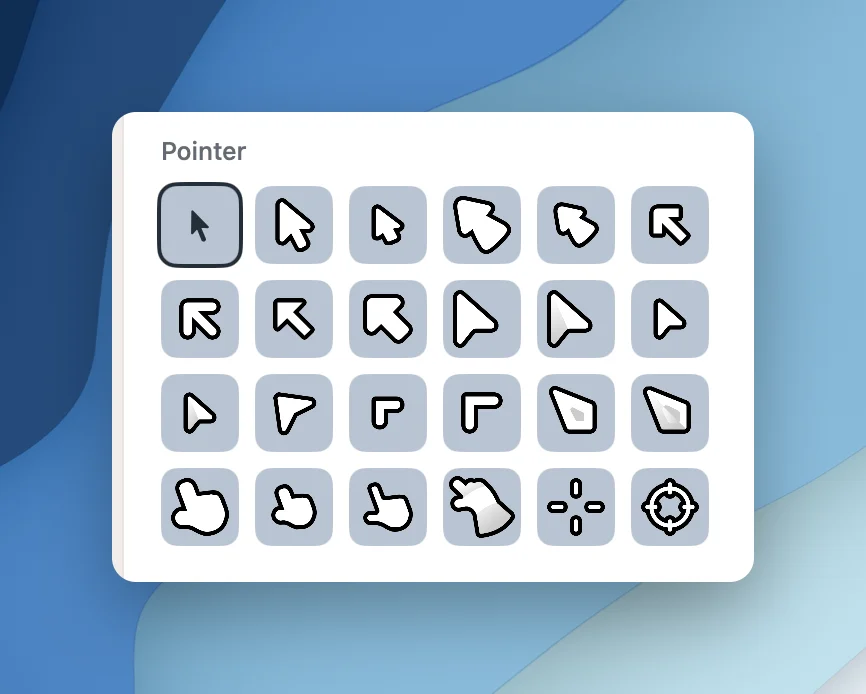
Live deal · confirmed by the maker Black Friday: 40% off both ScreenOtter licenses with code BLACKFRIDAY26 through November 30, 2026, already applied when you click Buy. One Mac is $29.40 instead of $49; three Macs are $47.40 instead of $79. maker’s announcementWhat ScreenOtter looks likeImage from ScreenOtter's official site
Get deal alerts by email
We send a weekly email in November with the Black Friday 2026 deals makers have confirmed. Free, unsubscribe anytime.
What does it do?
Built natively for macOS, ScreenOtter captures your display either as video or as still images, with an editor that does most of the polishing for you. Recordings come back with zooms already placed on each click, optional webcam layouts and on-device captions, while stills can get arrows, blurs and a backdrop before you share them.
Who is it for?
People who make product demos, tutorials, bug reports or course videos and would rather get a tidy result than spend an evening inside a video editor.
When would you use it?
- Recording a product demo: Capture a walkthrough, and the clicks already have smooth zooms when you open the editor, so you only remove the ones you dislike before exporting.
- Hiding private details: Blur an email address or API key once, and the blur stays over it while the page scrolls and while the camera zooms in.
- Sharing a quick loop: Export a short clip as a GIF from the export window to drop into a pull request, a changelog or a chat thread.
Why pay for it?
Many polished screen recorders charge a monthly fee for something you might open only a few times a week. ScreenOtter is a native Swift app sold for a single payment, and the free version already includes every tool, so you can judge the results before paying to lift the export limits.
What should you know?
- ScreenOtter's own site takes 40% off both licenses with the code BLACKFRIDAY26 until 30 November 2026. One Mac then costs $29.40 rather than $49, and three Macs cost $47.40 rather than $79.
- The unpaid version caps video output at 720p and stamps a small ScreenOtter badge on what you export. Buying a license lifts both limits.
- Running ScreenOtter takes macOS 15 or newer. To move a license to another computer, deactivate it on the current one first, either inside the app or on its license page.
A look inside ScreenOtter
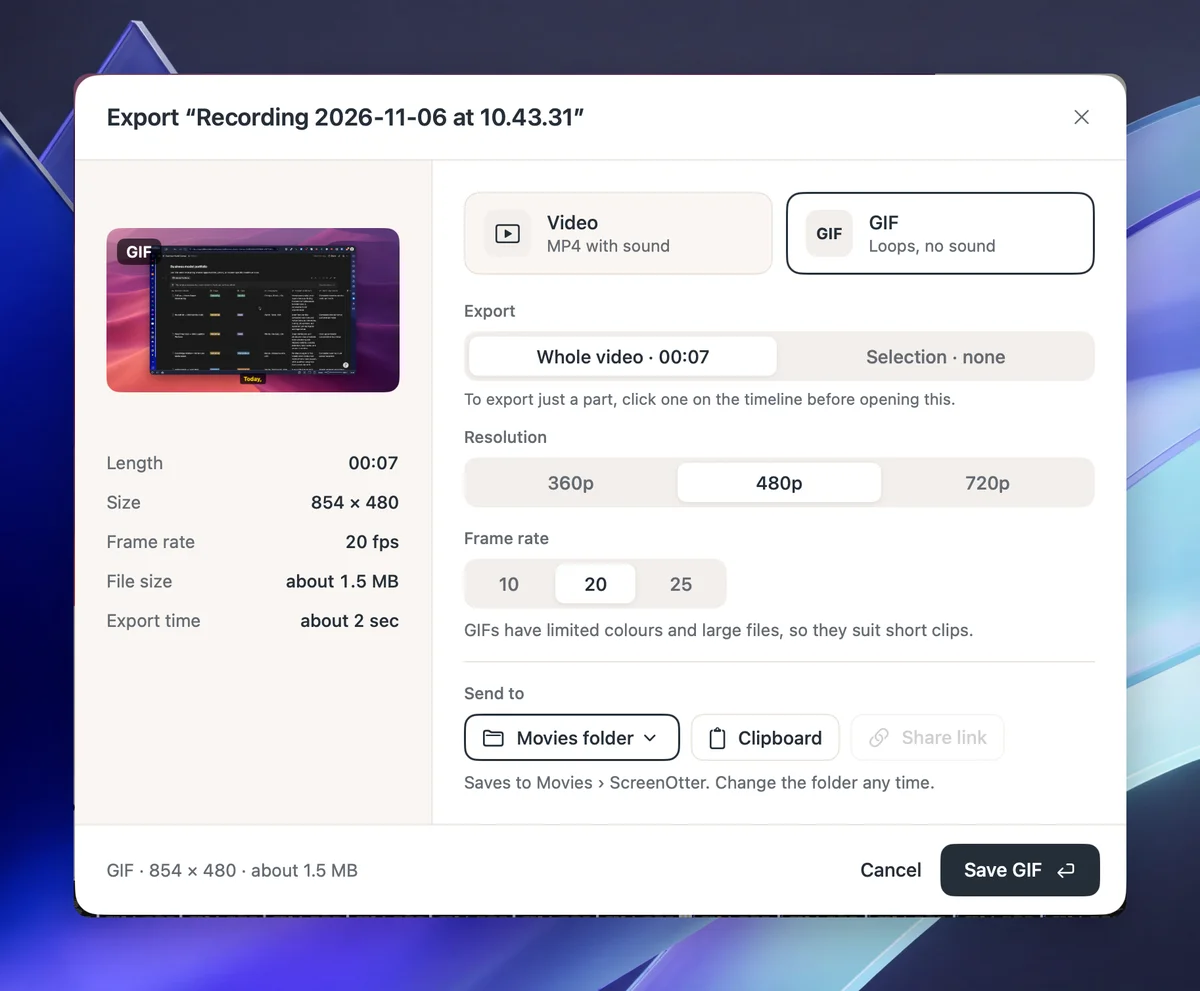
Images from ScreenOtter's official site.
Prices and codes change. Last year's codes may no longer work — always confirm on the maker's site. Are you the maker? Send us your 2026 deal — listing is free.
ScreenOtter alternatives for Mac
Similar deals
- Recut — Silence remover that builds a rough cut and exports to your video editor.
- SmoothCut — Record your screen on Mac or Windows and get automatic zooms, a steadier cursor,…
- Motionik — Record Mac or Windows screens and edit demos in one app with cursor auto-zoom.
- IlluminateMe — Paint bright bars on your Mac screen edges so video calls get softer face light.
- Dropshare — Upload screenshots, screen recordings and any file to the storage you already trust,…
- Remote Buddy 2 — Control Mac apps and web videos from iPhone, Siri Remote, iPad or Apple TV companions.
ScreenOtter deal history
| Year | Offer | Dates | Source |
|---|---|---|---|
| 2026 | Black Friday: 40% off both ScreenOtter licenses with code BLACKFRIDAY26 through November 30, 2026, already applied when you click Buy. One Mac is $29.40 instead of $49; three Macs are $47.40 instead of $79. | Nov 30, 2026 | Confirmed by the maker (announcement) |
Similar apps to ScreenOtter
- MotionShine — Record your Mac screen and get automatic click zooms, a restyled smooth cursor, captions and music in a built-in timeline editor. Live deal 50% off every paid plan with code BF50, all one-time purchases: Pro $24.50 instead of $49, Pro Forever $49.50 instead of $99, Agency $89.50 instead of $179. Nov 12 to Dec 5, 2026 (ends 11:59 pm US Pacific)
- ScreenSage Pro — Record polished screen demos and tutorials on your Mac with automatic zoom, camera layouts and iPhone capture built in. Live deal Up to 53% off one-time licenses: Lifetime $449 → $209.90 (53% off, code BFS2026L); Pro / 3 Macs $149 → $79.90 (46% off, code BFS2026P); Nov 4 to Dec 15, 2026
- Screenshot Studio — Turn your raw app captures into polished store screenshots, translate the captions and upload the whole set from one Mac app. Live deal Black Friday: 50% off all subscriptions and 33% off Lifetime, through Dec 1, 2026. No code stated; see the App Store for local prices.
- SmoothCapture — Record your Mac screen and turn it into a polished product video with zooms, titles and 3D device mockups. Live deal 50% off Personal ($39.50), Lifetime ($74.50) and the Chronoid + SmoothCapture bundle ($99.50) with code BLACKFRIDAY26, applied automatically, until early Dec 2026 (pricing page says Dec 3)
- Cap — Open-source screen recorder with instant share links and a built-in studio editor. Live deal Black Friday: 50% off Cap Pro Yearly, $49 instead of $98 per user per year, with code BLACKFRIDAY applied at checkout. Every seat on the yearly plan is half price. Ends Cyber Monday, November 30, 2026.
- palmscreen — Screen recordings with automatic zoom and cursor effects, an editor, and screenshots for Mac, with no design skills needed. Live deal $19 instead of $29 with code BLACKWEEK, one-time purchase, license for one Mac. Nov 23, 2026 00:00 UTC to Nov 30, 2026 23:59 UTC. The maker says $29 is the launch price and the regular price afterwards is $39.
More in Mac app (530 apps) · More in Screen & video (67 apps) · Screenshot & screen recording deals guide
FAQ
Is ScreenOtter on sale for Black Friday 2026?
Yes. The maker has confirmed a Black Friday 2026 deal: Black Friday: 40% off both ScreenOtter licenses with code BLACKFRIDAY26 through November 30, 2026, already applied when you click Buy. One Mac is $29.40 instead of $49; three Macs are $47.40 instead of $79.. It runs until Nov 30, 2026. Confirmed directly by the maker (last checked Nov 19, 2026).
Does ScreenOtter have a lifetime or one-time price?
Yes. ScreenOtter is sold as a one-time license for one or three Macs, with no subscription, per the maker's pricing page. Check the maker's site for current pricing.
What platforms does ScreenOtter run on?
ScreenOtter is listed for Mac.
Compare alternatives: Recut alternatives · SmoothCut alternatives
See also: Screen & video Black Friday deals · Mac Black Friday 2026 deals.
For makers: add this badge
Optional. Copy this HTML to add a “Listed on IndieMarkdowns” badge that links to this deal page. It is never a condition of the listing.
A dark version uses https://indiemarkdowns.com/badge/listed-dark.svg. The older /badge/featured-light.svg and /badge/featured-dark.svg URLs work too.