
palmscreen Black Friday 2026 deal
palmscreen has a confirmed Black Friday 2026 deal: $19 instead of $29 with code BLACKWEEK, one-time purchase, license for one Mac. Nov 23, 2026 00:00 UTC to Nov 30, 2026 23:59 UTC. Confirmed to us directly by the maker, listing last checked Nov 16, 2026. Black Friday 2026 is Nov 27 and Cyber Monday is Nov 30.
| Status | Starts Nov 23, 2026 |
|---|---|
| Code | BLACKWEEK |
| Starts | Nov 23, 2026 |
| Ends | Nov 30, 2026 |
| Last checked | Nov 16, 2026 |
See also: palmscreen alternatives for Mac · Black Friday 2026 Mac app deals
Screen recordings with automatic zoom and cursor effects, an editor, and screenshots for Mac, with no design skills needed.
Deal status
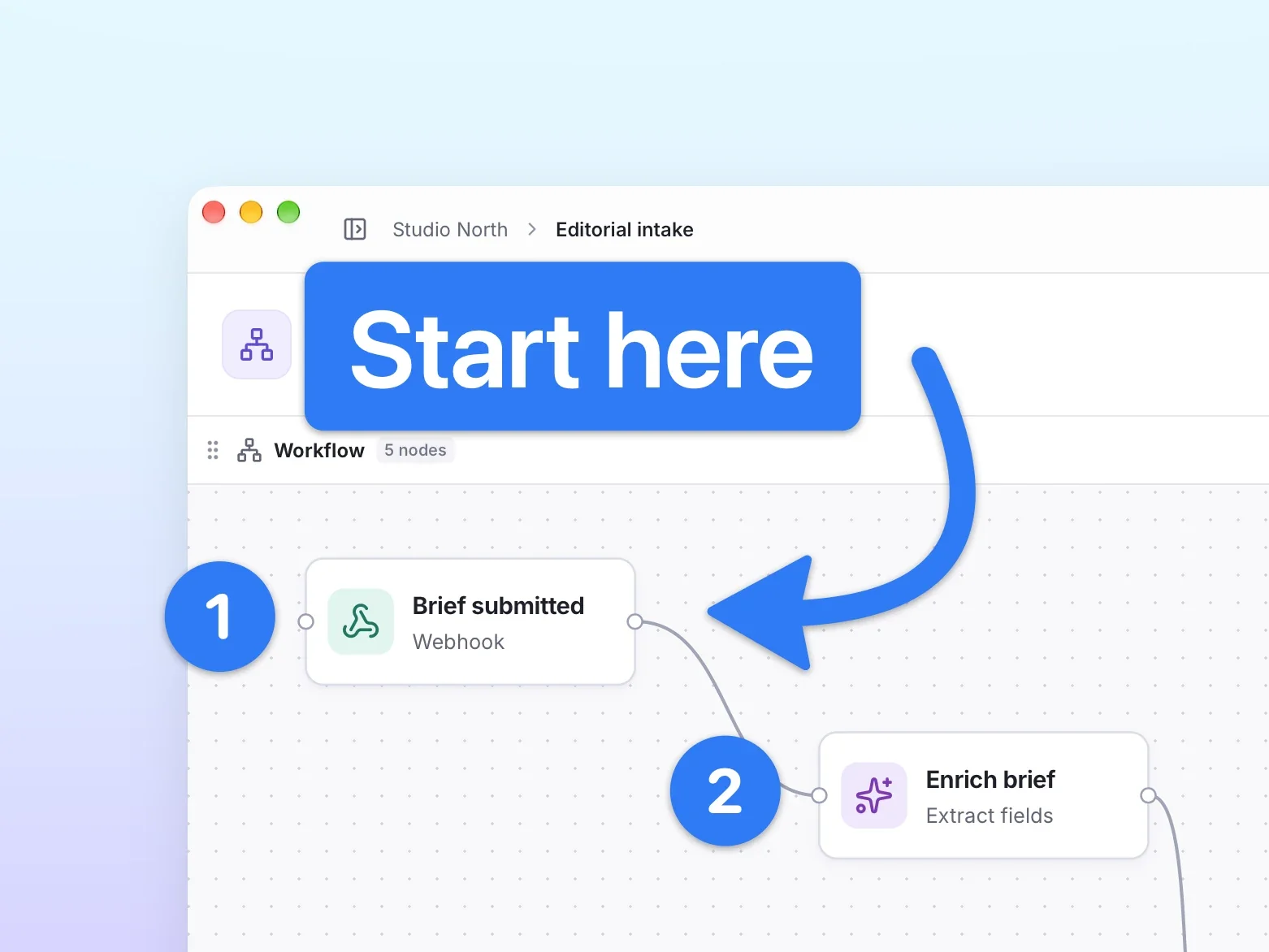
Upcoming deal · confirmed by the maker Starts Nov 23, 2026. $19 instead of $29 with code BLACKWEEK, one-time purchase, license for one Mac. Nov 23, 2026 00:00 UTC to Nov 30, 2026 23:59 UTC. The maker says $29 is the launch price and the regular price afterwards is $39. maker’s announcementWhat palmscreen looks likeImage from palmscreen's official site
Get deal alerts by email
We send a weekly email in November with the Black Friday 2026 deals makers have confirmed. Free, unsubscribe anytime.
What does it do?
Polished screenshots and screen recordings without design work are what the Mac app palmscreen aims for. Recordings zoom in automatically where you click, smooth the cursor and add a clean background, while screenshots get arrows, numbered steps, highlights and blurring for private details. Everything stays editable until you export.
Who is it for?
People who make product demos, bug reports, release notes or how-to guides on a Mac and want them to look professional without opening a video editor.
When would you use it?
- Recording a product demo: Capture your screen and let each click turn into a smooth zoom, then adjust or delete zooms on the timeline.
- Filing a bug report: Take a screenshot and blur or black out names, email addresses and API keys before sending it.
- Writing a how-to: Add numbered steps and arrows to a screenshot so readers can follow along at a glance.
- Posting a changelog: Export a short recording as a GIF, or as MP4 or ProRes up to 4K for higher quality.
Why pay for it?
Automatic zooms, a gliding cursor and background noise removal do the polishing that would otherwise take an editor and time. Recordings never leave your Mac, no sign-up is needed, and the licence is a single payment that includes future versions.
What should you know?
- Requires macOS 15 or later, and the app is in English.
- The regular price is $29 one time for one Mac, and the licence can be moved to a new Mac.
- Everything is included during the two-week trial, and afterwards you can still record and edit but need a licence to export or save.
- It can take over the standard Shift-Command-3, 4 and 5 screenshot shortcuts if you choose.
A look inside palmscreen
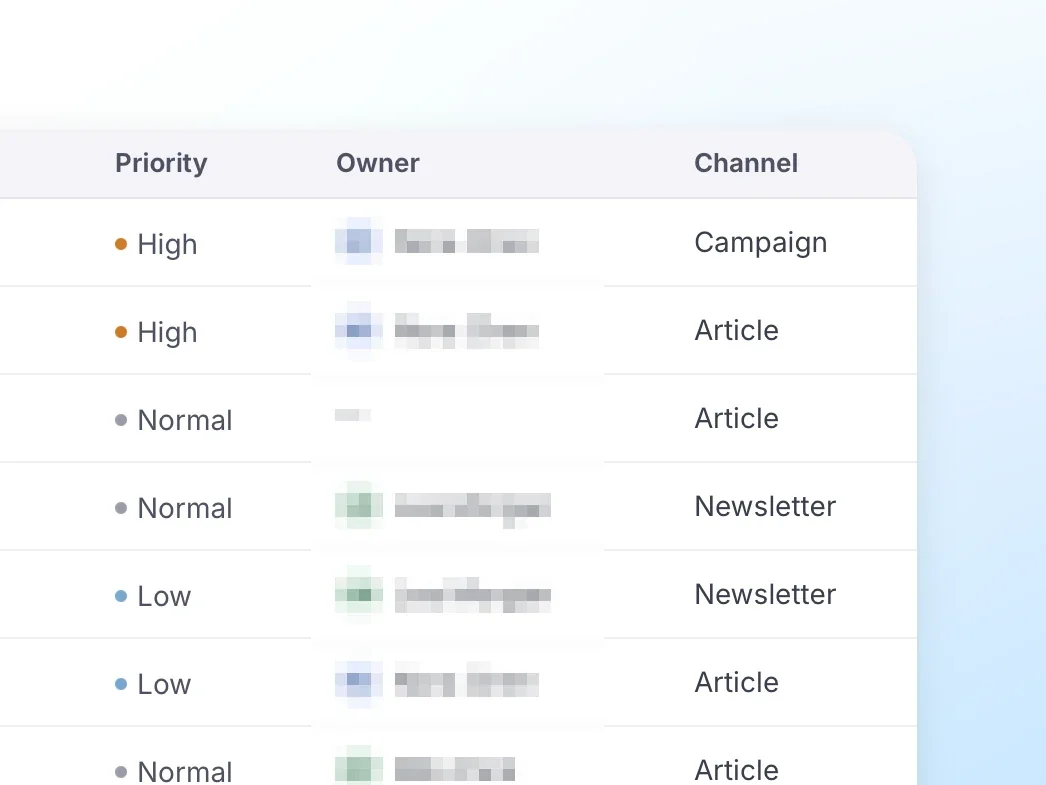
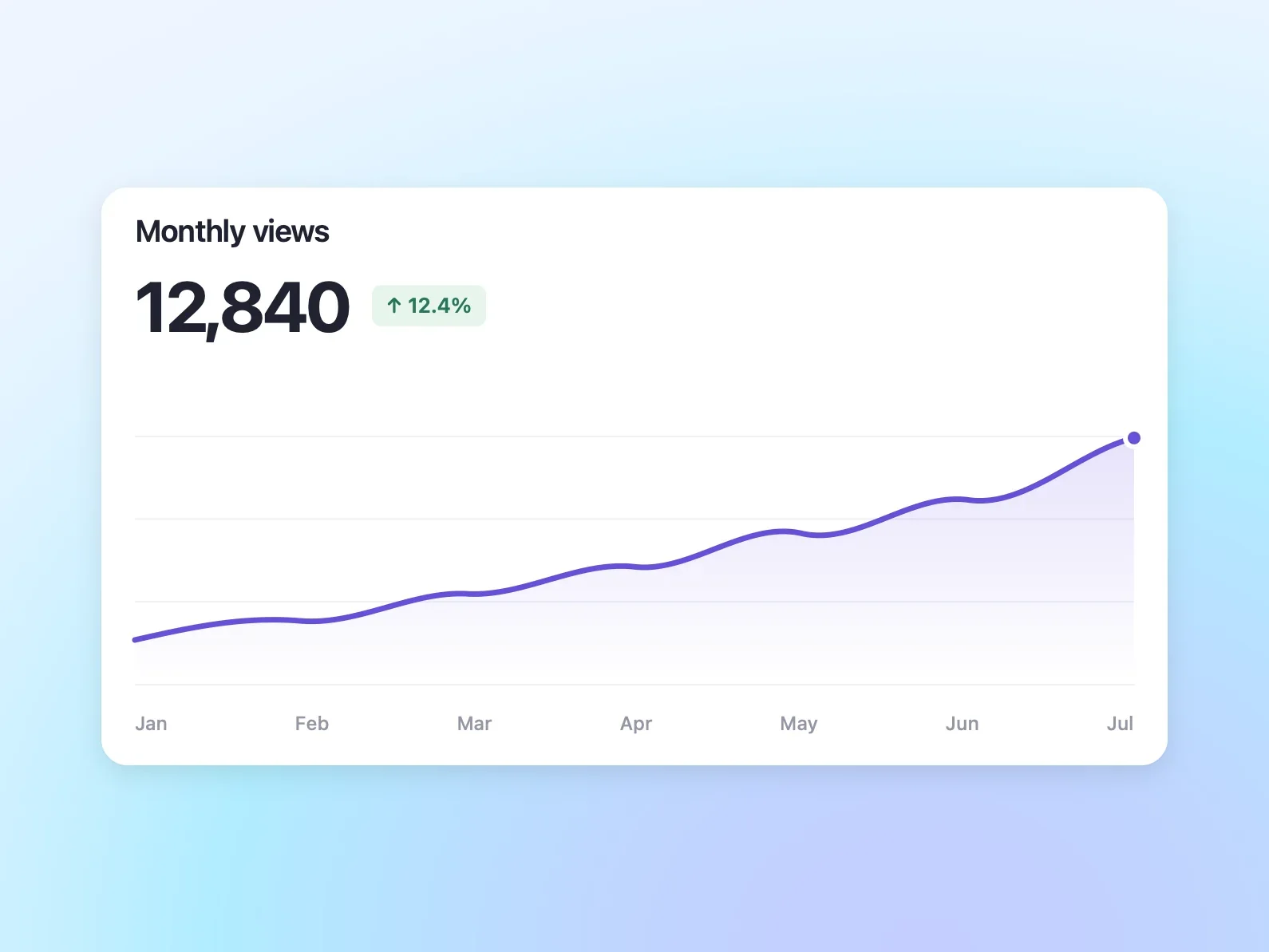
Images from palmscreen's official site.
Prices and codes change. Last year's codes may no longer work — always confirm on the maker's site. Are you the maker? Send us your 2026 deal — listing is free.
palmscreen alternatives for Mac
Similar deals
- KwaFlux — Fix noisy or shaky video, upscale old footage and clean up photos and audio with AI…
- DSPhoto Backup — Keep a copy of your phone camera roll on a Synology box at home, in the background.
- Recorder.app — Record your screen, camera, microphone and system sound at once into separate synced…
- Point-Free — A membership video series on advanced Swift, with a free plan you can sample first.
- Magic Automa AI — Macro tool for Mac and Windows that turns a plain sentence into steps for DaVinci…
- SnapVis — Browser tool that turns screenshots into framed visuals with backgrounds and shadows.
palmscreen deal history
| Year | Offer | Dates | Source |
|---|---|---|---|
| 2026 | $19 instead of $29 with code BLACKWEEK, one-time purchase, license for one Mac. Nov 23, 2026 00:00 UTC to Nov 30, 2026 23:59 UTC. The maker says $29 is the launch price and the regular price afterwards is $39. | Nov 23, 2026 – Nov 30, 2026 | Confirmed by the maker (announcement) |
Similar apps to palmscreen
- MotionShine — Record your Mac screen and get automatic click zooms, a restyled smooth cursor, captions and music in a built-in timeline editor. Live deal 50% off every paid plan with code BF50, all one-time purchases: Pro $24.50 instead of $49, Pro Forever $49.50 instead of $99, Agency $89.50 instead of $179. Nov 12 to Dec 5, 2026 (ends 11:59 pm US Pacific)
- SmoothCut — Record your screen on Mac or Windows and get automatic zooms, a steadier cursor, cleaner audio and captions without opening an editor. Live deal 40% off, applied automatically at checkout (code BLACKFRIDAY40): Personal $47.40 (was $79), Pro $101.40 (was $169), one-time purchase. Nov 10 to Dec 1, 2026
- ScreenSage Pro — Record polished screen demos and tutorials on your Mac with automatic zoom, camera layouts and iPhone capture built in. Live deal Up to 53% off one-time licenses: Lifetime $449 → $209.90 (53% off, code BFS2026L); Pro / 3 Macs $149 → $79.90 (46% off, code BFS2026P); Nov 4 to Dec 15, 2026
- Dropshare — Upload screenshots, screen recordings and any file to the storage you already trust, and get a shareable link instantly. Live deal $29 instead of $39 ($10 off) on dropshare.app, Nov 23-29
- ScreenDemos — Record product demo videos in the browser with automatic zoom and cursor polish. Awaiting this year's deal; 2025 offer (unconfirmed): 50% OFF lifetime plan with code BLACKFRIDAY2025
- Animock: 3D Mockup Maker — 3D device mockup studio that turns screenshots and recordings into promo videos. Awaiting this year's deal; 2025 offer (unconfirmed): 20% OFF on Lifetime PRO
More in Mac app (525 apps) · More in Screen & video (66 apps) · Screenshot & screen recording deals guide
FAQ
Is palmscreen on sale for Black Friday 2026?
Yes. The maker has confirmed a Black Friday 2026 deal: $19 instead of $29 with code BLACKWEEK, one-time purchase, license for one Mac. Nov 23, 2026 00:00 UTC to Nov 30, 2026 23:59 UTC. The maker says $29 is the launch price and the regular price afterwards is $39.. It runs until Nov 30, 2026. Confirmed directly by the maker (last checked Nov 16, 2026).
Does palmscreen have a lifetime or one-time price?
Yes. One-time purchase for one Mac; 14-day free trial; macOS 15 or later, per the maker's pricing page. Check the maker's site for current pricing.
What platforms does palmscreen run on?
palmscreen is listed for Mac.
Compare alternatives: MacWhisper alternatives · KwaFlux alternatives
See also: Screen & video Black Friday deals · Mac Black Friday 2026 deals.
For makers: add this badge
Optional. Copy this HTML to add a “Listed on IndieMarkdowns” badge that links to this deal page. It is never a condition of the listing.
A dark version uses https://indiemarkdowns.com/badge/listed-dark.svg. The older /badge/featured-light.svg and /badge/featured-dark.svg URLs work too.