At a glance

Best forPeople who want a light Mac snipping tool with arrows, blur and a one-click copy, and who are fine without recording or cloud links
Best forMac users who want one app for stills, screen recording, scrolling capture and shareable cloud links
Quick verdict
Pick SnapApp when you mostly grab a region, mark one detail, and paste a PNG, especially if the 50% off Pro plans on snapapp.im fit how you pay.
Pick CleanShot X when you also need recording, scrolling capture and cloud links, and the $24.50 Basic licence (usually $35) is enough.
Both figures come from the price table below. A one-time licence is paid once, so its 3-year cost stays the same unless you buy an upgrade.
SnapApp is a native Mac snipping tool: press a shortcut, drag out a region, mark it, and copy a PNG. The capture never leaves your Mac. CleanShot X is a broad Mac capture suite that adds recording, scrolling capture and cloud links on top of stills. Through December 1, 2026 at 11:59 pm Pacific, SnapApp Pro is 50% off on snapapp.im.
SnapApp pricing ↗ CleanShot pricing ↗
These go to each developer. Neither link pays us.
What you pay over three years
| Plan | What you get | Year 1 | 3 years |
|---|---|---|---|
| SnapApp Pro Lifetime, website sale | One payment on snapapp.im, 50% off through December 1 at 11:59 pm Pacific, code SNAPAPPBF26 applied for you. First-time buyers of the site download. | $44.50 once | $44.50 |
| SnapApp Pro Lifetime, usual website price | The same one-time website licence at the usual price. | $89 once | $89 |
| SnapApp Pro Yearly, website sale | $14.50 for the first year, then $29 a year. | $14.50 | $72.50 |
| SnapApp Pro Monthly, website sale | $1.45 a month for 12 months, then $2.90 a month. | $17.40 | $87.00 |
| SnapApp Pro Lifetime, Mac App Store | $44.99 instead of $89 from November 24 to December 1, no code, bought inside the free app. | $44.99 once | $44.99 |
| SnapApp Free | Region capture, arrows, shapes, text and a copied PNG, with no account. | $0 | $0 |
| CleanShot X Basic, Black Friday | A one-time Basic licence, 30% off the usual $35, with 12 months of updates and 1 GB of cloud space. Optional update renewal is $19 a year. | $24.50 once | $24.50 |
| CleanShot X Basic, usual price | The same one-time Basic licence at the usual price. | $35 once | $35 |
| CleanShot X Pro, billed yearly | $5 per user each month in year one (50% off), then $10 per user each month, billed annually, with unlimited cloud storage and team controls. | $60 per user | $300 per user |
Sources: snapapp.im/pricing and cleanshot.com/pricing, both on Nov 25, 2026. US dollars.
A look inside SnapApp
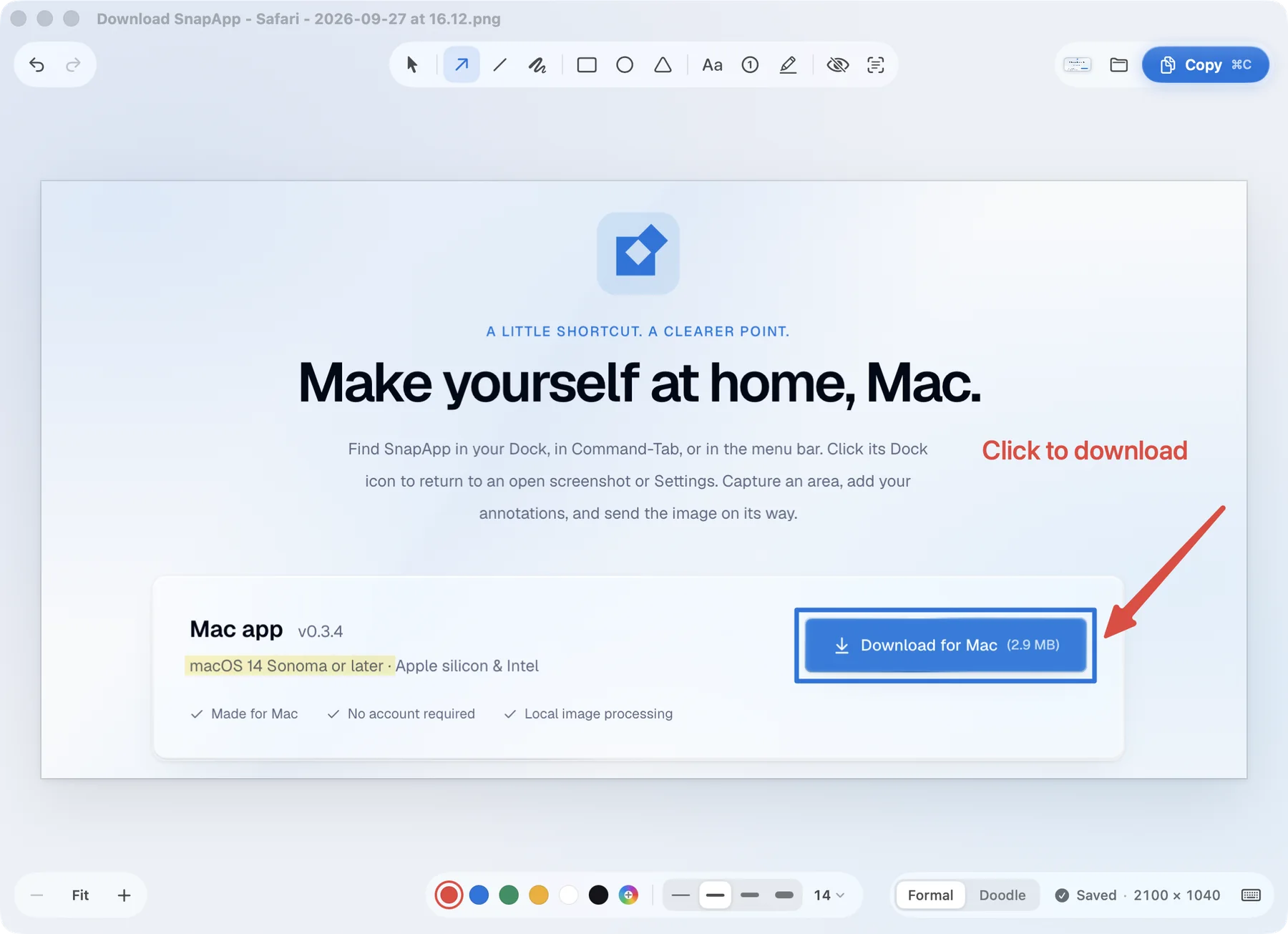
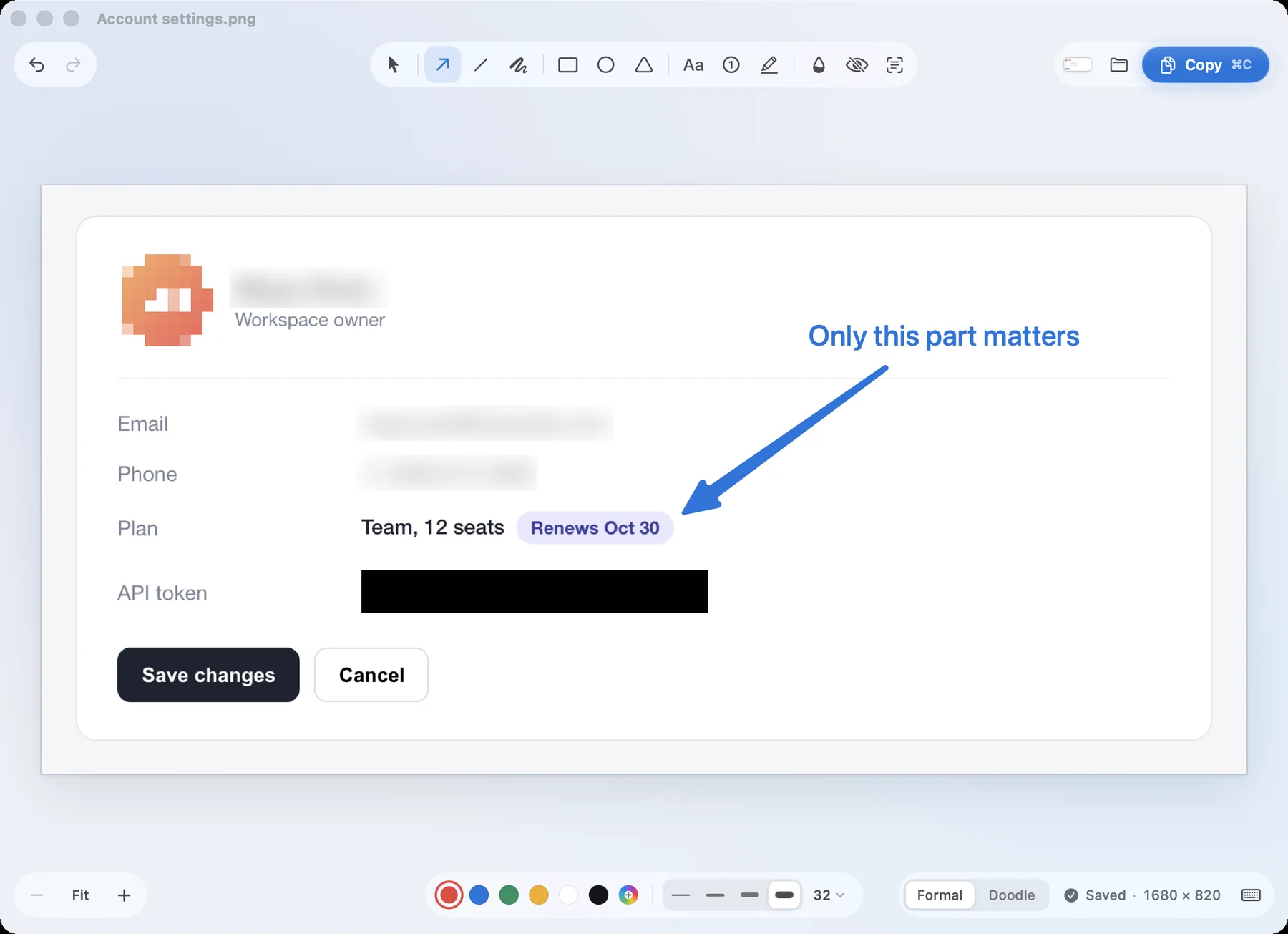
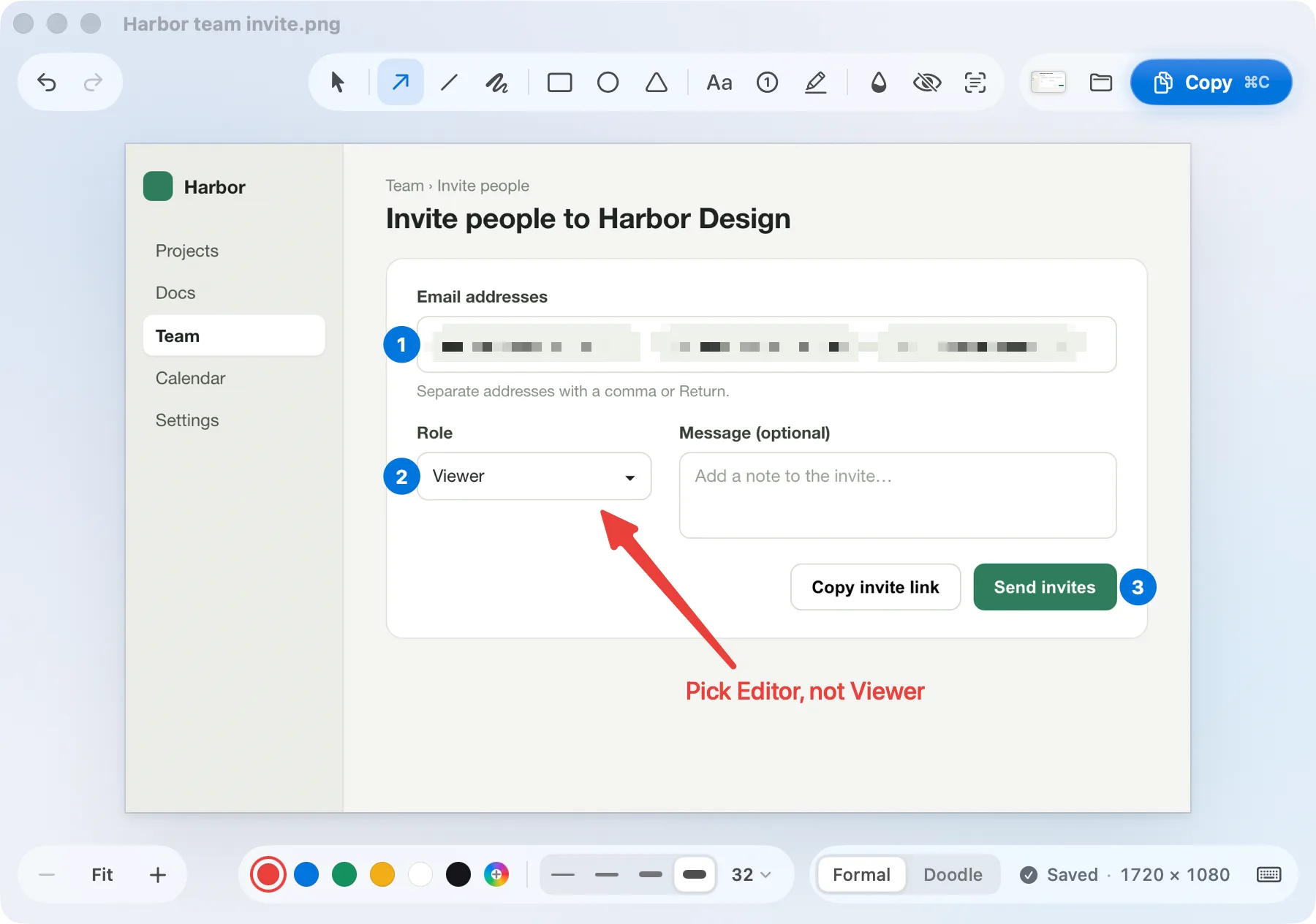
Images from SnapApp’s site. More on our SnapApp deal page.
Feature by feature
| Topic | SnapApp | CleanShot X |
|---|---|---|
| Main job | Grab a region, mark it, and copy or save a PNG, all on the Mac. | Stills, video, and a way to pass those files along. |
| Annotation | Arrows, lines, boxes, ovals, triangles, pen, text and highlights, in Doodle or Formal styles. The canvas grows if you draw past an edge. | Arrows, shapes, type and blur in a dedicated markup editor. |
| Redaction | Pro can blur or pixelate faces and details, or cover them with a solid block, and copy text out of a snip. | Blur and cover tools sit in the same markup pass. |
| Recording and scrolling | Stills only. No screen recording or scrolling capture. | Screen recording with a video editor, plus scrolling pages. |
| Sharing | Copy the PNG or open the autosaved file in Finder. No cloud upload. | Shareable Cloud links, with 1 GB on Basic and unlimited space on Pro. |
| Requirements | macOS 14 and up, on Apple silicon or Intel. No account needed. | macOS 13 or later. |
Privacy
SnapApp’s privacy policy says the Mac app processes captures on your device and does not send screenshot content to the maker’s servers. Files save locally as PNGs, and update checks do not upload images. CleanShot keeps editing on the Mac too, and a file goes online only after you make a Cloud link. Read both policies before you snip anything confidential.
Where CleanShot pulls ahead
- Video capture and a built-in editor are part of CleanShot, and SnapApp has neither.
- Scrolling pages and Cloud links reach jobs a single region still cannot.
- Pro adds unlimited cloud storage, custom branding and team controls, including SSO and SCIM.
Who should pick which
- SnapApp suits people who mostly grab a corner of the screen, mark one detail, and paste a PNG into a chat or ticket.
- SnapApp Pro suits the same workflow when you also need blur, redaction, text copied from a snip, or numbered steps, especially during the website sale.
- CleanShot X suits people who want one tool for stills, recordings, long pages and fast shareable links.
Our take: if your day is region captures and a copied PNG, SnapApp is the narrower tool and has a 50% off Pro sale on snapapp.im through December 1. Choose CleanShot X if video, scrolling capture and cloud sharing matter more, including at today’s $24.50 Basic price.
SnapApp Pro at 50% off through December 1
On snapapp.im the sale price is applied for you as SNAPAPPBF26, through December 1, 2026 at 11:59 pm Pacific, for first-time buyers of the site download. No affiliate link here.
Sources and notes, checked Nov 25, 2026
- SnapApp pricing: official “Black Friday · until December 1, 11:59 pm Pacific”, 50% off SnapApp Pro on the website, SNAPAPPBF26 applied automatically, first-time buyers of the site download; monthly $1.45 then $2.90, yearly $14.50 then $29, lifetime $44.50 instead of $89. The same page lists Mac App Store Pro Lifetime at $44.99 instead of $89 from November 24 to December 1, with no code.
- SnapApp homepage and download page: native Mac snipping tool, macOS 14+, Apple silicon and Intel, menu bar, custom shortcut, Doodle and Formal styles, autosave PNG, no account. Site build v0.3.23.
- SnapApp privacy policy (updated November 19, 2026): O-mega Enterprise Inc.; captures processed on the device; no screenshot content sent to the maker’s servers.
- CleanShot X pricing, checked the same morning: “Black Friday is here” with Basic at $24.50 instead of $35 (30% off), pay once, one year of updates, 1 GB of Cloud, optional renewal at $19 a year; Pro at $5 per user a month for the first year, then $10, billed annually; macOS 13 or later. No end date was printed on that page at the time of the check.
- Three-year totals repeat today’s prices after any first-year discount. Taxes may be extra. We did not test either app.