At a glance
Cirrus Pro, BLACKFRIDAY
Best forBusy Mac users who jot numbers, reminders and snippets mid-task without leaving the app they are in
Drafts Pro, annual
Best forPeople who capture text on iPhone and Apple Watch and like building automations
Quick verdict
Cirrus is the fastest place to put a thought on a Mac, it does the maths for you, and Pro is $2.49 once this week.
Drafts is the better buy if you capture away from your Mac or want its automation system.
Both figures come from the price table below. A one-time licence is paid once, so its 3-year cost stays the same unless you buy an upgrade.
Cirrus is a note that floats over whatever Mac app you are in. Press Control-Command-N, jot a number, a reminder or a snippet, press Escape, and you are back to work. Notes are Markdown with the symbols hidden, and any line ending in an equals sign is calculated, units, time zones and currencies included. Drafts is the well-known text-capture app on Apple devices, with a subscription for its Pro features. For quick notes on a Mac, Cirrus Pro costs $4.99 once, or $2.49 with this week’s code.
Cirrus ↗ Drafts on the Mac App Store ↗
The Cirrus site and Apple’s Drafts page. We take nothing from either.
Pay once or pay every year
| Option | What you get | Year 1 | 3 years |
|---|---|---|---|
| Cirrus Pro, BLACKFRIDAY | Unlimited notes, yours to keep, on up to three Macs. Half price from November 24 to December 1 when you buy from trycirrus.app. | $2.49 once | $2.49 |
| Cirrus Pro | Regular price after the code expires; refundable within 14 days. | $4.99 once | $4.99 |
| Cirrus Free | Every feature, limited to three notes. | $0 | $0 |
| Drafts | The free Mac download. | $0 | $0 |
| Drafts Pro, annual | Pro features through an annual in-app purchase. | $24.99 | $74.97 |
| Drafts Pro, monthly | Pro by the month at $2.99. | $35.88 | $107.64 |
| Drafts Pro, Patron | A higher-priced Pro option for supporters. | $39.99 | $39.99 or more |
Cirrus prices from trycirrus.app; Drafts prices from its US Mac App Store listing (id 1435957248). Both read Nov 23, 2026.
Worked example
Ana is on a sales call, screen-sharing a spreadsheet, and needs to note a price and convert it
She cannot switch windows in the middle of the call, and she needs the number in euros as well as dollars.
With Cirrus
Ana presses Control-Command-N and a note appears over the spreadsheet. She types “1,200 USD in EUR =” and Cirrus fills in the answer on the same line. Escape hides it, and the note waits as a small tab on the screen edge, or in the notch on her MacBook, until the call ends. Later it syncs through her own iCloud to her other Mac, and she exports it as Markdown into her CRM notes.
With Drafts
Drafts would catch the text quickly too, and its actions can send it on to other apps. It opens as its own window rather than floating above the shared screen, and the Pro features she would want cost $24.99 a year.
Ana’s cost: $2.49 once for Cirrus this week, or $74.97 over three years for Drafts Pro.
A look inside Cirrus
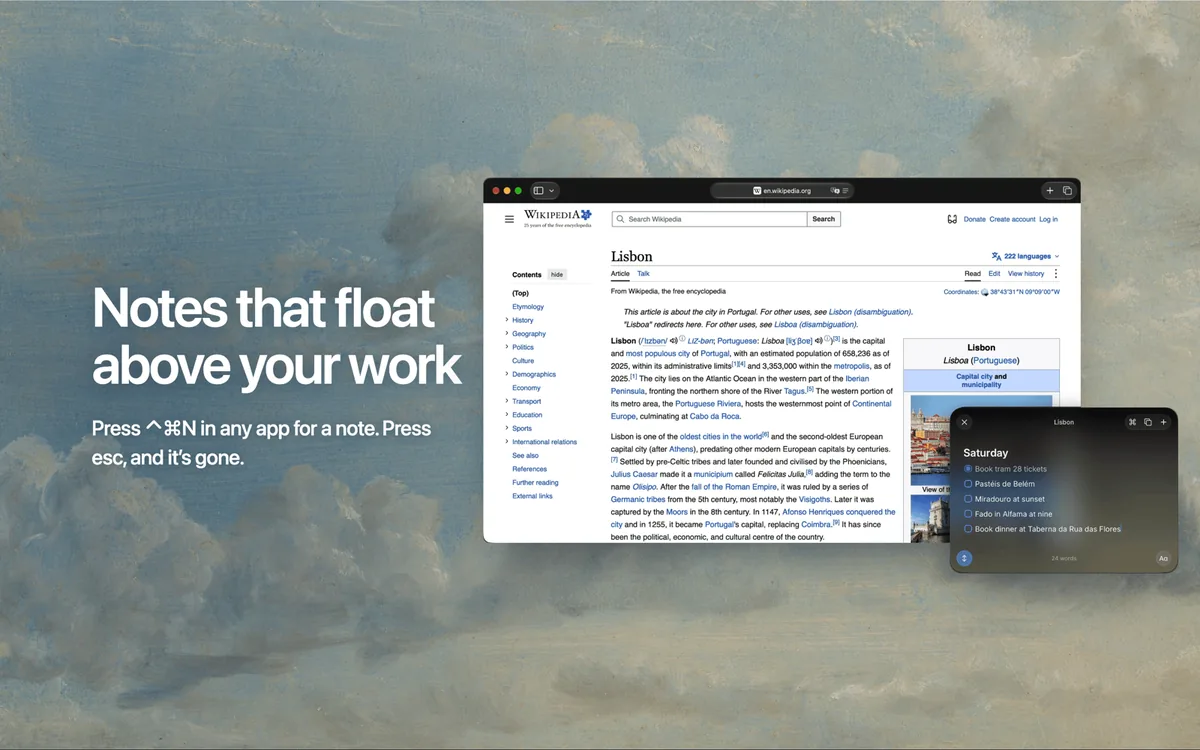
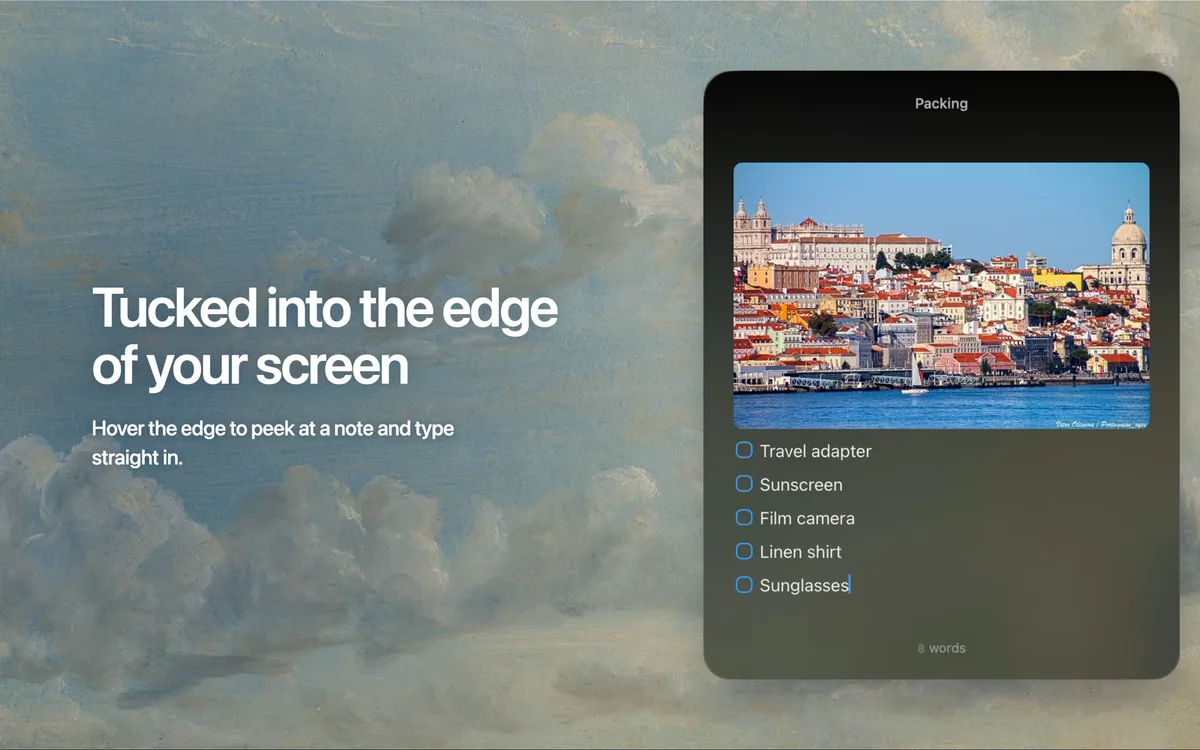
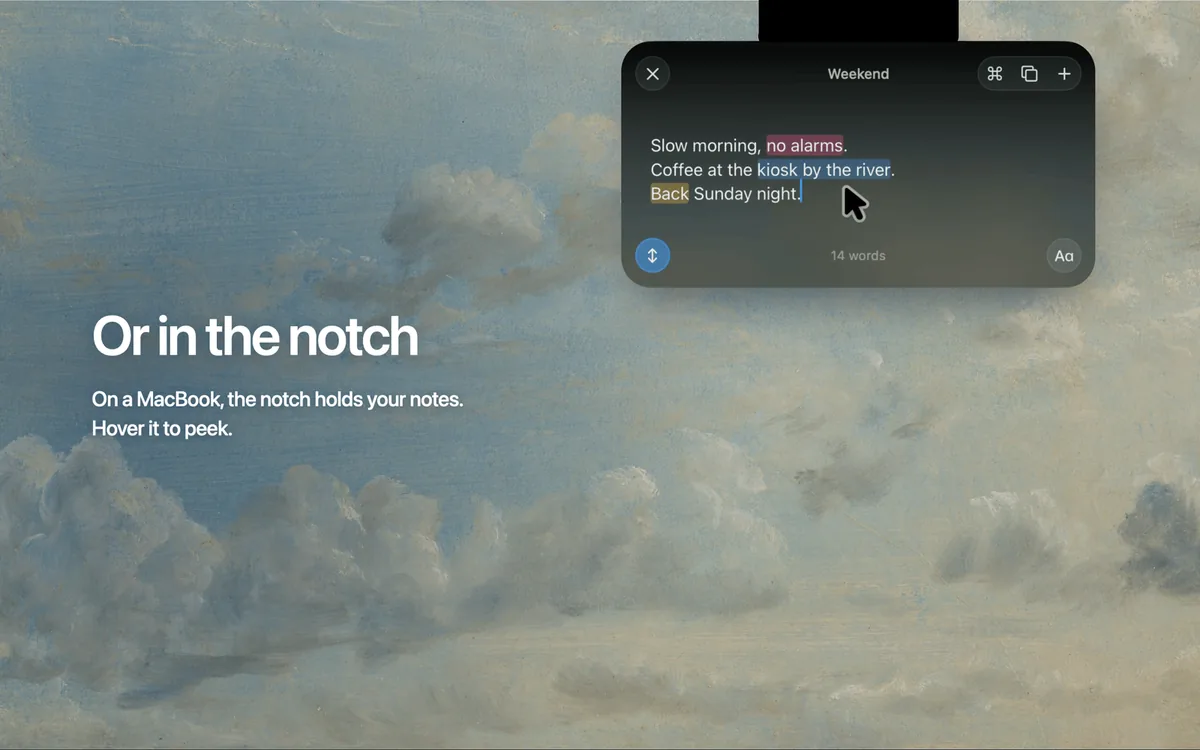
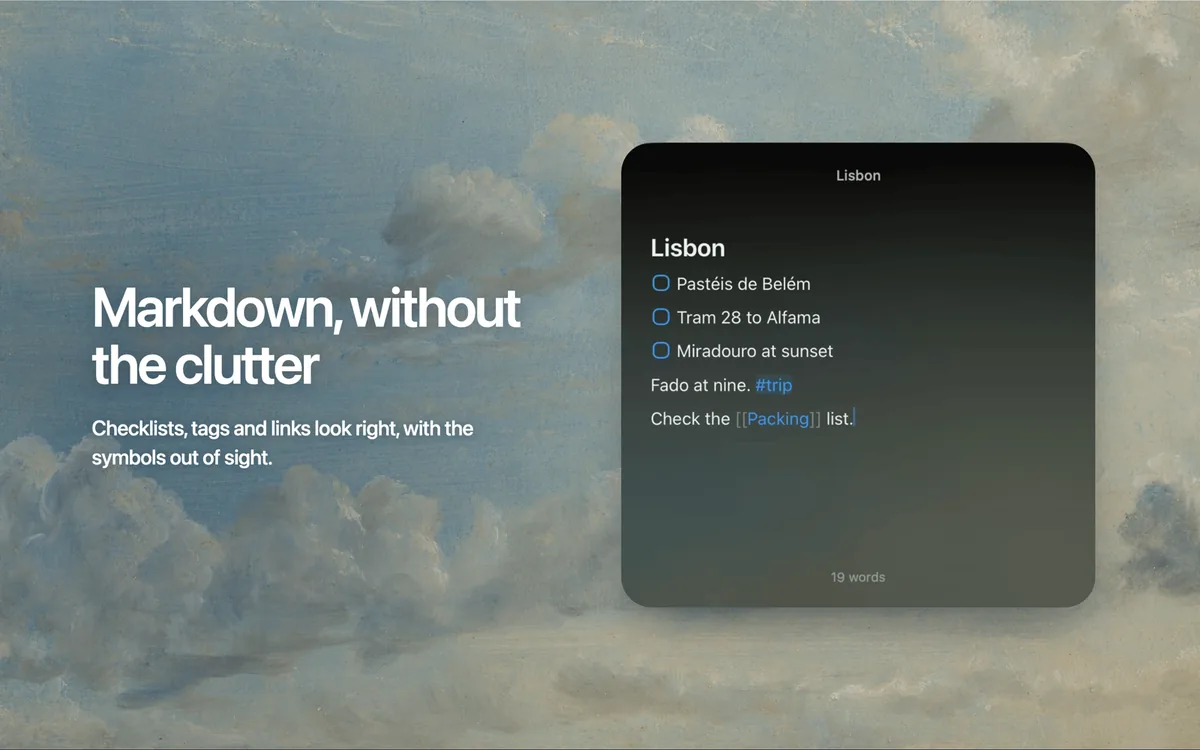
Images from the App Store listing. More on our Cirrus deal page.
Feature by feature
| Topic | Cirrus | Drafts |
|---|---|---|
| Where the note appears | Floating over any app, summoned and dismissed by shortcut, parked on a screen edge or in the notch. | In the Drafts app window. |
| Writing | Markdown that hides its symbols. | Plain text and Markdown capture. |
| Built-in maths | Lines ending in = are calculated, with units, time zones and currencies. | Not compared here. |
| Sync and export | Your own private iCloud; every note exports as Markdown. | Syncs across Apple devices. |
| Devices | Mac only, macOS 14 or later; an iPhone version is planned. | Mac, iPhone, iPad and Apple Watch. |
| Latest Mac update | Not compared. | Version 55.0, November 18, 2026. |
Privacy
Cirrus needs no account. Notes sync through your own iCloud and export as plain Markdown, so nothing is locked in. Drafts syncs through iCloud as well; its App Store listing carries Apple’s privacy summary.
Where Drafts wins
- It runs on iPhone, iPad and Apple Watch today, so you can capture a thought anywhere.
- Its free download is generous, and Pro adds a deep automation system for sending text to other apps.
- It is a mature app with a large community of shared actions.
Who should pick which
- Cirrus Pro suits busy Mac users who jot numbers, reminders and snippets while working in other apps and never want to switch windows.
- Cirrus Free suits anyone happy with three floating notes.
- Drafts suits people who capture text on their phone and watch, and who like building automations.
Our take: for fast notes on a Mac, Cirrus is the quicker tool and costs less than a coffee this week. Drafts is better if you capture on the go.
Get Cirrus Pro for $2.49 until December 1
No affiliate link. Code BLACKFRIDAY fills in automatically on trycirrus.app; App Store purchases do not carry over to the direct version.
Sources and notes, checked Nov 23, 2026
- trycirrus.app: official Free plan at $0 for three notes, Pro at $4.99 once for unlimited notes, 14-day refund, macOS 14 or later.
- Code BLACKFRIDAY halves Pro to $2.49 on trycirrus.app from November 24 to December 1, 2026, as confirmed for our listing; the homepage had not shown it yet on Nov 23. One direct licence covers up to three Macs.
- Drafts, US Mac App Store (id 1435957248): free download with official in-app purchases Drafts Pro Monthly $2.99, Annual $24.99 and Patron $39.99; version 55.0 from November 18, 2026 via the iTunes lookup API. The listing does not say how long Patron lasts, so we count it once. getdrafts.com/pricing returned an error page when we tried it.
- Drafts’ devices, actions, Directory and community come from getdrafts.com and the App Store listing. We did not test either app.