At a glance

Wallper Pro, Black Friday
Best forMulti-display and MacBook owners who want polished 4K scenes that pause when they work full screen
Plash
Best forTinkerers who want a live web page, such as a calendar, as the background
Quick verdict
Wallper gives you thousands of ready 4K scenes, a different one per screen and on the Lock Screen, and it backs off when you need the Mac’s power.
Plash is the free choice when you want live web content rather than video.
Both figures come from the price table below. A one-time licence is paid once, so its 3-year cost stays the same unless you buy an upgrade.
Wallper is a moving-wallpaper app with a library: more than 3,200 4K scenes to browse, your own videos if you prefer, a different scene on each display and on the Lock Screen, and a music mode that makes the desktop follow what you are playing, lyrics included. It hands playback to macOS rather than running a helper of its own, and it pauses when an app goes full screen or the processor is busy. Sindre Sorhus’s Plash costs nothing and puts a website on the desktop instead. If you want cinematic scenes ready to pick, Wallper Pro covers three Macs for $7.49 once this week; if you want a live web page behind your windows, Plash is free.
Wallper ↗ Plash on the Mac App Store ↗
Plain links to each maker or store. Nothing is paid to us.
Licence prices
| Licence | What you get | Year 1 | 3 years |
|---|---|---|---|
| Wallper Pro, Black Friday | Up to 3 Macs, lifetime updates; 50% off until November 30. | $7.49 once | $7.49 |
| Wallper Pro | Same licence at the usual price. | $14.99 once | $14.99 |
| Wallper Pro+, Black Friday | Up to 5 Macs, cloud sync for Studio projects, creator tools. | $12.49 once | $12.49 |
| Plash | Free app with no ads. | $0 | $0 |
Read Nov 23, 2026 from wallper.app/pricing, the sale terms Wallper sent us, and Plash’s US store listing (id 1494023538).
Worked example
Leo runs a MacBook Pro with a 4K monitor and works on battery in cafés
He wants a calm forest scene on the big screen, rain on the laptop, and no hit to battery life or fan noise when he is editing video.
Leo’s Wallper setup
He picks two scenes from the gallery and assigns one to each display, with the Lock Screen matching. When Final Cut goes full screen or the processor gets busy, playback pauses, and on battery Wallper lowers quality. In the evening, music mode turns the desktop into a lyrics view for the album he is playing.
Leo’s Plash setup
Plash would show one website on the display he chooses and can switch off on battery. Moving scenes would have to come from a web page he finds or builds himself.
Leo’s cost: $7.49 once for Wallper Pro this week, or nothing for Plash.
A look inside Wallper
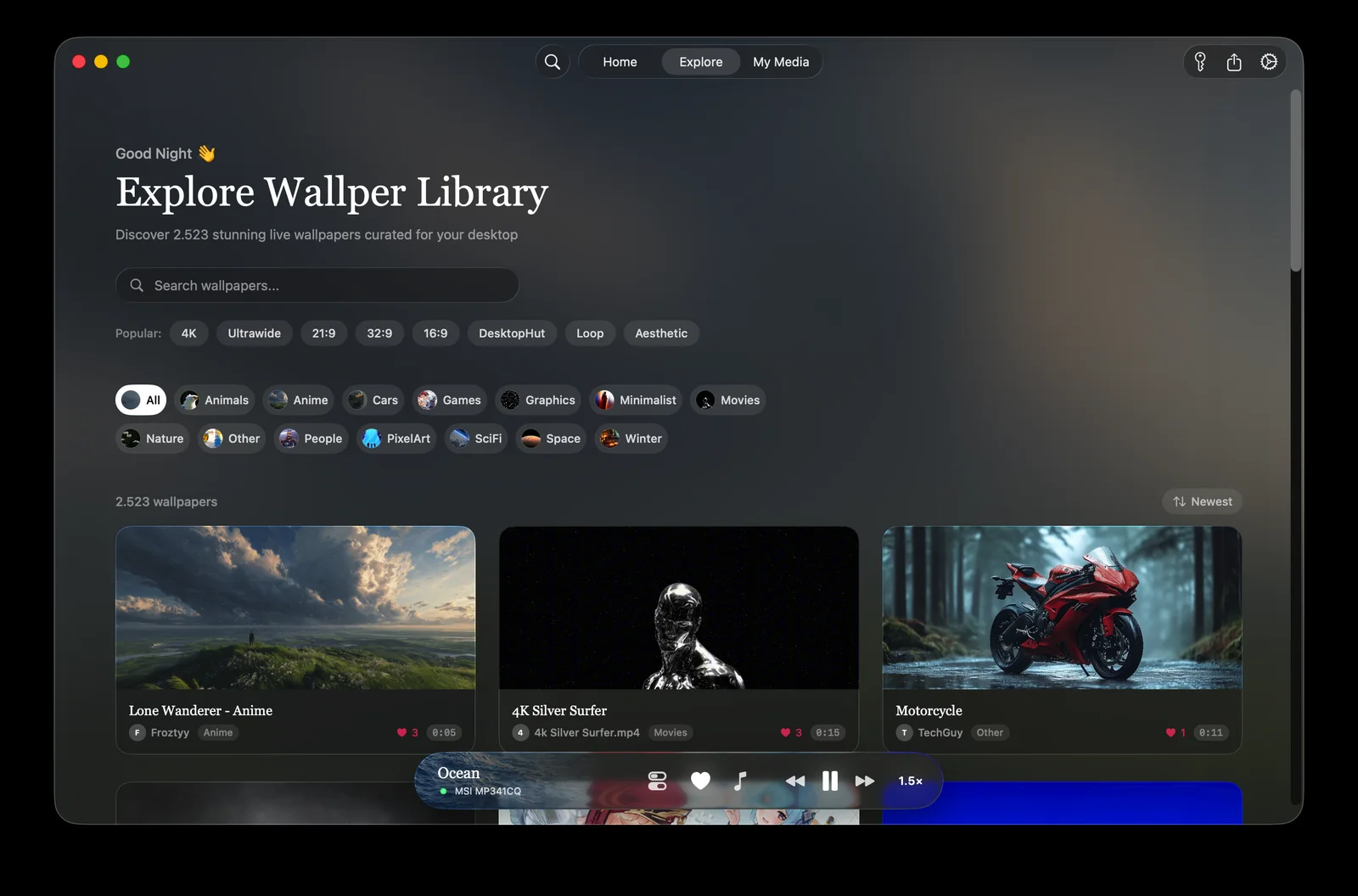
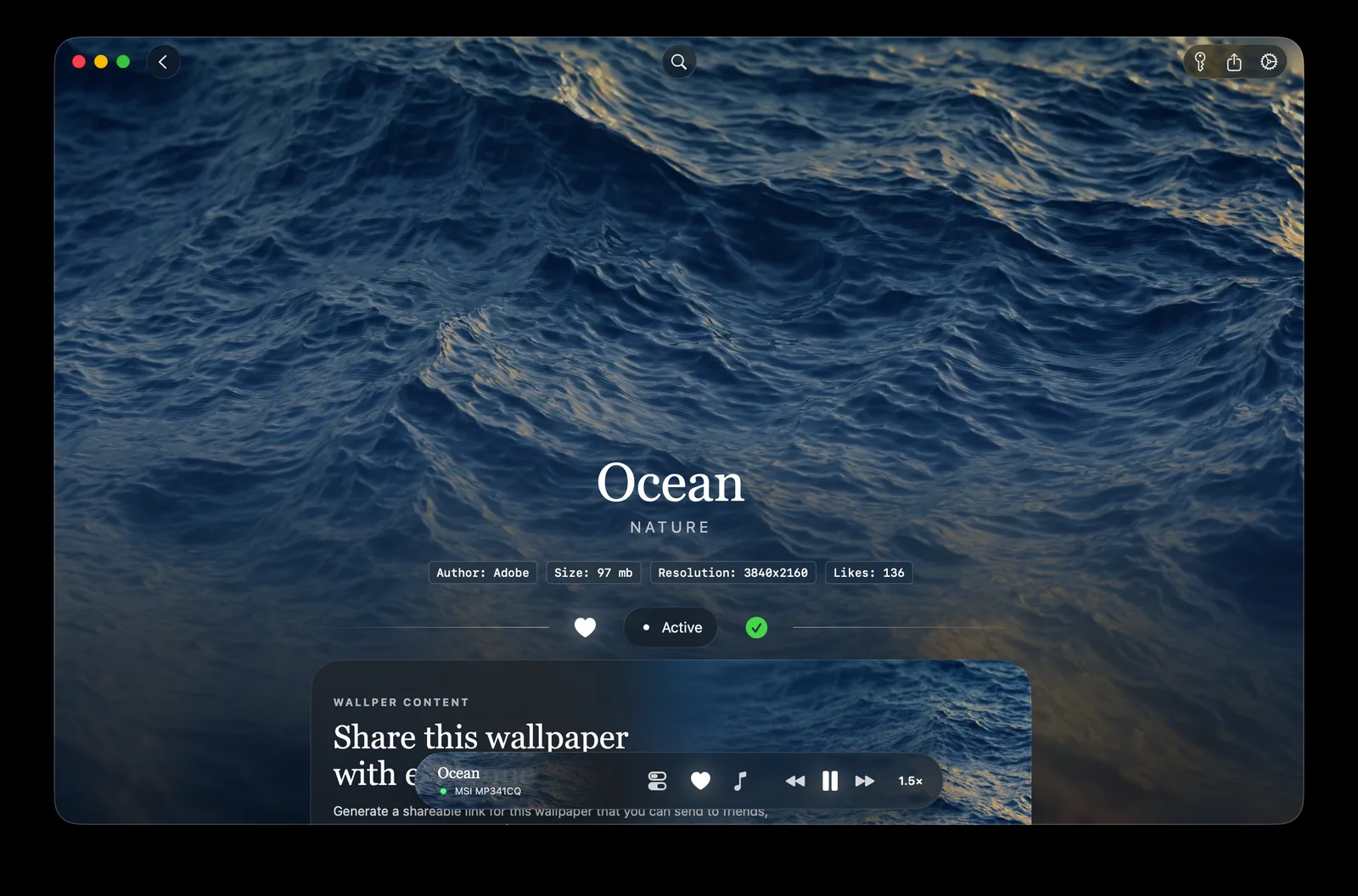
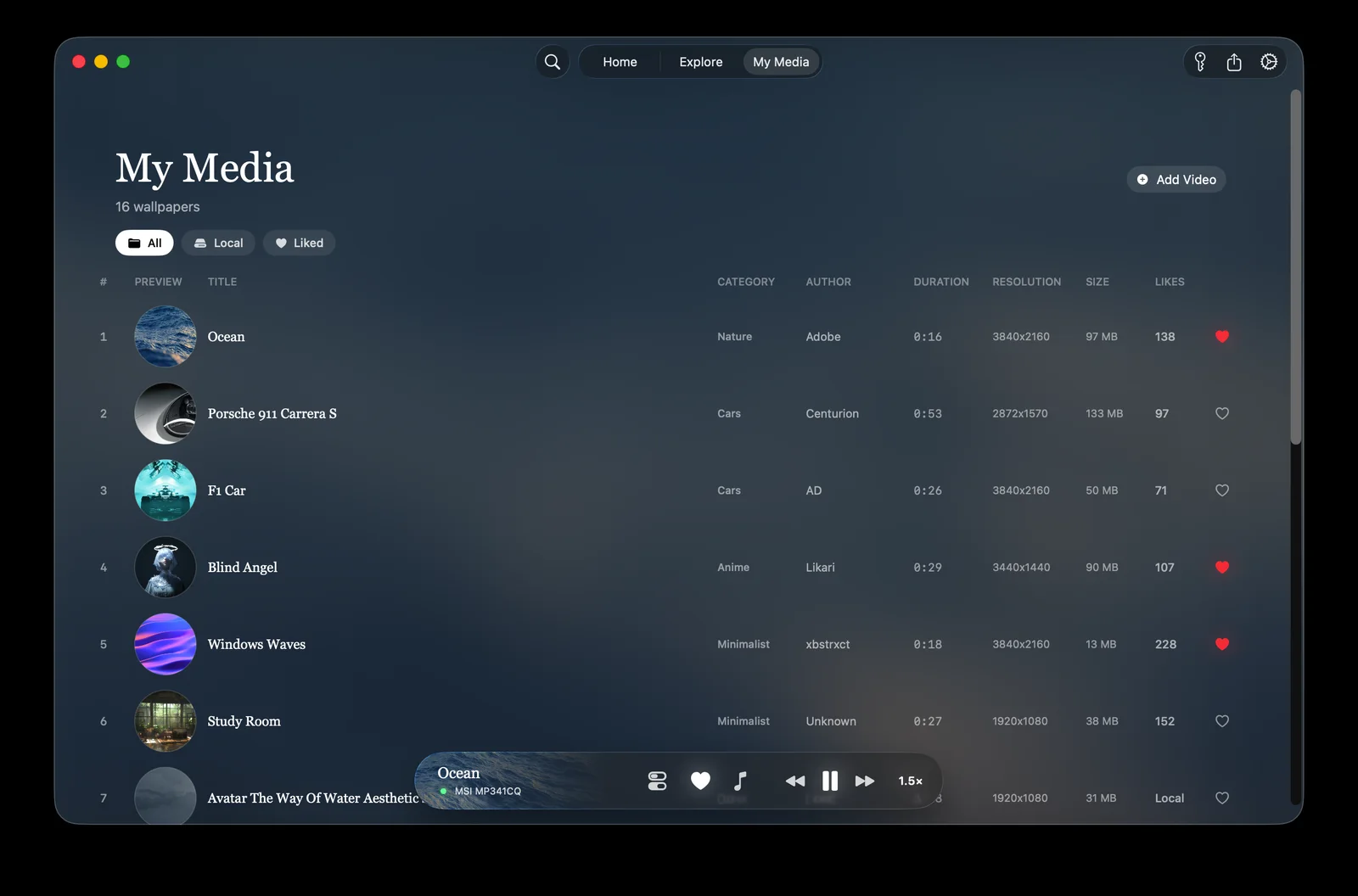
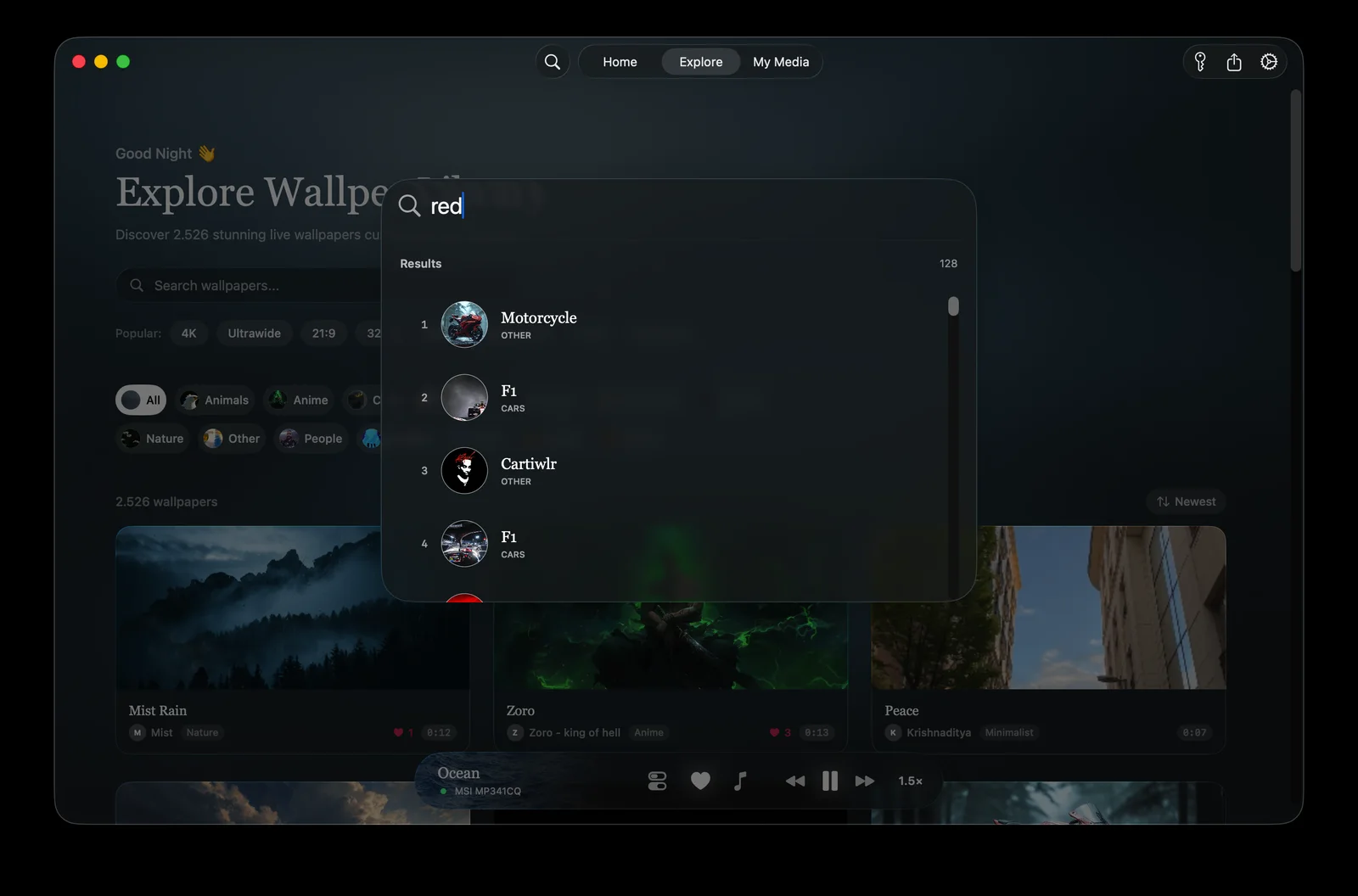
App UI images from wallper.app. More on our Wallper deal page.
Feature table
| Feature | Wallper | Plash |
|---|---|---|
| Content | 3,200+ 4K scenes, your own uploads, Studio to make your own. | Any website, local or remote. |
| Displays | A different scene per display, plus the Lock Screen. | One website, shown on the display you choose. |
| Performance | Uses the system for playback; pauses for full-screen apps and high CPU; lower quality on battery. | Can deactivate while on battery; audio is muted. |
| Extras | Music mode with synced lyrics; community gallery uploads. | Browsing mode, auto-reload, custom CSS and JavaScript, Shortcuts. |
| Trial and refunds | Seven days of every Pro feature without a credit card, then a 14-day refund window. | Free. |
| Requirements | Intel or Apple-silicon Macs from macOS 14.6. | macOS 26.4 or later. |
Privacy
Wallper’s privacy policy says it collects a hardware ID for licensing, a country based on your IP address and limited usage data. Plash gathers no personal data, Sindre Sorhus states, but any site you put on the desktop logs the visit as usual.
Why you might pick Plash
- It is free and needs no licence.
- It can show live information like a calendar or dashboard.
- It collects no personal data, according to its maker.
Which suits you
- Wallper suits people with several displays who want polished 4K scenes on each one and on the Lock Screen.
- Wallper also suits laptop users who want moving wallpaper that steps aside when they work full screen or run on battery.
- Plash suits tinkerers who want a web page, not a video, as the background.
Our take: Wallper is the ready-made moving-wallpaper app, and $7.49 for three Macs is a strong Black Friday price. Choose Plash for free web wallpapers.
Wallper Pro for $7.49 until November 30
Checkout takes off half automatically; the sale ends December 1 at 00:00 UTC (4:00 PM PT on November 30). No affiliate link here.
Sources and notes, checked Nov 23, 2026
- Wallper pricing: official page, Pro $14.99 for up to 3 Macs, Pro+ $24.99 for up to 5, Enterprise from $59, 7-day trial, 14-day refund, macOS 14.6 or later. The maker confirmed the 50% Black Friday prices of $7.49 and $12.49 from November 23 to 30, 2026, ending December 1 at 00:00 UTC.
- Wallper official site: gallery, uploads, per-display scenes, Lock Screen, pausing rules, battery quality, music mode. Payments go through Stripe.
- Plash official page and store listing: free, macOS 26.4 or later, websites as wallpaper, battery setting, one display per website for now.
- We considered Wallpaper Engine as the rival, but it is a Windows app, so Plash is the fairer Mac comparison.