At a glance
VectorStyler lifetime, Black Friday
Best forIllustrators who edit clients’ Illustrator files and want one licence for their Mac and Windows machines
Affinity graphic design
Best forNewcomers to vector design who want a capable tool at no cost
Quick verdict
Affinity is free and does most vector jobs well, so start there if you only need the basics.
VectorStyler earns its $57 when you must keep Illustrator files editable, work on an older Mac or Windows 10, or want artwork that never leaves your computer.
Both figures come from the price table below. A one-time licence is paid once, so its 3-year cost stays the same unless you buy an upgrade.
VectorStyler is a full desktop illustration app from a small Finnish studio: paths, brushes and type tools for logos, lettering and print-ready artwork, on Mac and Windows, and it can open native Illustrator files and keep them editable. Affinity, now published by Canva, is the big-name alternative and is free. VectorStyler is for the illustrator who wants a deep vector toolset that keeps artwork on their own computer, and this sale makes the lifetime licence $57.
VectorStyler ↗ Affinity graphic design ↗
NumericPath’s site and Affinity’s design page. We are not paid for either.
What the two illustration apps cost
| Option | What you get | Year 1 | 3 years |
|---|---|---|---|
| VectorStyler lifetime, Black Friday | 40% off the commercial licence, November 21 to December 10, no code. One licence for macOS and Windows, with free upgrades in the 1.4 release offer. | $57 once | $57 |
| VectorStyler lifetime | The regular one-time commercial licence. | $95 once | $95 |
| Affinity graphic design | Affinity’s design software, which its page calls free. | $0 | $0 |
Read Nov 23, 2026 on vectorstyler.com and affinity.studio/graphic-design-software.
Worked example
Noor, a freelance illustrator, inherits a client’s brand files made in Illustrator
Noor works on an older Intel iMac and a Windows laptop. The client sends layered .ai files and wants the logo reworked for print.
With VectorStyler
Noor opens the native Illustrator files in VectorStyler and keeps them editable, reshapes the lettering with the type and path tools, and exports print-ready artwork. The same licence covers both computers, the installer still supports macOS 10.11, and the 42-day trial is long enough to finish the job before paying. In the sale, keeping it costs $57.
With Affinity
Affinity is free and handles curves, nodes, symbols and non-destructive edits well. We did not confirm from its page that it opens native .ai files with the same editability, so Noor would need to test that first.
For Noor: Affinity costs nothing, but if Illustrator files and an older Mac are part of the work, $57 once for VectorStyler is a small price.
A look inside VectorStyler
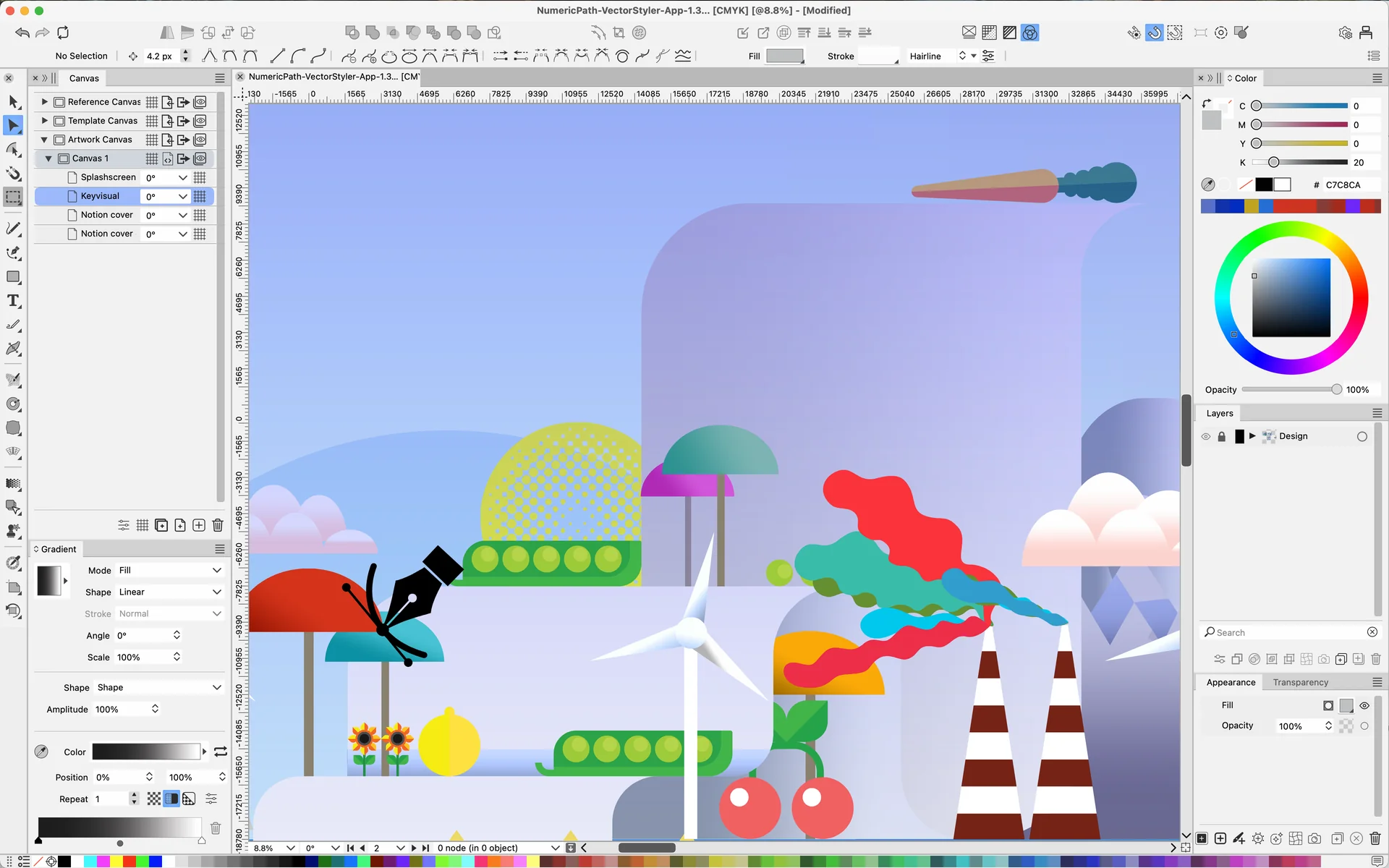
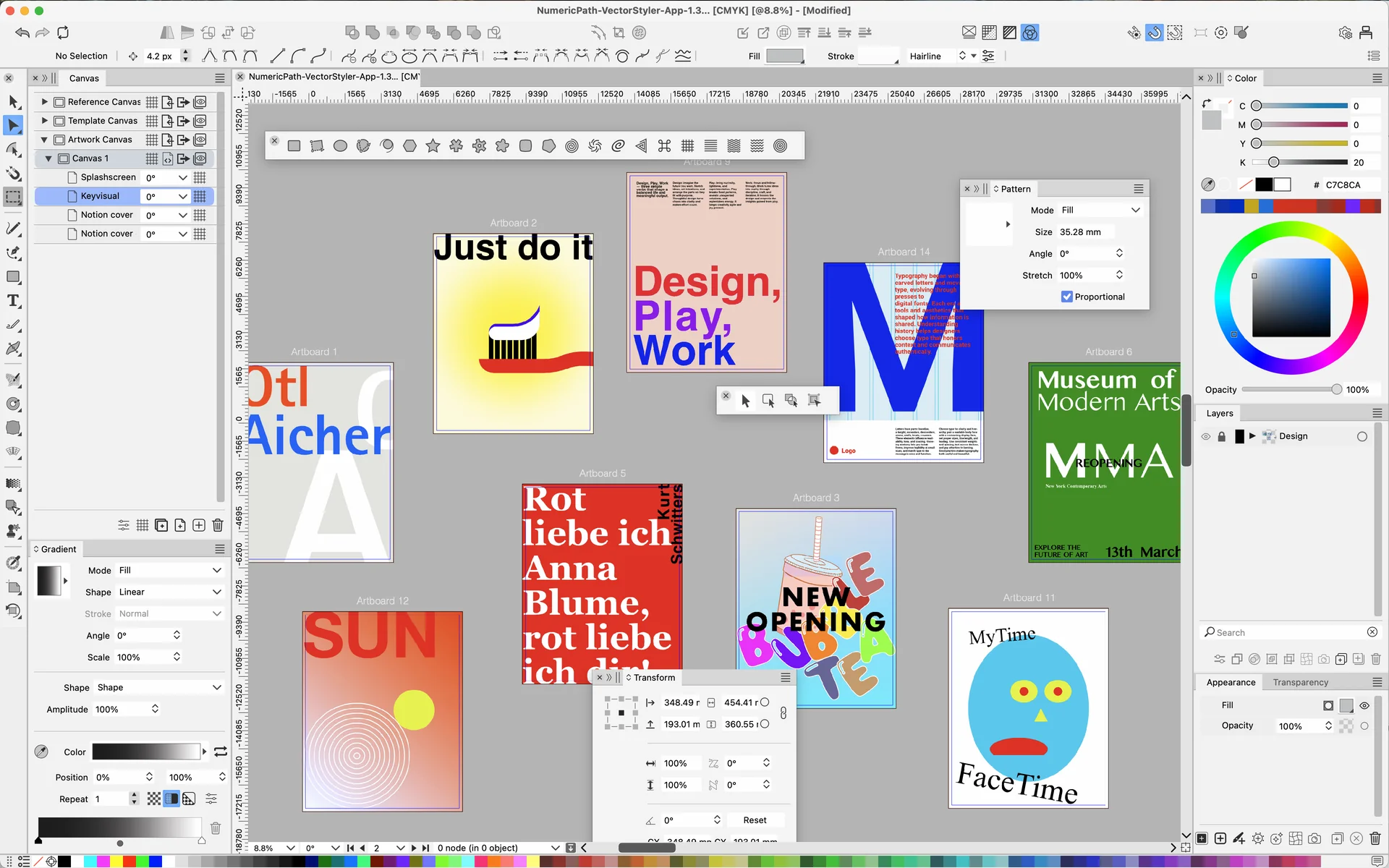
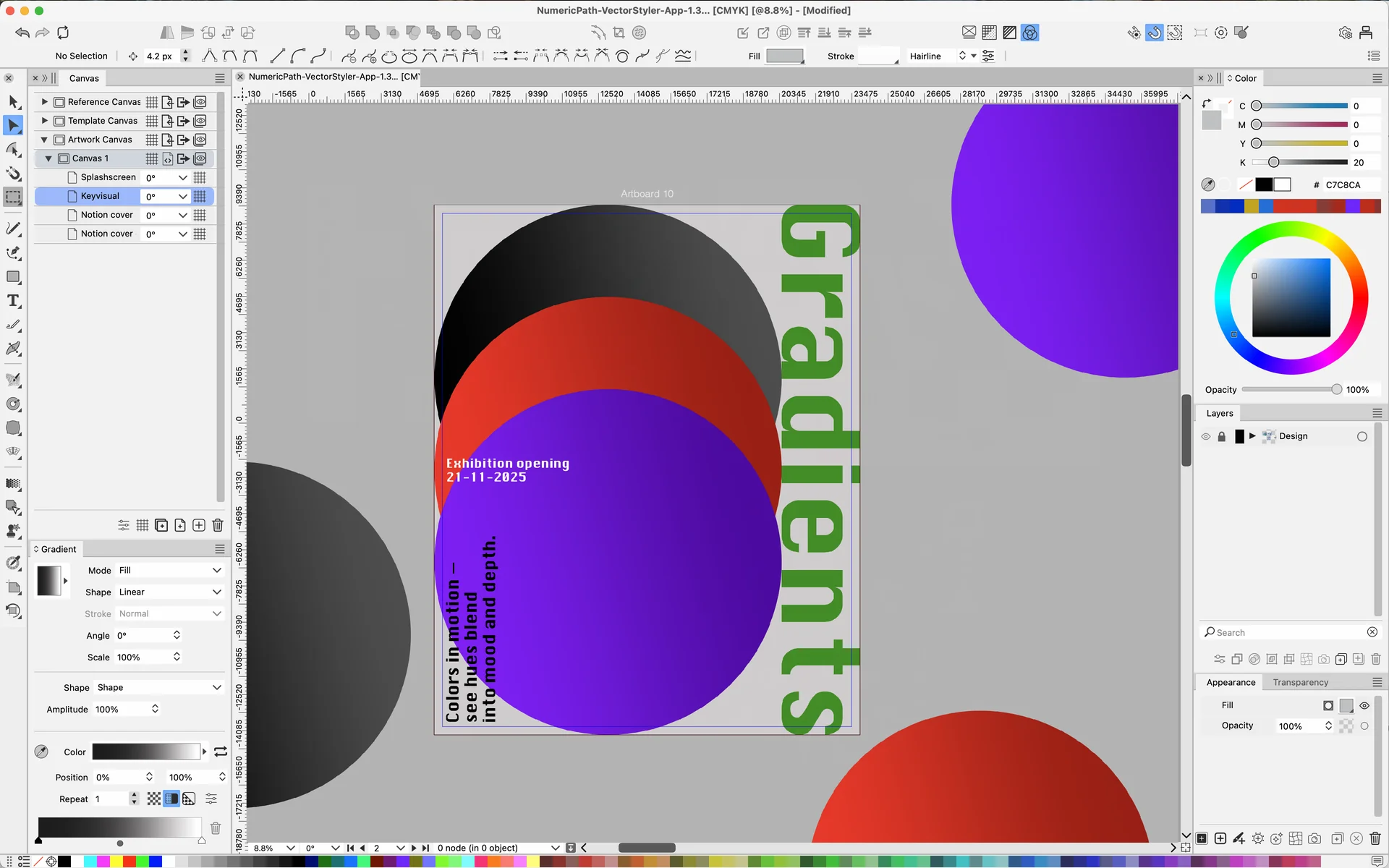
Images from VectorStyler's site. More on our VectorStyler deal page.
Feature by feature
| Topic | VectorStyler | Affinity |
|---|---|---|
| Main job | Vector illustration for logos, typography and print: paths, brushes and type tools. | Advanced graphic design: curves, nodes, snapping, symbols and non-destructive editing. |
| Illustrator files | Opens native Illustrator files and keeps them editable. | Not confirmed on the page we read. |
| Platforms | macOS 10.11 or later on Intel and Apple silicon, and Windows 10. One licence for both. | Not listed in the text we could read on its page. |
| Trial | 42 days with every feature. | Free to download. |
| Maker | NumericPath Oy, a small company in Salo, Finland, with a public forum. | Affinity, now part of Canva. |
Privacy
VectorStyler’s privacy notice says your artwork is never uploaded. The app only contacts NumericPath for trial and licence checks, updates and crash reports, and purchases go through Paddle. Affinity’s page does not set out its data handling in the text we read; check Canva’s privacy terms before signing in.
Where Affinity wins
- It is free, so it is the cheaper option every year.
- It comes from a large company with a big user base, tutorials and templates.
- If you never touch Illustrator files, it covers most vector design jobs at no cost.
Who should pick which
- VectorStyler suits illustrators who receive Illustrator files from clients and need to keep editing them.
- VectorStyler also suits designers on older Intel Macs or Windows 10 who want one licence for both, and artists who prefer their work never leaves the computer.
- Affinity suits anyone starting out in vector design who wants a capable free tool.
Our take: try Affinity if price is everything. If you live with Illustrator files or work across Mac and Windows, VectorStyler at $57 once is the specialist’s choice.
Try VectorStyler free for 42 days
We take no fee from either maker. The 40% sale runs until December 10.
Sources and notes, checked Nov 23, 2026
- VectorStyler homepage: official USD 95 base and 57 current price for a one-time commercial licence on macOS and Windows, with the 1.4 free-upgrade offer and Paddle checkout. The 40% sale from November 21 to December 10, 2026 was confirmed with the maker.
- System requirements, the 42-day trial and the privacy notice come from VectorStyler’s site, as recorded on our listing.
- Affinity graphic design software: the official page says the software is free. The older affinity.serif.com designer address now leads to the same Affinity page.
- We did not test either app. One-time and free options cost the same over three years.