At a glance
Best forSomeone who already keeps logins in Passwords and wants a separate, syncing place for licenses, IDs, cards and document scans on Apple devices
Best forSomeone whose need is managing website and app logins, passkeys and verification codes on a Mac, without a document vault
Quick verdict
Pick Uplock if the gap in your setup is licenses, IDs and documents, and you are willing to pay for Uplock+ after the free start, including the first-year 40% offer if you are a new annual subscriber.
Pick Apple Passwords if you only need the login manager that already ships with macOS, and you do not need a vault for passports, cards and software licenses.
Both figures come from the price table below. A one-time licence is paid once, so its 3-year cost stays the same unless you buy an upgrade.
Uplock keeps licenses, IDs, cards and other documents beside the Passwords app, with a paid Uplock+ plan. Apple’s Passwords app, described in Apple’s user guide, holds passwords, passkeys and verification codes across your devices. On 26 November 2026 the Uplock Black Friday page offered 40% off year one of Uplock+ , for new annual Individual or Family subscribers. The App Store listed those annual plans at $19.99 and $29.99 a year. Passwords ships with macOS.
Uplock Black Friday offer ↗ Apple Passwords User Guide ↗
Visit links only. Neither button carries a referral fee.
What you pay
| Purchase | What you get | Listed amount |
|---|---|---|
| Uplock, to start | The app is free to download. You can save first items before paying. Uplock+ unlocks the paid plan. | Free to start |
| Uplock+ Individual, yearly | The App Store amount on 26 November 2026. The Black Friday page cuts 40% off year one for new annual subscribers, through App Store offer links; that page has no discounted dollar figure. | $19.99 / year |
| Uplock+ Family, yearly | The App Store family plan amount the same day. The same first-year 40% offer applies to new Family subscribers. | $29.99 / year |
| Uplock+ Individual, monthly | App Store in-app purchase, checked 26 November 2026. | $3.99 / month |
| Uplock+ Individual, lifetime | App Store in-app purchase, checked 26 November 2026. | $49.99 once |
| Apple Passwords | The Passwords app that comes with macOS, covering passwords, passkeys and verification codes. | Included with macOS |
Read 26 November 2026 from uplock.app/black-friday-2026, the Uplock App Store page, and Apple’s Passwords User Guide. Uplock discounts may vary by region and follow App Store terms.
Worked example
Sam already uses Passwords for logins and needs a home for a passport scan and a software license
The logins should stay where they are. The passport and license are files and card-like records, not account passwords.
With Uplock
Sam leaves logins in Passwords, which is how Uplock’s own homepage splits the work, and drops the passport and license into Uplock on iPhone or Mac. Items can later be exported as text or CSV. Shared Groups exist if a family member needs the same records. Paying starts at the Individual yearly plan, with the year-one 40% offer if Sam is a new subscriber.
With Apple Passwords alone
Sam can keep, autofill and share website and app credentials, passkeys and verification codes, and review weak or reused logins. The user guide is about those credentials, not a document vault for licenses and ID scans.
Sam’s cost: Passwords is already on the Mac. Uplock itself is free to start; the yearly Individual plan is $19.99, or 40% off the first year for a new subscriber.
A look inside Uplock
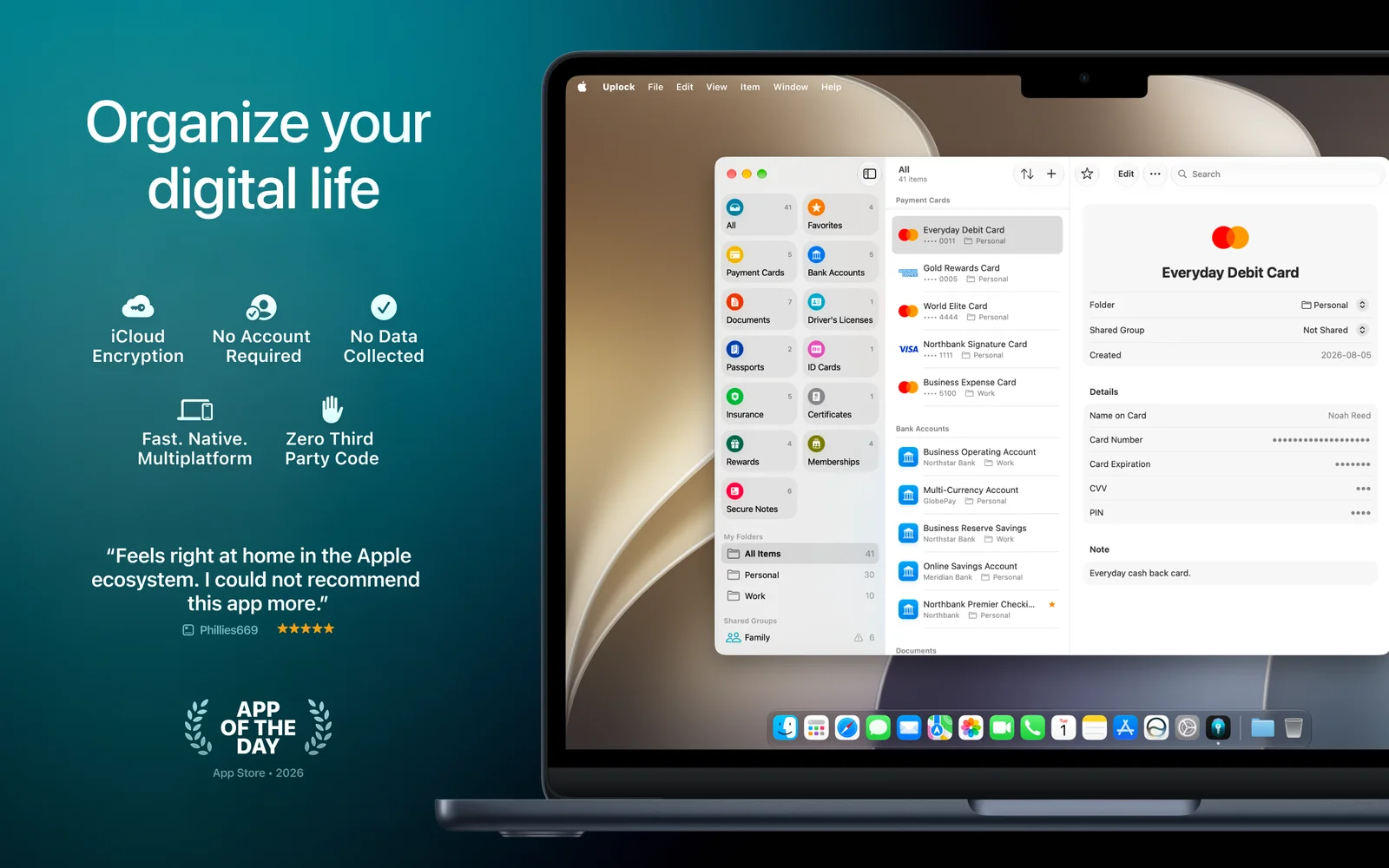
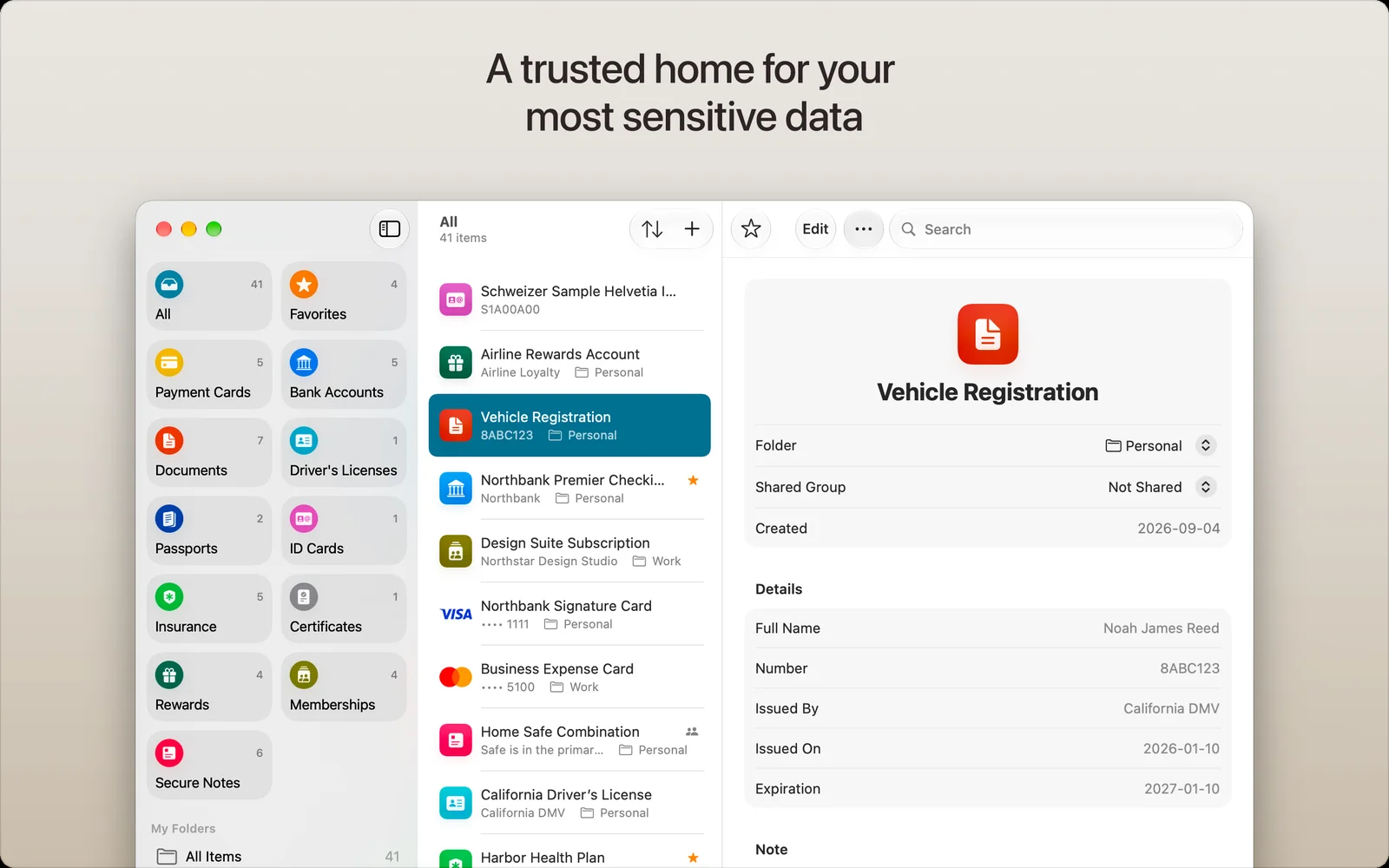
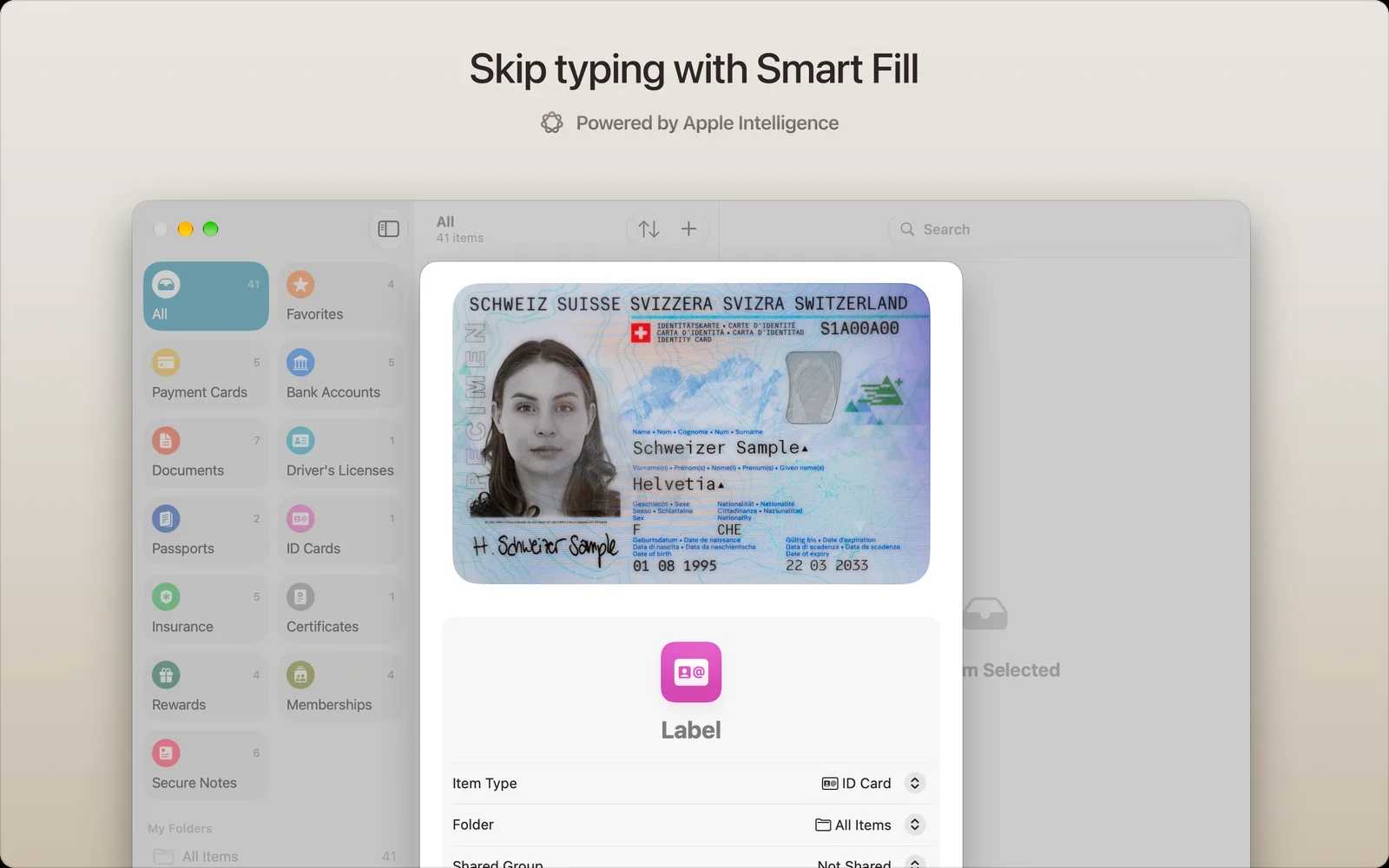
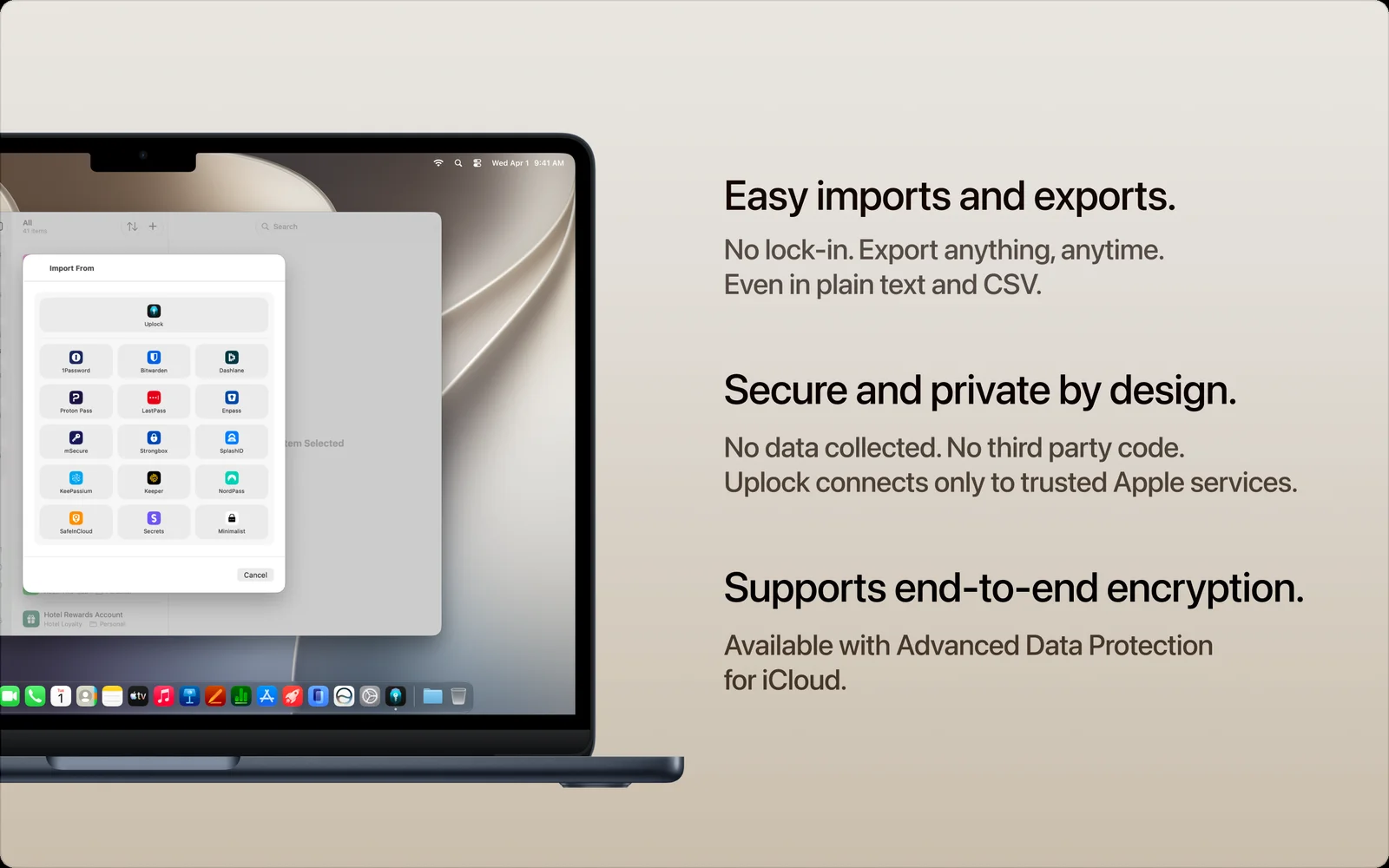
Images from the Mac App Store listing. More on our Uplock deal page.
Feature by feature
| Feature | Uplock | Apple Passwords |
|---|---|---|
| What it holds | Licenses, credit cards, passports, identities, insurance and ID cards, documents, gift cards, certificates, memberships and secure notes, as named on uplock.app. | Passwords, passkeys, verification codes and Wi-Fi credentials, in one place across devices, per Apple’s user guide. |
| How the makers split the work | The Uplock homepage tells you to use the Passwords app for passwords and passkeys, and to save everything else in Uplock. | A system credential manager, not a document vault for IDs and licenses. |
| Sharing | Shared Groups, with view or view-and-edit access for family or friends. | Share a password with one person or with a group, then add or remove people later. |
| Platforms | iPhone, iPad, Mac, Apple Watch and Apple Vision Pro. App Store: iOS 18.4+, iPadOS 18.4+, macOS 15.4+, visionOS 2.0 or later. | Comes with macOS; the user guide also walks through use across Apple devices. |
| Privacy notes on the pages we read | No email or account is required. Data can use iCloud encryption, including Advanced Data Protection. Export is available even after a subscription ends. | iCloud Keychain, FileVault recovery key coverage, and import and export are documented in the user guide. |
Sources
- uplock.app and the Black Friday offer page, read 26 November 2026: item types, split with the Passwords app, platforms, Shared Groups, encryption notes, 40% off the first year of Uplock+ for new annual Individual and Family subscribers, App Store redeem links, regional discount note.
- Uplock on the App Store, read 26 November 2026: in-app purchase amounts, including Uplock+ yearly $19.99 and Family yearly $29.99, plus monthly and lifetime options, and system version requirements.
- Apple Passwords User Guide, read 26 November 2026: passwords, passkeys, verification codes, Wi-Fi, sharing, security recommendations, iCloud Keychain, menu bar, import and export.