At a glance

TeachingInk Pro Lifetime, Black Friday
Best forTeachers and trainers who want boards, classroom marks, a timer and a laser pointer in one small unlock
Presentify, Mac App Store
Best forPresenters who want a proven screen-annotation app with cursor halo and zoom
Quick verdict
Pick TeachingInk if multi-page boards and classroom tools matter and the $2.49 unlock appeals.
Pick Presentify if you want the established tool with cursor highlighting and zoom, paid once.
Both figures come from the price table below. A one-time licence is paid once, so its 3-year cost stays the same unless you buy an upgrade.
TeachingInk lets you draw, point and highlight on top of anything on a Mac screen, with whiteboard and blackboard pages for working a problem out. Presentify is a popular screen-annotation app with a cursor halo, spotlight and zoom, which you buy once from Apple for $14.99. TeachingInk’s Lifetime Unlock is $2.49 instead of $4.99 from November 27 to 30, 2026.
Plain links to Haloa and to Presentify’s developer. Clicking pays us nothing.
TeachingInk or Presentify: money spent by year three
| Plan | What you get | Year 1 | 3 years |
|---|---|---|---|
| TeachingInk Pro Lifetime, Black Friday | Pay once inside TeachingInk; 50% off between November 27 and 30, 2026, with Apple applying the price. | $2.49 once | $2.49 |
| TeachingInk Pro Lifetime, usual price | TeachingInk Pro Lifetime at its normal level. | $4.99 once | $4.99 |
| TeachingInk Pro, yearly | TeachingInk Pro, billed every twelve months. | $3.99 | $11.97 |
| TeachingInk Free | Pointer, pen, eraser, board page 1, hold-to-shape and custom shortcuts. | $0 | $0 |
| Presentify, Mac App Store | Paid upfront in Apple’s store; included for Setapp subscribers. | $14.99 once | $14.99 |
Checked on Apple’s US pages for each app, November 27, 2026.
Worked example
Ms. Okafor teaches maths over video calls and records short tutorials
She shares her whole screen, circles parts of a worked problem, and sometimes needs a blank board to sketch.
With TeachingInk
She draws with the pen, pauses so a rough circle snaps into a clean shape, and opens a whiteboard for scratch work. With Pro she adds arrows and text, a laser pointer, number stamps, a spotlight, a countdown timer and up to five board pages, then saves an annotated screenshot. Pro is $2.49 once during the sale.
With Presentify
She annotates any screen, even full-screen apps, uses auto-erase for quick emphasis, highlights her cursor with a halo, and zooms in on a detail. Presentify is $14.99 once.
Her cost: $2.49 once for TeachingInk Pro, or $14.99 once for Presentify.
A look inside TeachingInk
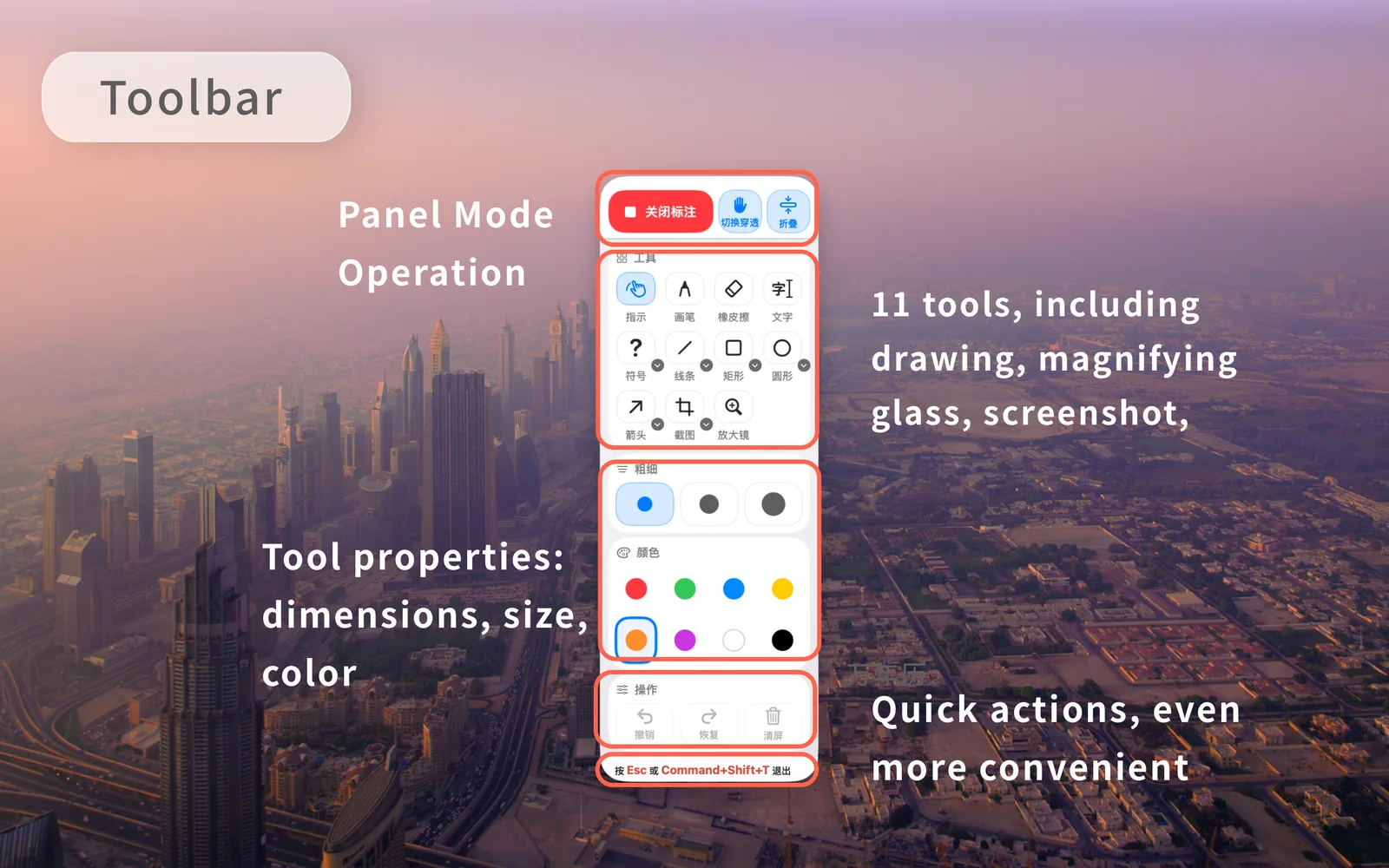
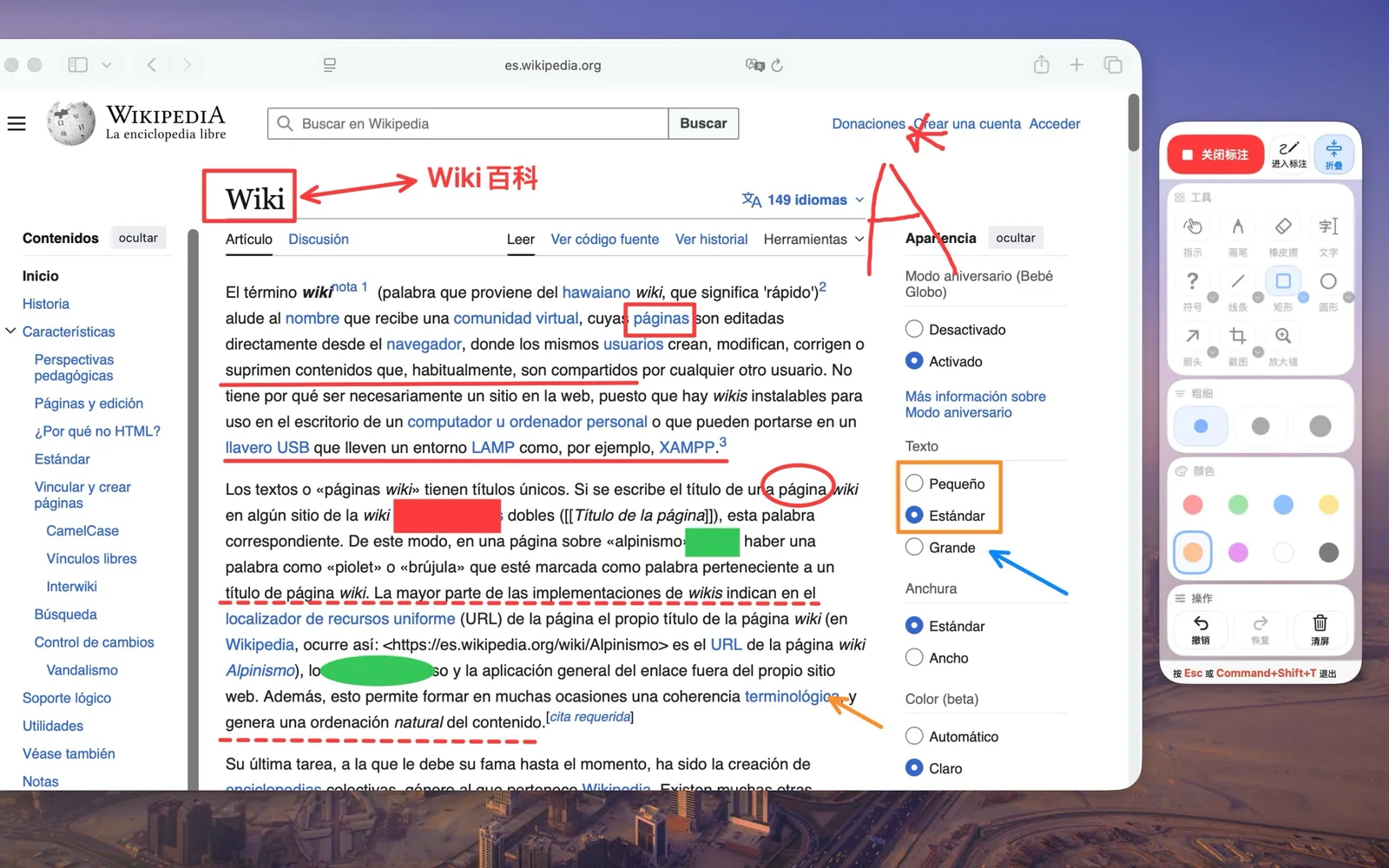
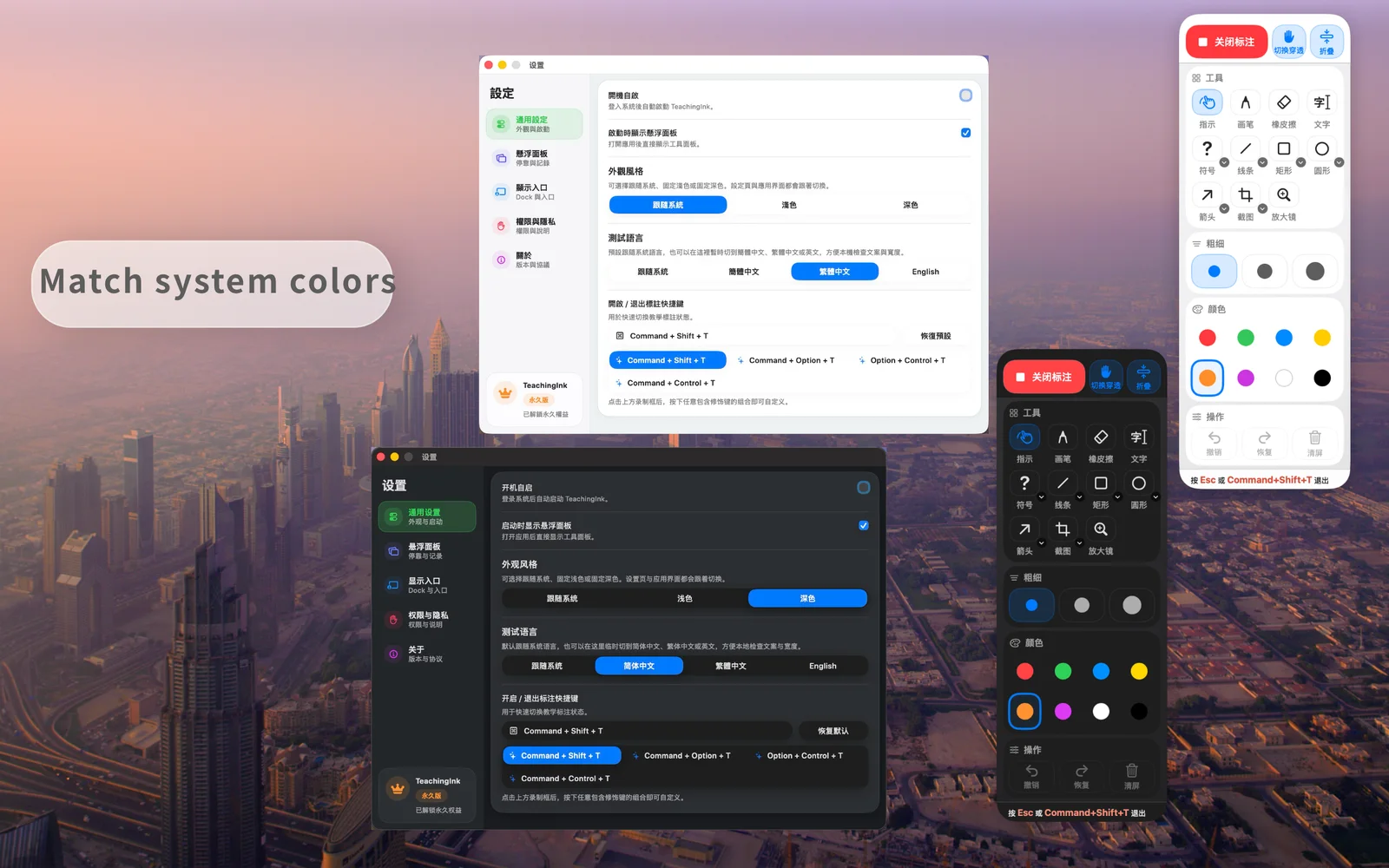
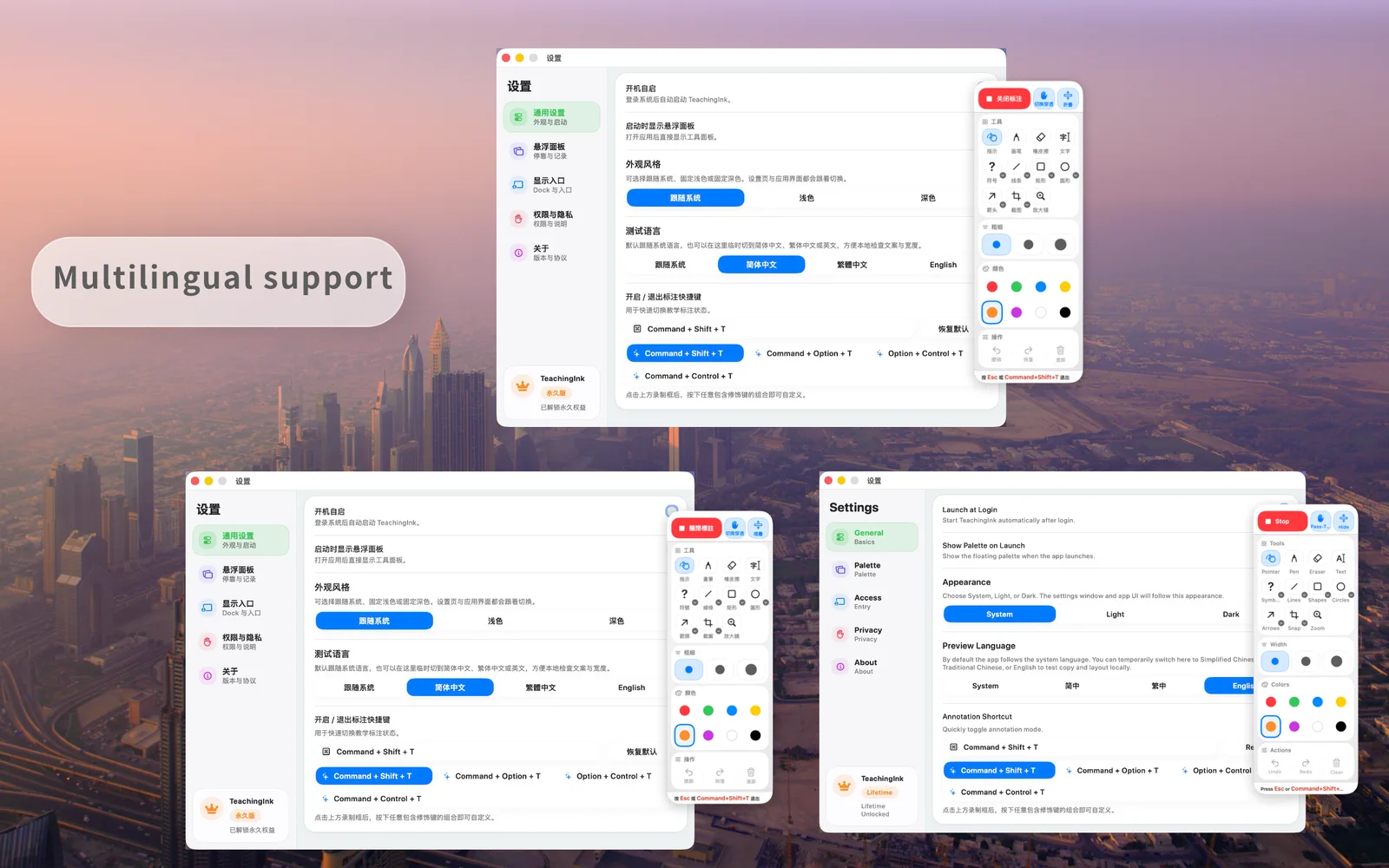
Mac screenshots from the TeachingInk Mac App Store listing (https://apps.apple.com/us/app/id6761326660?mt=12), developer Marzer Wong (Haloa). More on our TeachingInk deal page.
Feature by feature
| Topic | TeachingInk | Presentify |
|---|---|---|
| Drawing | Pen, eraser and pointer free; arrows, text and shapes in Pro. Hold to snap strokes into clean shapes. | Pens, highlighters, text and shapes, with gradient colours and auto-erase. |
| Boards | Whiteboard or blackboard page 1 free; pages 2 to 5 in Pro. | A whiteboard for drawing. |
| Pointing | Pro: laser pointer, spotlight, magnifier and number stamps. | Cursor halo, spotlight and zoom. |
| Working underneath | Pro lets clicks reach the windows underneath; ink can be toggled off and on instantly. | Interact with underlying apps while annotating, or hold Fn in Interactive Mode. |
| Saving | Pro: save or copy screenshots with annotations. | Not compared here. |
| Classroom extras | Pro: countdown timer and question, check and cross marks. | Not compared here. |
| Requirements | macOS 12 or later. | macOS 13 or later. |
Privacy and data
Both apps carry the App Store label “Data Not Collected”. Haloa’s policy keeps your drawings, captures and typed notes on the Mac unless you share them; screenshots and the magnifier need Screen Recording permission, while plain drawing does not. One caveat from Haloa: if a call shares only one window, viewers may not see the ink overlay, so share the whole display or rehearse.
Updates and platforms
Haloa shipped TeachingInk 1.4.0 on November 9, 2026; the app has been out since April 2026. Presentify’s 8.2.1 build came out November 4, 2026, and is also offered on Setapp and by direct download.
Where Presentify pulls ahead
- A longer track record: Presentify is on version 8, and its store page says it has been featured by Apple four times.
- Cursor halo and zoom are built for live demos.
- One price, no in-app tiers to sort out, plus Setapp availability.
Who should pick which
- TeachingInk suits teachers who want multi-page boards, classroom marks, a timer and number stamps for a couple of dollars.
- Presentify suits presenters who want a proven annotation tool with cursor highlighting and zoom and are happy to pay $14.99 once.
Our take: TeachingInk packs more classroom tools into its $2.49 sale unlock than its price suggests. Presentify is the safer, more established pick for live presentations if the higher one-time cost is fine.
TeachingInk Pro Lifetime for $2.49, November 27 to 30
Install TeachingInk at no charge and upgrade from its Pro screen before November 30 ends. Untracked link.
Sources and notes, checked Nov 27, 2026
- TeachingInk product page (Haloa), read November 27, 2026: free pointer, pen, eraser, board page 1, hold-to-shape, shortcuts; Pro arrows, text, shapes, screenshots, magnifier, timer, marks, board pages 2–5, laser, number stamps, spotlight, click-through; local processing; window-share caveat; Black Friday Lifetime Unlock $2.49 instead of $4.99, Nov 27–30, 2026, no code.
- TeachingInk on the Mac App Store: Pro Lifetime $2.49, Yearly $3.99, Monthly $0.99; macOS 12.0 or later; version 1.4.0 (November 9, 2026); privacy label Data Not Collected.
- Maker sale terms: Haloa (Marzer Wong) confirmed the Black Friday price, November 27 to 30, 2026, no code, in email to IndieMarkdowns on November 24, 2026; the Haloa product page carries the same Black Friday line.
- Presentify on the Mac App Store, read November 27, 2026: $14.99; macOS 13.0 or later; version 8.2.1 (November 4, 2026); privacy label Data Not Collected; feature list including annotate any screen, auto-erase, full-screen drawing, Interactive Mode; “Featured by Apple four times”.
- Presentify website: pay once, Mac App Store, Setapp or direct download; annotate, whiteboard, cursor halo, spotlight and zoom.
- “Not compared here” means the page we used did not cover it. We did not test either app.