At a glance

Best forPeople who jump between Spaces, full-screen apps and more than one display and want those layouts back in one step
Best forPeople who want a simple snap-and-save workspace for a low one-off license, on macOS 14 or later
Quick verdict
Choose Spencer if restoring exact layouts across Spaces and full screen is the job.
Choose TidyFrame if snapping windows and saving a workspace for $4.99 once is enough.
Both figures come from the price table below. A one-time licence is paid once, so its 3-year cost stays the same unless you buy an upgrade.
Spencer saves and restores your exact window layout, including full-screen apps and Split Views, across native Mac Spaces and multiple displays. TidyFrame tiles windows, then stores the arrangement as a workspace, at $4.99 once. If you live in Spaces and multi-display desks, Spencer is the closer fit; if you want a simple snap-and-save tool for less money, start with TidyFrame.
Get Spencer ↗(affiliate link)
Spencer homepage ↗ TidyFrame homepage ↗
Spencer and TidyFrame buttons use each product’s site. Nothing is paid back to this page.
Cost over a year, and over three
| Plan | What you get | Year 1 | 3 years |
|---|---|---|---|
| Spencer, 1 Mac, Black Friday | One-time license, usually $25, now $15 with code BLACK26. 7-day trial and 14-day money-back guarantee. macOS 13 Ventura or later. | $15 once | $15 |
| Spencer, 2 Macs, Black Friday | Usually $35, now $18 with BLACK26. | $18 once | $18 |
| Spencer, 3 Macs, Black Friday | Usually $45, now $24 with BLACK26. | $24 once | $24 |
| TidyFrame | One-time purchase, no subscription. The buy button shows $4.99. 7-day trial with every feature. macOS 14+. Code LAUNCH30 takes 30% off through November 30, 2026; the reduced total is shown at checkout. | $4.99 once, before the code | $4.99, before the code |
Spencer prices are from macspencer.app, and TidyFrame prices are from tidyframe.app, both read Nov 27, 2026. Spencer’s page shows a countdown labeled “Offer ends in” but no calendar date in the fetched markup, so this page names none. Checkout may add tax. Sources for Spencer and TidyFrame are collected at the foot of this page.
Worked example
Chris works on a laptop during the day and an ultrawide at home, and keeps a writing Space separate from a research Space
Chris wants the same windows to come back in the right Space, including apps that were full screen, after switching desks.
With Spencer
Chris saves a profile for each display setup. Spencer is built to work with native Spaces, restore full-screen apps and Split Views, and place windows at any size, including overlapping, rather than only in a grid.
With TidyFrame
Chris can snap windows and save a workspace, then bring that setup back with a shortcut. The public page does not describe restoring full-screen apps across Spaces in the same way Spencer does.
What Chris pays: Spencer is $15 for one Mac with BLACK26, or $18 / $24 if more Macs are needed. TidyFrame is $4.99 once, or less at checkout with LAUNCH30 through November 30.
A look inside Spencer
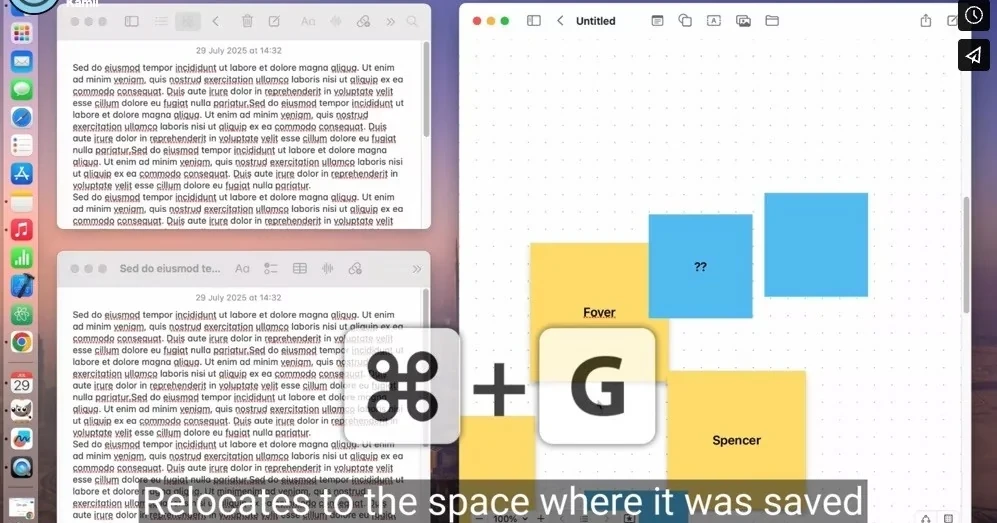
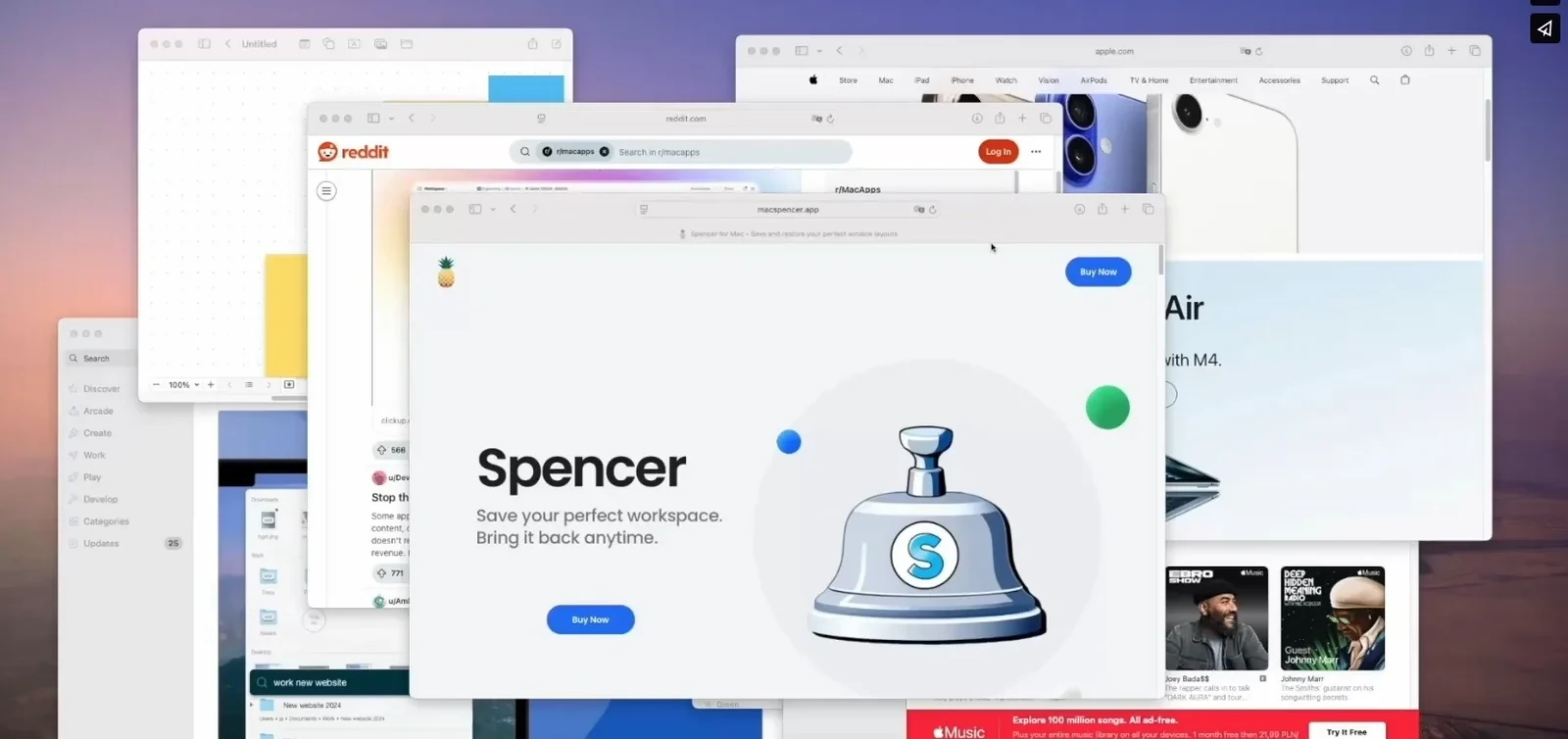
Images from macspencer.app (product demo stills). More on our Spencer deal page.
Feature by feature
| Topic | Spencer | TidyFrame |
|---|---|---|
| Main job | Save and restore exact layouts across Spaces, displays, full-screen apps and Split Views. | Tile windows, store the arrangement as a workspace, then bring it back with a shortcut. |
| Layout style | Freeform: any size and position, including overlapping. It does not force a grid. | Snap windows into place, then save the result. |
| System requirement | macOS 13 Ventura or later. | macOS 14 or later. |
| Languages | Not listed as a language count on the homepage we read. | 34 languages, on the homepage. |
| Trial | 7 days, plus a 14-day money-back guarantee. | 7 days, every feature included. |
Where TidyFrame wins
- The listed one-time price is much lower, and LAUNCH30 takes a further 30% off through November 30.
- The trial includes every feature for 7 days, with no subscription after you buy.
- The homepage lists 34 languages, which matters if you want the interface in your language.
Who should pick which
- Spencer suits people who move between Spaces, full-screen apps and more than one display and want those exact layouts back.
- TidyFrame suits people who want snap-and-save workspaces at a low one-time price, on macOS 14 or later.
Our take: pay for Spencer when Spaces and full-screen restore are the gap this page is meant to settle. Try TidyFrame first if a saved snap workspace is all you need.
Open Spencer or TidyFrame
No cut on these links. Put BLACK26 or LAUNCH30 in at checkout and confirm what you are charged.
Spencer homepage ↗ TidyFrame homepage ↗
Spencer deal page · TidyFrame deal page · Browse every comparison
Sources and notes, checked Nov 27, 2026
- Spencer: 40% off with code BLACK26; sale prices $15 (1 Mac), $18 (2 Macs), $24 (3 Macs); regular prices $25, $35, $45; one-time, no subscription; 7-day trial; 14-day money-back; macOS 13 Ventura or later; restores layouts across native Spaces, multiple displays, full-screen apps and Split Views; freeform positions, not only a grid. The page shows a countdown; no calendar end date was present in the fetched markup.
- TidyFrame: buy button shows $4.99 once; 7-day trial with every feature; no subscription; macOS 14+; launch offer 30% off until November 30 with code LAUNCH30; snap windows and save workspaces; 34 languages.
- Three-year totals repeat today’s one-time price. Taxes may be extra.