At a glance

Pack Pro Lifetime
Best foriPhone, iPad and Mac owners who get archives by email or chat and need to look inside and grab one file
Keka, direct download
Best forMac users on older systems who create 7z archives and want every feature free
Quick verdict
Pack opens nearly any archive for free on Mac, iPhone and iPad, and lets you take out just the file you need.
Keka is free with more creation formats and runs on far older Macs, so it stays the better pick there.
Both figures come from the price table below. A one-time licence is paid once, so its 3-year cost stays the same unless you buy an upgrade.
Pack is an archive app for people who mostly open archives and only sometimes make them. The free version handles 22 archive families, from ZIP and RAR to ISO, CAB and DEB, lets you search inside an archive and pull out just the file you need, and creates ZIPs. It works the same way on Mac, iPhone and iPad. Keka is the free, long-running Mac archiver that creates a wider range of formats and runs on very old macOS versions. If you want one tidy app across your Apple devices, Pack wins; if you mainly create 7z files on an older Mac, Keka does it for nothing.
Pack on the App Store ↗ Keka ↗
Neither link is an affiliate link.
Prices side by side
| Option | What you get | Year 1 | 3 years |
|---|---|---|---|
| Pack free | Every supported format can be opened and unpacked, and you can make ZIPs. | $0 | $0 |
| Pack Pro Lifetime | Eight more creation formats, AES-256 ZIP passwords, split volumes, on Mac, iPhone and iPad. | $16.99 once | $16.99 |
| Pack Pro Yearly | The same Pro features while you subscribe. | $9.99 | $29.97 |
| Keka, direct download | The full app; tips are optional. | $0 | $0 |
| Keka, Mac App Store | The same app with store updates, which funds development. | $6.49 once | $6.49 |
Listed prices on Apple’s US store for Pack (id 6765527835) and Keka (id 470158793), and keka.io, on Nov 23, 2026. A 50% Pro sale runs until December 1; see the notes.
Worked example
Jonas receives a RAR of invoices on his iPhone and a Linux .deb package on his Mac
On the train he needs one PDF from the RAR for his accountant. Back at his desk he wants to see what is inside the .deb before installing anything.
Jonas with Pack
On the iPhone he opens the RAR from Files, searches for the month, and extracts that single PDF. On the Mac he selects the .deb in Finder and presses Space to browse it in Quick Look. Both jobs are free.
Jonas with Keka
On the Mac, Keka extracts the .deb in one drag, also at no cost. The phone side would need Keka’s separate iOS app or another tool.
Total for Jonas: $0 with either app for these jobs; Pack Pro only matters if he starts making encrypted or split archives.
A look inside Pack
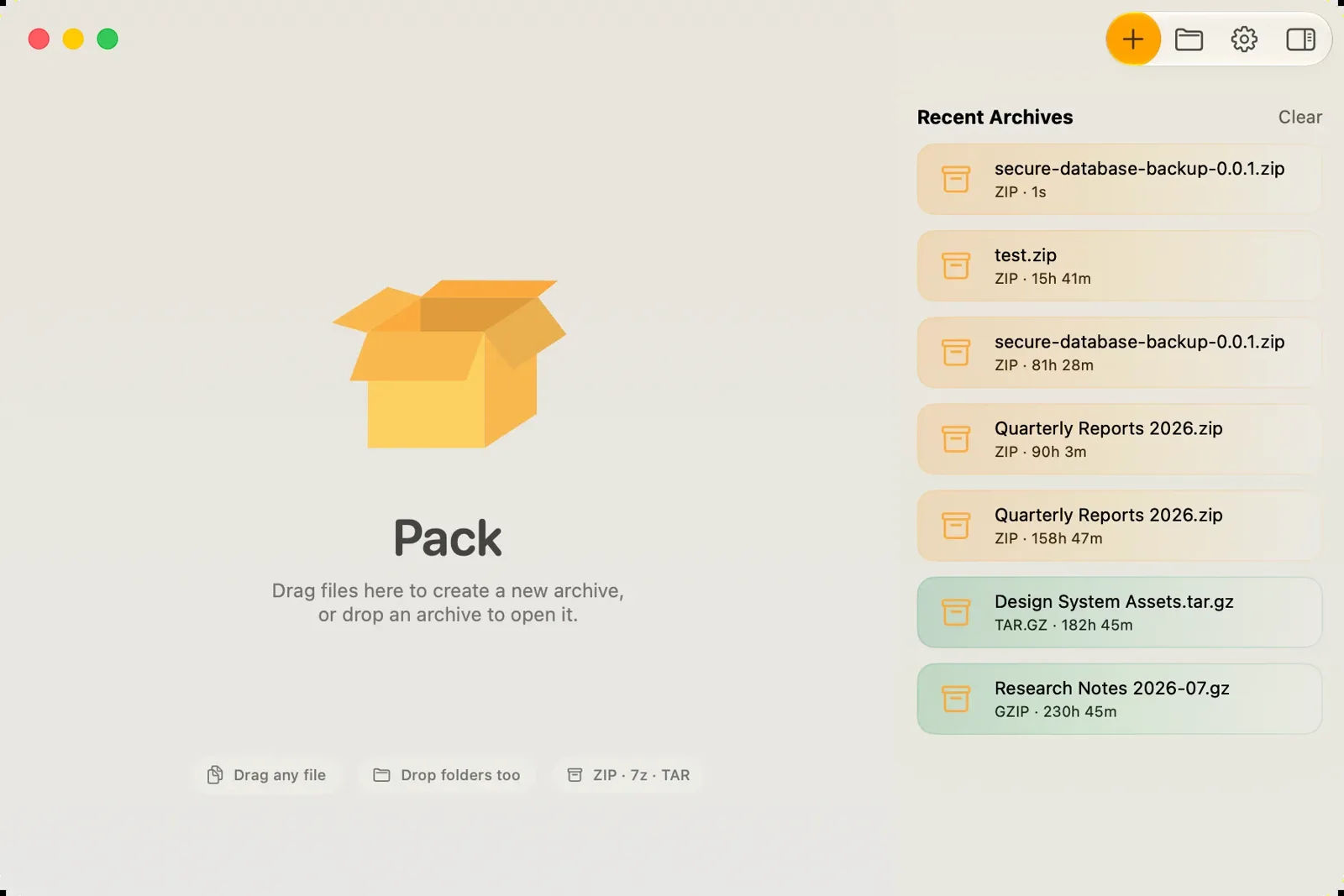
Images from Pack's site. More on our Pack deal page.
What each can do
| Task | Pack | Keka |
|---|---|---|
| Open and extract | 22 archive families, among them RAR, ISO, MSI, DEB and RPM as well as ZIP; search inside and extract one file. | Over 30 formats, including 7Z, ZIP, RAR, DMG, ISO, CAB, MSI, APK and EXE. |
| Create | ZIP free; Pro adds eight more, such as 7Z, XZ, BZIP2 and the TAR variants. | 7Z, ZIP, TAR, GZIP, BZIP2, XZ, DMG, ISO, ZSTD, Brotli and more. |
| Passwords | Pro: AES-256 for new ZIPs, passwords optionally kept in Keychain. | AES-256 for 7z; older ZIP 2.0 encryption for ZIP. |
| Splitting | Pro: email-sized, FAT32-sized or custom parts, and it finds the whole set from one part. | Split large archives into pieces. |
| Devices | One app for Mac, iPhone and iPad, with Finder and Quick Look on the Mac. | Mac app with Dock drag-and-drop; a separate iOS app exists. |
| Requirements | macOS 26.4 or iOS 26.4 or later. RAR is read-only. | Mac OS X 10.10 or newer, with legacy builds for older systems. |
Privacy
Pack does all its work on the device. You need no account, and it sends no analytics and uploads no archives. Keka is also a local app, and it lets you encrypt archives before you share them.
Where Keka is ahead
- Every feature is free from its website, encryption and splitting included.
- It creates more formats, such as DMG, ISO and ZSTD.
- It runs on Macs more than a decade old.
Recommendation
- Pack suits iPhone, iPad and Mac owners who get archives by email or chat and need to peek inside and grab one file.
- Pack also suits people who send large projects and want AES-256 ZIPs split to email size, with passwords kept in Keychain.
- Keka suits Mac users on older systems, or anyone who creates 7z archives and wants it all free.
Our take: start with Pack’s free tier if you live on recent Apple devices; it opens almost anything and feels native everywhere. Keka remains the best free creator for older Macs.
Pack Pro at half price until December 1
Download Pack free and choose Pro inside the app; the sale covers the lifetime purchase and the first period of a subscription. We earn no commission.
Sources and notes, checked Nov 23, 2026
- Pack on the App Store: official listing, free download, version 1.3 released November 20, 2026, in-app purchases Pack Pro Lifetime $16.99, Yearly $9.99, Monthly $1.99.
- The maker told us the Pro sale runs until December 1, 2026, at 50% off on the lifetime purchase, the first year of the yearly plan or the first three months of the monthly plan, with no code. The maker does not publish dollar prices, and Apple’s listing shows the regular figures above, so the sale price is the one the in-app screen shows you.
- Pack official site: 22 archive families, free versus Pro features, Finder and Quick Look, Keychain passwords, split volumes, no account or analytics.
- Keka official site: free download with optional tips, create and extract format lists, AES-256 for 7z, splitting, Mac OS X 10.10 requirement. The Mac App Store version was $6.49.
- The yearly Pack figure for three years is three times the yearly price.