At a glance

Harbor, App Store sale
Best forDevelopers and Shopify owners who want nightly copies of every repo and their store data on a NAS at home
Carbon Copy Cloner 7
Best forAnyone who needs a complete, restorable copy of the whole Mac
Quick verdict
Harbor backs up what disk cloners can miss, full Git histories and Shopify content, to drives you own on your schedule.
Carbon Copy Cloner remains the tool for copying and restoring an entire Mac.
Both figures come from the price table below. A one-time licence is paid once, so its 3-year cost stays the same unless you buy an upgrade.
Harbor is a menu bar backup app for the things a disk cloner tends to miss. Besides ordinary folders, it keeps scheduled copies of your Git repositories with their full history from GitHub, GitLab or Bitbucket, the iCloud Drive folders on your Mac, and supported Shopify store content, all on drives or a NAS you own. Carbon Copy Cloner is the heavyweight Mac backup tool that copies whole volumes, keeps snapshots and can recover an entire Mac. Developers and store owners who want their code and shop data safe at home get the most from Harbor, which is just $0.99 from November 26 to 30. For a full-disk safety net, CCC is the specialist.
Harbor on the Mac App Store ↗ Carbon Copy Cloner ↗
Links without referral codes; we are not paid.
Backup costs
| Licence | What you get | Year 1 | 3 years |
|---|---|---|---|
| Harbor, App Store sale | The full app, November 26 to 30, Eastern time, US store. | $0.99 once | $0.99 |
| Harbor | Its usual store price, Family Sharing for up to six people. | $14.99 once | $14.99 |
| Carbon Copy Cloner 7 | Personal and household licence for all your home computers, after a 30-day trial. | $49.99 once | $49.99 |
Read Nov 23, 2026 from Harbor’s US App Store listing (id 6759879260), cherrium.com and bombich.com/store. CCC prices exclude local tax.
Worked example
Owen is a freelance developer with 30 client repos and one Shopify store, plus a NAS in the closet
He wants nightly copies of every repo, branches and tags included, and a recovery package for the shop theme, without paying for another cloud backup service.
Owen sets up Harbor
From the menu bar he adds his GitHub repos as sources, chooses the mounted NAS as the destination and sets a nightly schedule. The shop theme and supported store content go into the same plan. Harbor checks each saved copy before it removes older ones under his retention rules, and the Activity view lists any warnings. Restore finds the backups in his destinations by itself.
Owen sets up CCC
CCC can copy his project folders and the whole Mac to the NAS on a schedule, with snapshots and verification. It copies local repos as files, so remote branches he never pulled and the Shopify content stay outside the backup.
Owen’s bill: $0.99 for Harbor during the sale, or $49.99 for CCC.
A look inside Harbor by Cherrium
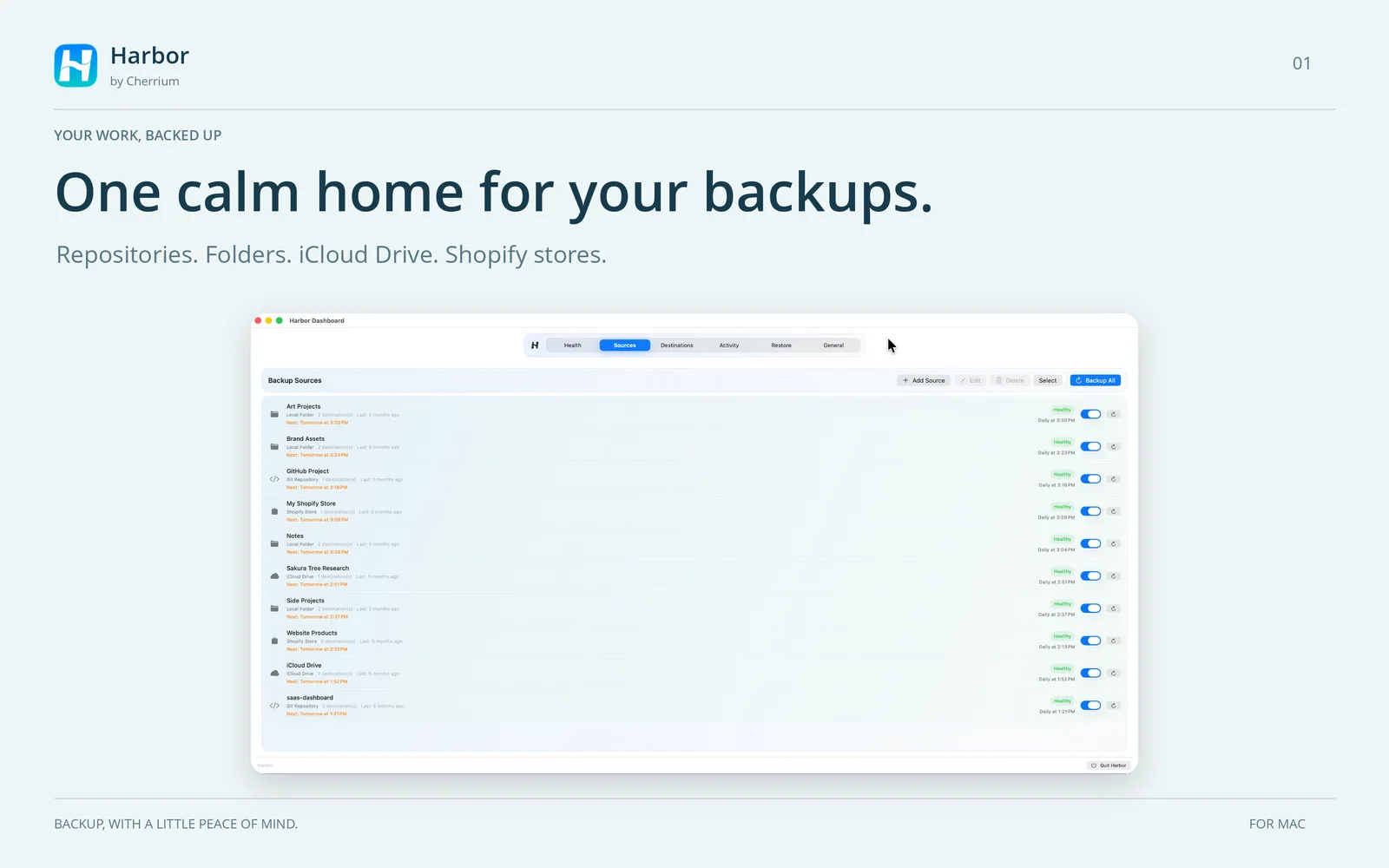
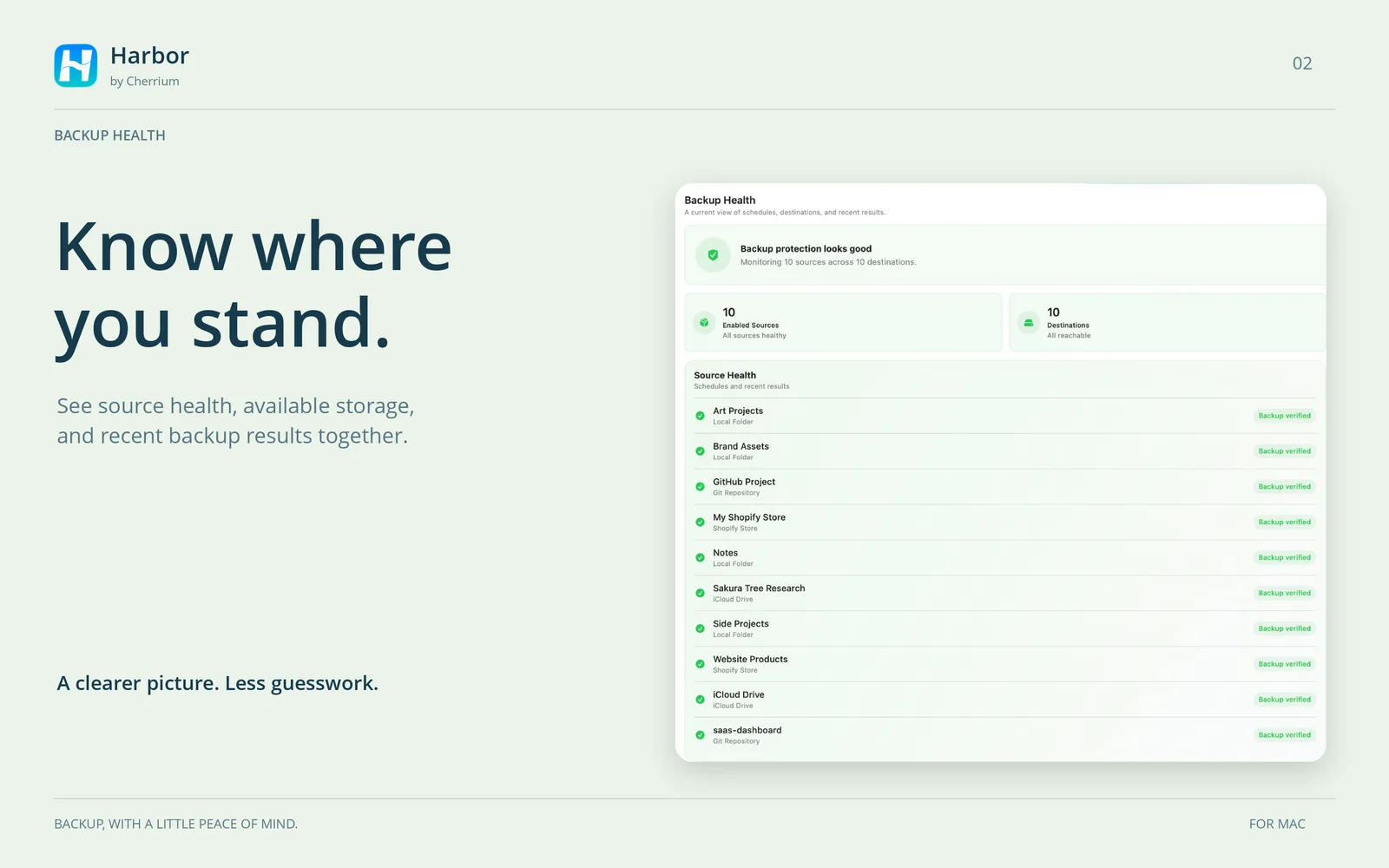
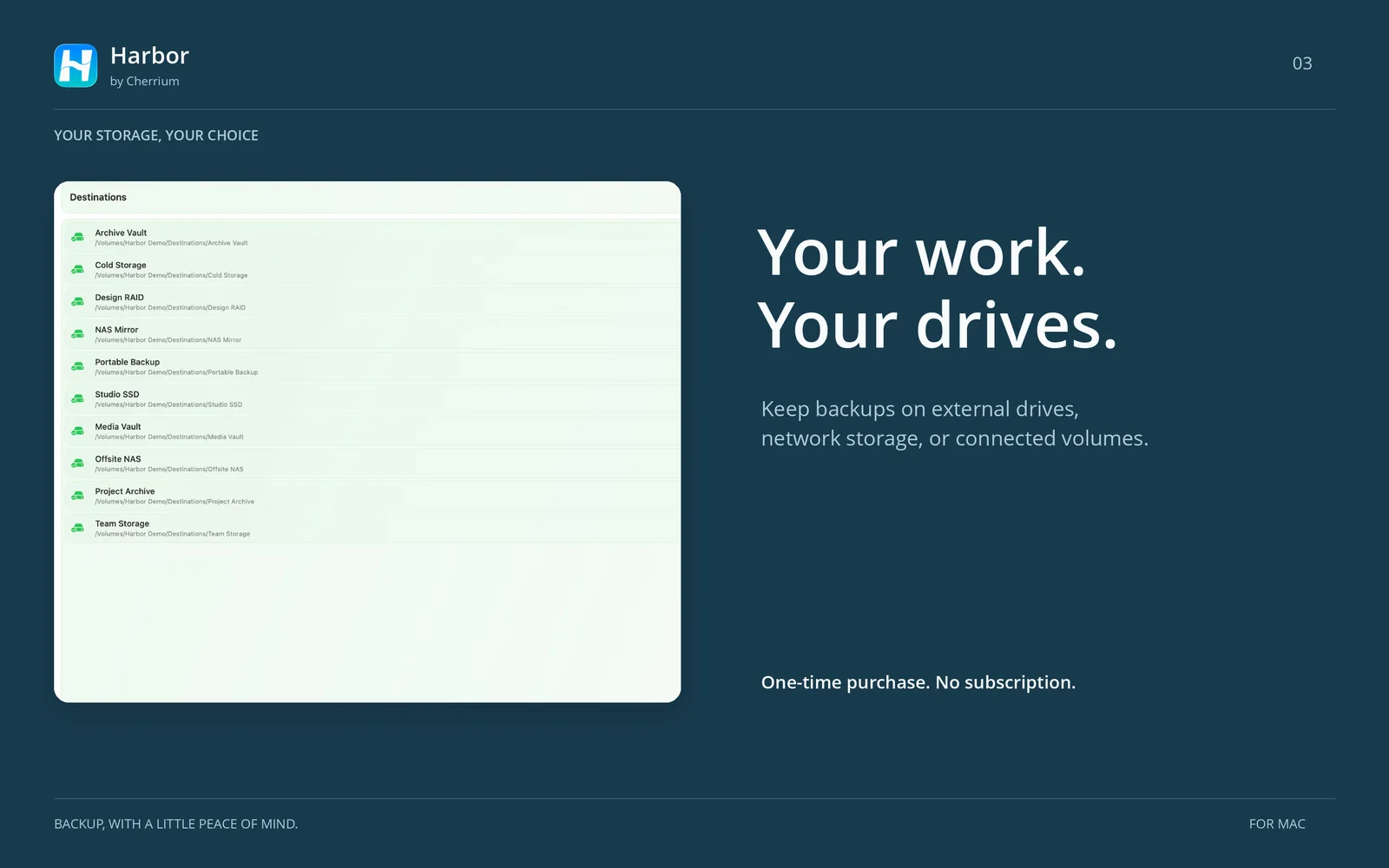
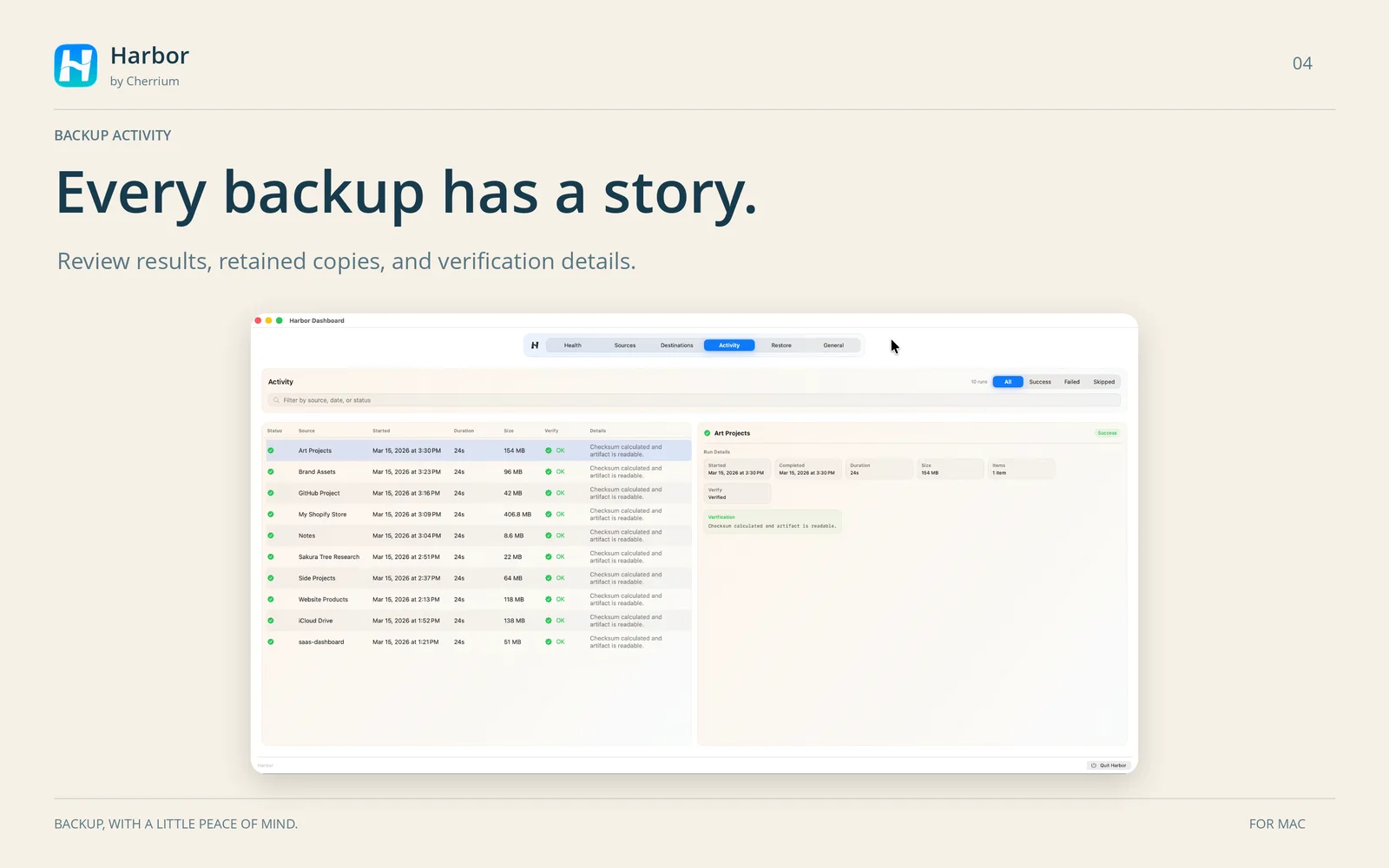
Mac App Store screenshots (https://apps.apple.com/us/app/id6759879260?mt=12), seller Cherrium LLC. More on our Harbor by Cherrium deal page.
Coverage compared
| What to protect | Harbor | Carbon Copy Cloner |
|---|---|---|
| Whole Mac | Not its purpose. | Full copies, snapshots and recovery of an entire Mac, plus migration to a new one. |
| Code | Clones each repository from GitHub, GitLab, Bitbucket or any other Git remote, keeping its history, branches and tags. | Copies the local folders your repos live in. |
| Cloud and online data | iCloud Drive folders downloaded to the Mac; supported Shopify storefront content and themes. | Backs up cloud-only files. |
| Destinations | Local folders, external drives, mounted NAS and network storage. | Local and network disks, with automatic mounting and unmounting. |
| Control | A schedule and retention rules per source; restores with recovery steps explained first. | Hourly to monthly or on change, filter rules, scripts before and after, chained tasks. |
| Requirements | macOS 14 or later; no Harbor account. | macOS Ventura or later. |
Privacy
Harbor stores your Git and Shopify credentials in the macOS Keychain and needs no Harbor account or hosted storage. Backups stay on hardware you choose. CCC also writes to your own disks and offers encrypted backups.
What Carbon Copy Cloner does better
- It can restore or migrate a whole Mac, not just chosen sources.
- Snapshots and fine-grained filters give you deeper control over every file.
- Bombich has refined it over many years and offers dedicated support.
Best fit
- Harbor suits developers and freelancers who want every repository, branches and tags included, copied to their own NAS on a schedule.
- Harbor also suits Shopify store owners who want a recovery package of their theme and supported content on a drive at home.
- Carbon Copy Cloner suits anyone who needs a complete, restorable copy of the whole Mac.
Our take: the two work well side by side. At $0.99 during the sale, Harbor is an easy way to protect repos and shop data that a disk backup can miss.
Harbor for $0.99, November 26 to 30
US store price; dates use Eastern time and other countries may differ. This is not an affiliate link.
Sources and notes, checked Nov 23, 2026
- Harbor on the Mac App Store: official listing, $14.99, version 2.4.5 released November 23, 2026, macOS 14 or later, sources, destinations, verification, Keychain storage, Family Sharing. Shopify backups cover supported data only, not a full store clone, and some items need manual recovery. iCloud files must be downloaded to the Mac first.
- Cherrium software page: App Store sale at $0.99 each app, November 26 to 30, 2026, Eastern time, US prices. The maker also confirmed the sale for our listing.
- Bombich store: Carbon Copy Cloner 7 $49.99 for a personal and household licence, valid with CCC 5 and 6, macOS Ventura or later. CCC official site: 30-day trial, scheduling, snapshots, filters, cloud-only file backups, encryption.