At a glance

Flow, App Store sale
Best forAnyone who wants travel clips, pet videos or their own art loops playing behind their windows
Plash
Best forPeople who want a live calendar, dashboard or daily web photo as the wallpaper
Quick verdict
Flow loops the videos and GIFs you already have, straight from the menu bar, and rotates your favourites through the day.
Plash is free and better when the wallpaper should be live web content.
Both figures come from the price table below. A one-time licence is paid once, so its 3-year cost stays the same unless you buy an upgrade.
Flow and Plash both put something livelier than a still photo behind your Mac windows, but they start from different material. Flow plays your own files: a holiday clip, a looping GIF of your cat, or a PNG, chosen from the menu bar and rotated through a library of favourites. Plash, a free app by Sindre Sorhus, turns a web page into the wallpaper, from a calendar or dashboard to a photo of the day. If the moving desktop you have in mind is made of your own videos, Flow is the tool, and it costs $0.99 from November 26 to 30. If you want live information on the desktop, Plash does that for free.
Flow on the Mac App Store ↗ Plash ↗
No commission on either link.
What you pay
| App | What you get | Year 1 | 3 years |
|---|---|---|---|
| Flow, App Store sale | Full app, November 26 to 30, Eastern time, US store. | $0.99 once | $0.99 |
| Flow | Usual store price, Family Sharing included. | $4.99 once | $4.99 |
| Plash | Free, with no ads. | $0 | $0 |
Read Nov 23, 2026 on Apple’s US store (Flow, id 6642662005; Plash, id 1494023538) and cherrium.com.
Worked example
Mei shot slow-motion waves on a beach trip and wants them behind her windows all winter
She has a few MP4 clips and a GIF of her dog, and she would like the desktop to change through the day without visiting System Settings.
Flow
From the menu bar she picks the wave clip and it loops behind her windows. She adds the other clips and the GIF to her favourites so Flow rotates them. Nothing needs converting: QuickTime, MP4 and AVI clips work, and so do GIFs and PNGs.
Plash
Plash would need the clips wrapped in a local web page, and it mutes audio anyway. It shines instead for a live calendar, a weather dashboard or a random scenic photo that reloads on a timer.
Mei pays: $0.99 for Flow during the sale; Plash is free but suits a different idea.
A look inside Flow by Cherrium
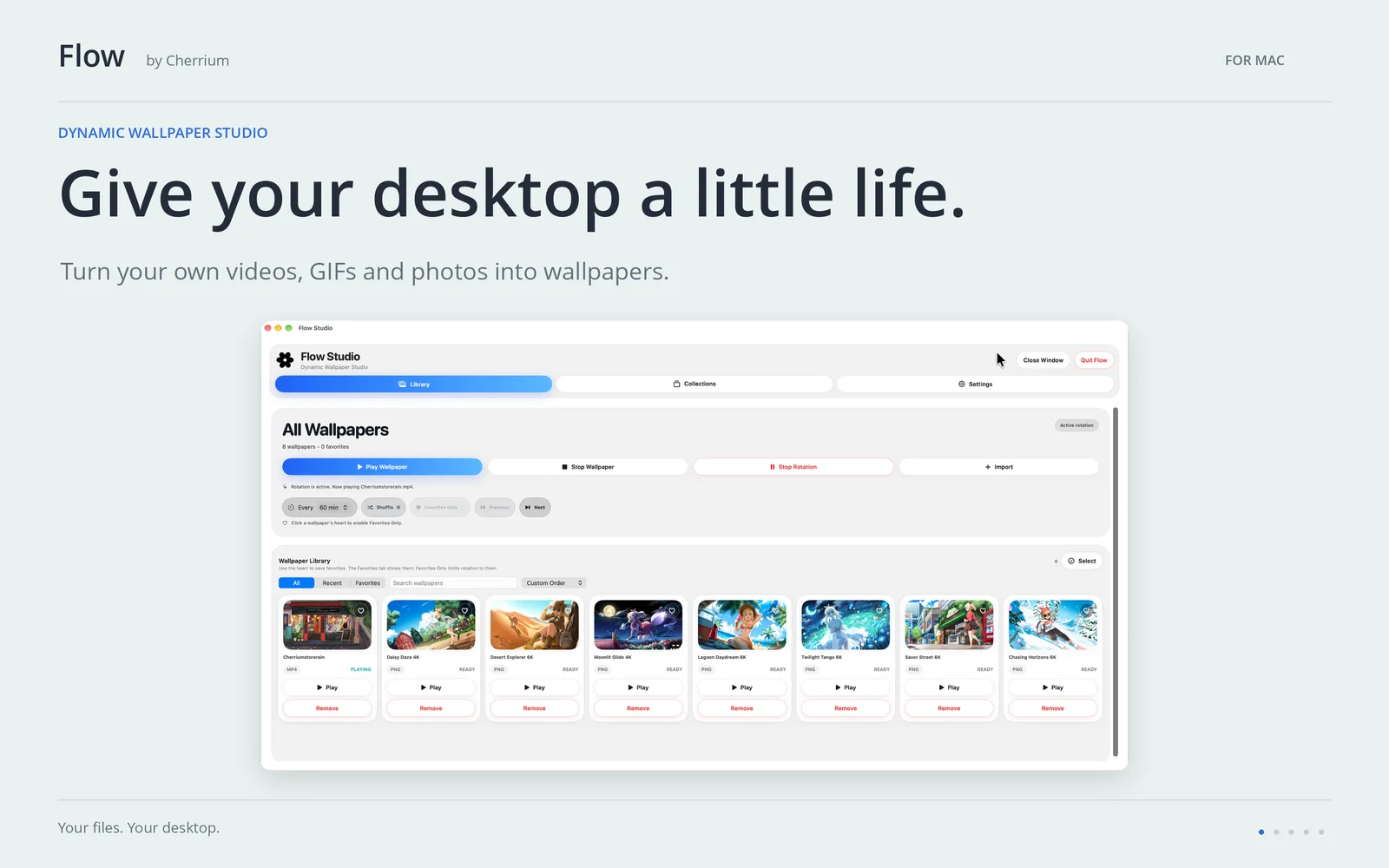
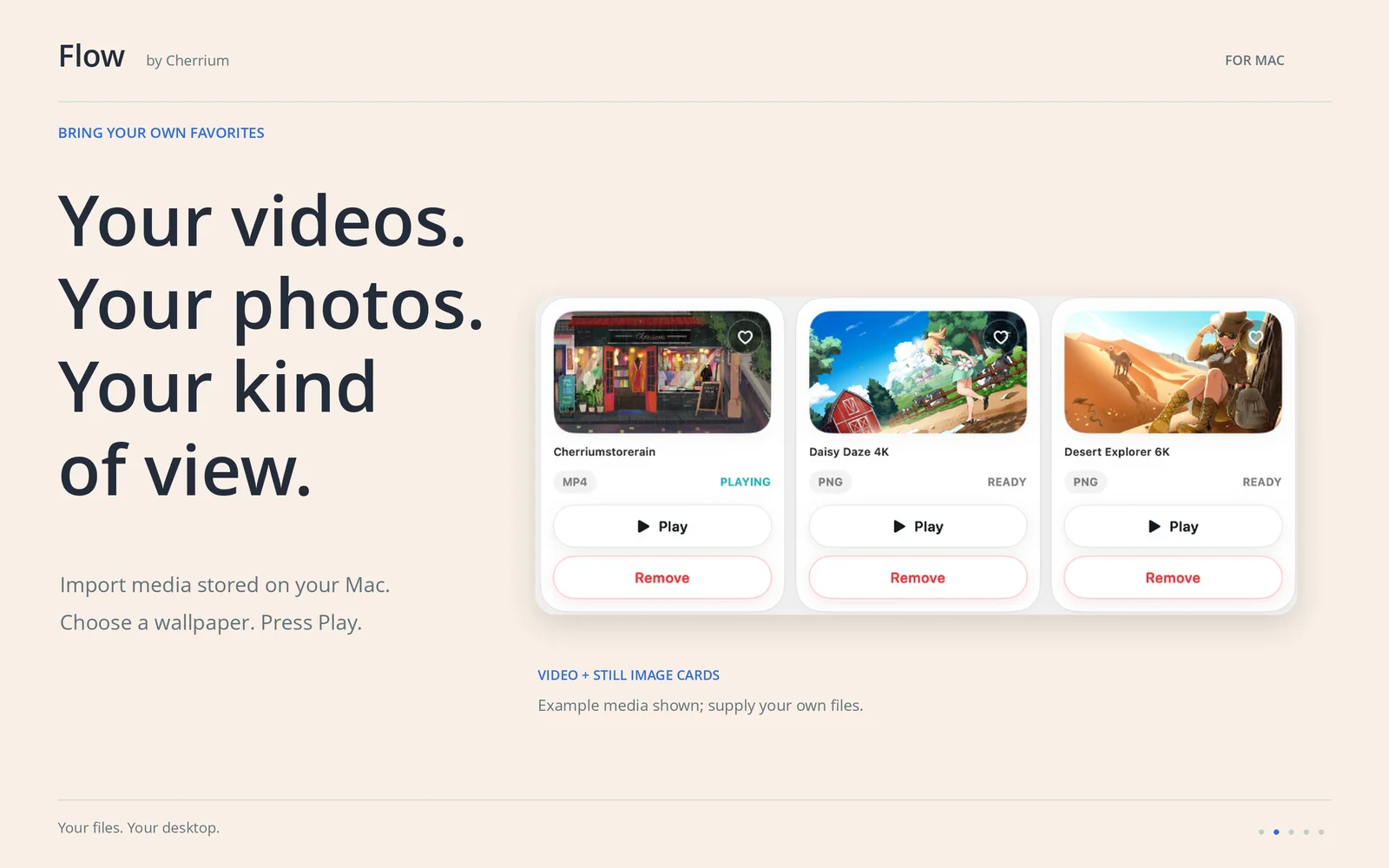
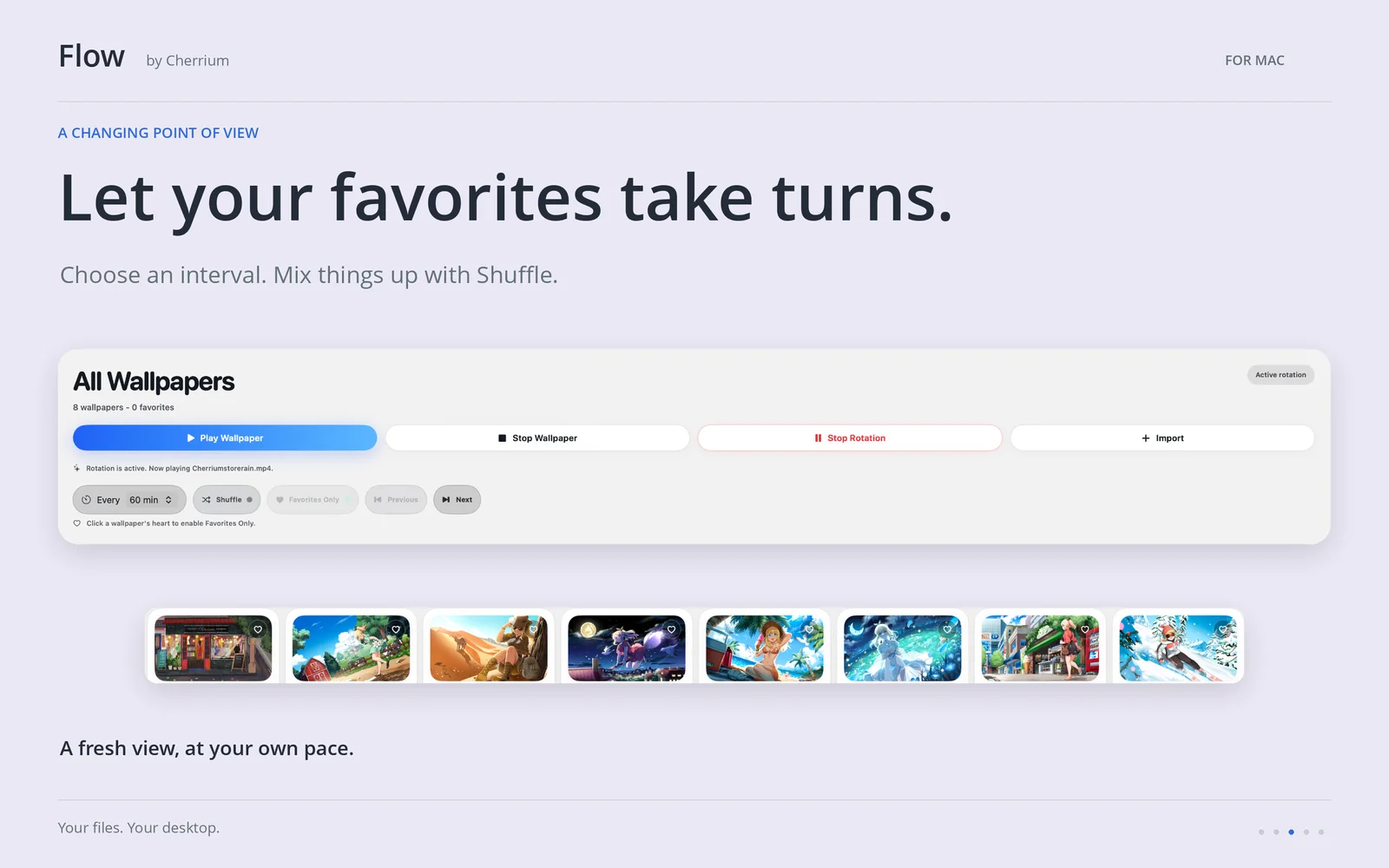
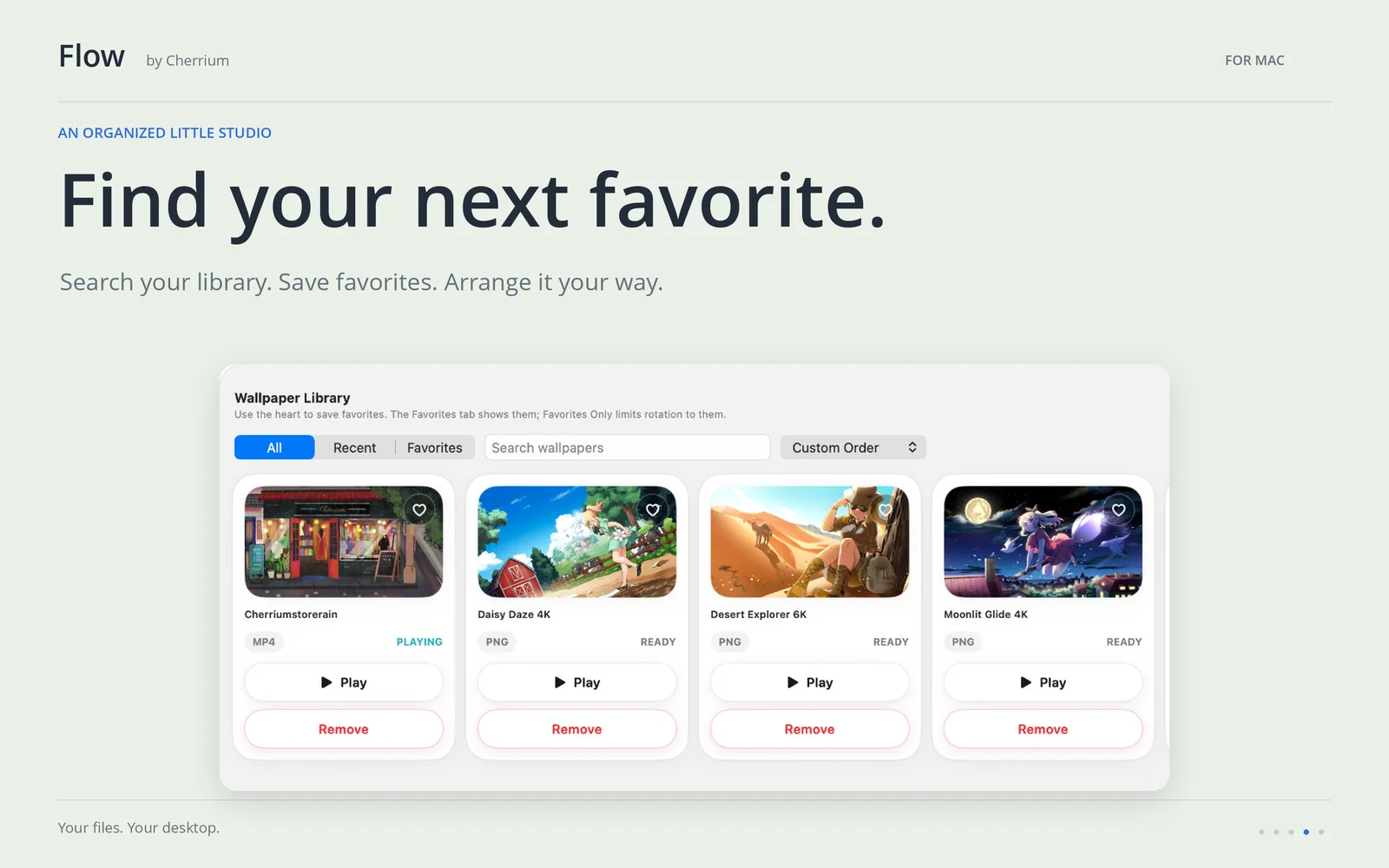
Mac App Store screenshots (https://apps.apple.com/us/app/id6642662005?mt=12), seller Cherrium LLC. More on our Flow by Cherrium deal page.
Side-by-side features
| Feature | Flow | Plash |
|---|---|---|
| Wallpaper source | Your own video clips, GIFs and PNG images. | Any remote or local website. |
| Variety | A library of favourites that rotates. | Several websites you switch between, with auto-reload. |
| Interaction | Set and switch from the menu bar. | Browsing mode lets you click the page; custom CSS and JavaScript. |
| Power | Not described on its listing. | Can switch off while on battery. |
| Automation | Not described on its listing. | Shortcuts support, scripting and a share extension. |
| Requirements | macOS 14.5 or later. | macOS 26.4 or later. |
Privacy
Flow plays files already on your Mac; Cherrium publishes a software privacy policy that covers it. Plash’s maker says it collects no personal data, though the websites you load will see your visit like any browser.
When Plash is the right choice
- You want live information, such as a calendar, stats or news, on the desktop.
- You like to script or customise the wallpaper with CSS and JavaScript.
- You want something free.
So which one?
- Flow suits anyone who wants travel clips, pet videos or artwork loops they made themselves as a moving desktop.
- Flow also suits Macs on macOS 14.5 to 26.3, which the current Plash no longer supports.
- Plash suits people who want a dashboard or a daily web photo behind their windows.
Our take: Flow is the simplest way to loop your own footage on the desktop, and 99 cents makes it an easy yes during the sale. Plash is the free pick for web content.
Flow for 99 cents, November 26 to 30
Eastern time, US store price; other countries may differ. No affiliate deal on this page.
Sources and notes, checked Nov 23, 2026
- Flow by Cherrium on the Mac App Store: official listing, $4.99, version 3.5.5 released November 23, 2026, macOS 14.5 or later, supported file types, Family Sharing.
- Cherrium software page: $0.99 sale, November 26 to 30, 2026, Eastern time, US prices; each app sold separately. The maker confirmed it for our listing.
- Plash official page and App Store listing: free, macOS 26.4 or later, websites as wallpaper, browsing mode, reload interval, custom CSS and JavaScript, battery setting, muted audio, Shortcuts. Older Plash versions for earlier macOS releases are linked from its site.