At a glance
Duplicate File Finder PRO, Black Friday
Best forPeople who want folder merge, similar-media tools, and scans that can include network or cloud volumes
TwinSweep, Black Friday
Best forPeople who want a lower paid-once total, a free review pass, undo, and clear skip rules
Quick verdict
Pick Duplicate File Finder PRO if folder merge or network and cloud scans are the job.
Pick TwinSweep if you want a lower paid-once total, a free review pass, and undo, at $13.30 until December 1.
Both figures come from the price table below. A one-time licence is paid once, so its 3-year cost stays the same unless you buy an upgrade.
Duplicate File Finder PRO from Nektony scans a Mac disk, an external drive or an Apple Photos library for repeated files and look-alike photos, then lets you remove copies or merge folders. TwinSweep from Tidyware also finds duplicate files and photos on a Mac, including a Photos-library mode in beta, with review, undo, and a paid-once license. The Mac App Store has Duplicate File Finder PRO at $24.49, down from $34.99, through November 30, 2026. TwinSweep is $13.30, down from $19, with BF2026 applied at checkout until December 1. We did not test either app.
Duplicate File Finder PRO ↗ TwinSweep ↗
Links open Apple’s store and tidyware.app. Nobody is paid when you follow them from this page.
Licenses, cost over one year and three years
| Plan | What you get | Year 1 | 3 years |
|---|---|---|---|
| Duplicate File Finder PRO, Black Friday | Paid-once Mac App Store license, 30% off through November 30, 2026. No code. | $24.49 | $24.49 |
| Duplicate File Finder PRO, regular | Same store license at the usual $34.99, as the listing showed on November 27, 2026. | $34.99 | $34.99 |
| TwinSweep, Black Friday | Paid-once license, BF2026 applied at checkout until December 1, 2026. Free scan and review; the free version cleans up to 1 GB. No account. macOS 14 or later. | $13.30 | $13.30 |
| TwinSweep, regular | Same license at the usual $19 one-time price. | $19.00 | $19.00 |
Duplicate File Finder PRO prices are from the Mac App Store listing (id 962263890) on November 27, 2026, which showed a Black Friday sale at $24.49, down from $34.99. TwinSweep prices are from tidyware.app/twinsweep, same day: $19 one-time, $13.30 with BF2026 until December 1. The three-year column assumes you stay on the version you buy; a later paid upgrade is not included. Taxes and storefront currency can change a checkout.
Worked example
Priya’s Photos library has grown through years of imports
She wants to find repeated and look-alike shots, preview the pairs, and remove extras without deleting the only good copy. She also has two project folders that drifted apart.
With Duplicate File Finder PRO
She points the scanner at the Photos library, reviews duplicate and similar shots, and removes the extras she does not need. The Mac App Store listing and Nektony’s product page also describe scanning external, network and cloud storage, sorting by type, name, count, path or size, merging similar folders, and comparing files byte-for-byte. Through November 30 the store price is $24.49, down from $34.99, with no code to enter.
With TwinSweep
She downloads the free trial, scans the library or a folder, and reviews groups before anything is moved. The product page says extras go to the Trash, each group keeps at least one copy, files are re-checked before they move, and she can undo a clean-up in one click. Near-identical photos are never pre-selected. Favorites in Photos are never deleted, and Photos deletions stay in Recently Deleted for 30 days after the macOS confirm dialog. She can also ask Claude or Cursor, once connected, to run a scan in plain words. Scanning and review are free; cleaning more than 1 GB needs the license, which is $13.30 until December 1.
Priya’s cost: TwinSweep is $13.30 once until December 1, and she can scan and review for free first. Duplicate File Finder PRO is $24.49 in the Mac App Store through November 30. If she mainly wants a cautious clean-up with undo, TwinSweep is the lower outlay this week. If she wants folder merge and a wider scan target list (network and cloud storage are named on Nektony’s page), the Nektony app is the one that lists those tools.
A look inside Duplicate File Finder PRO
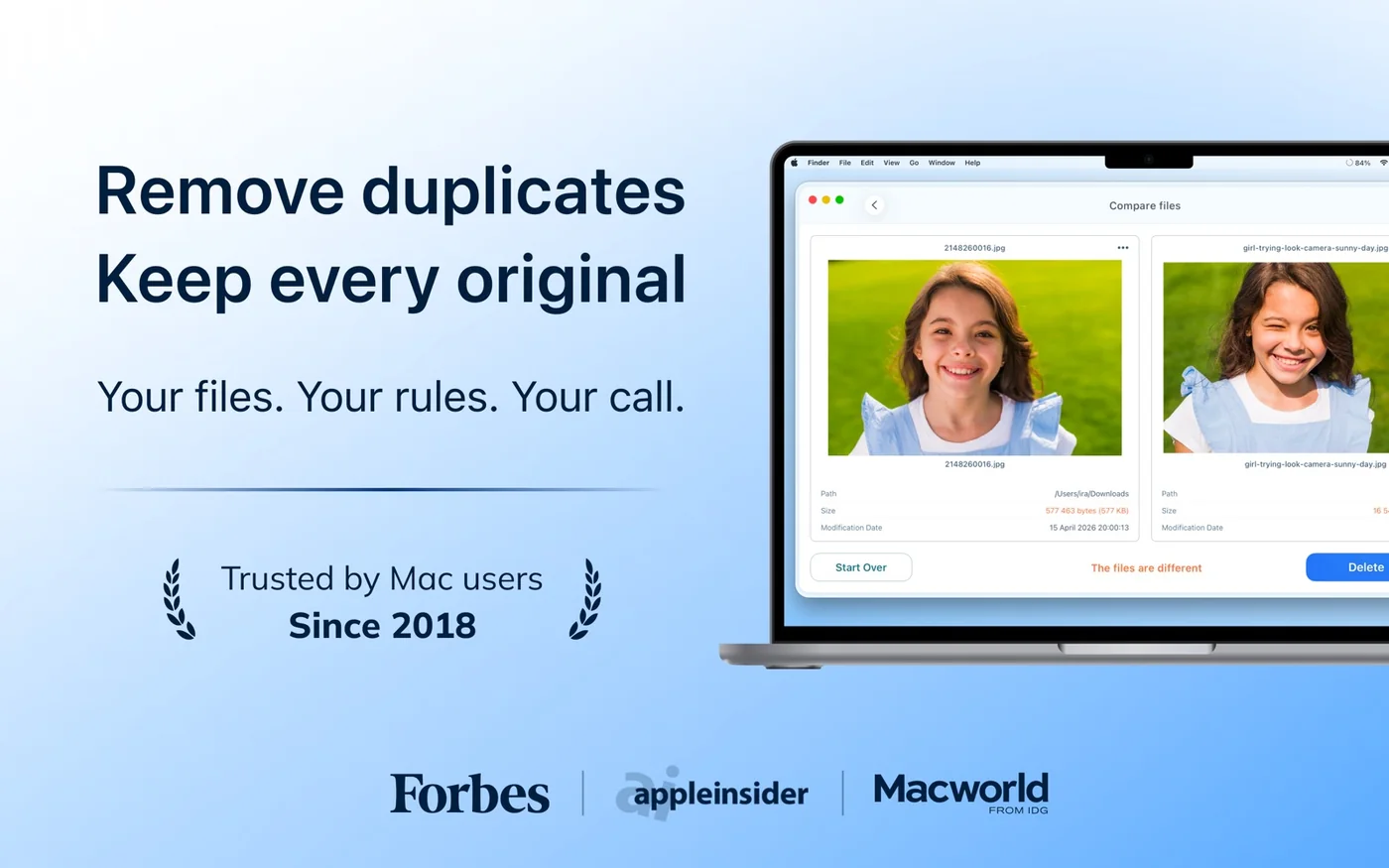
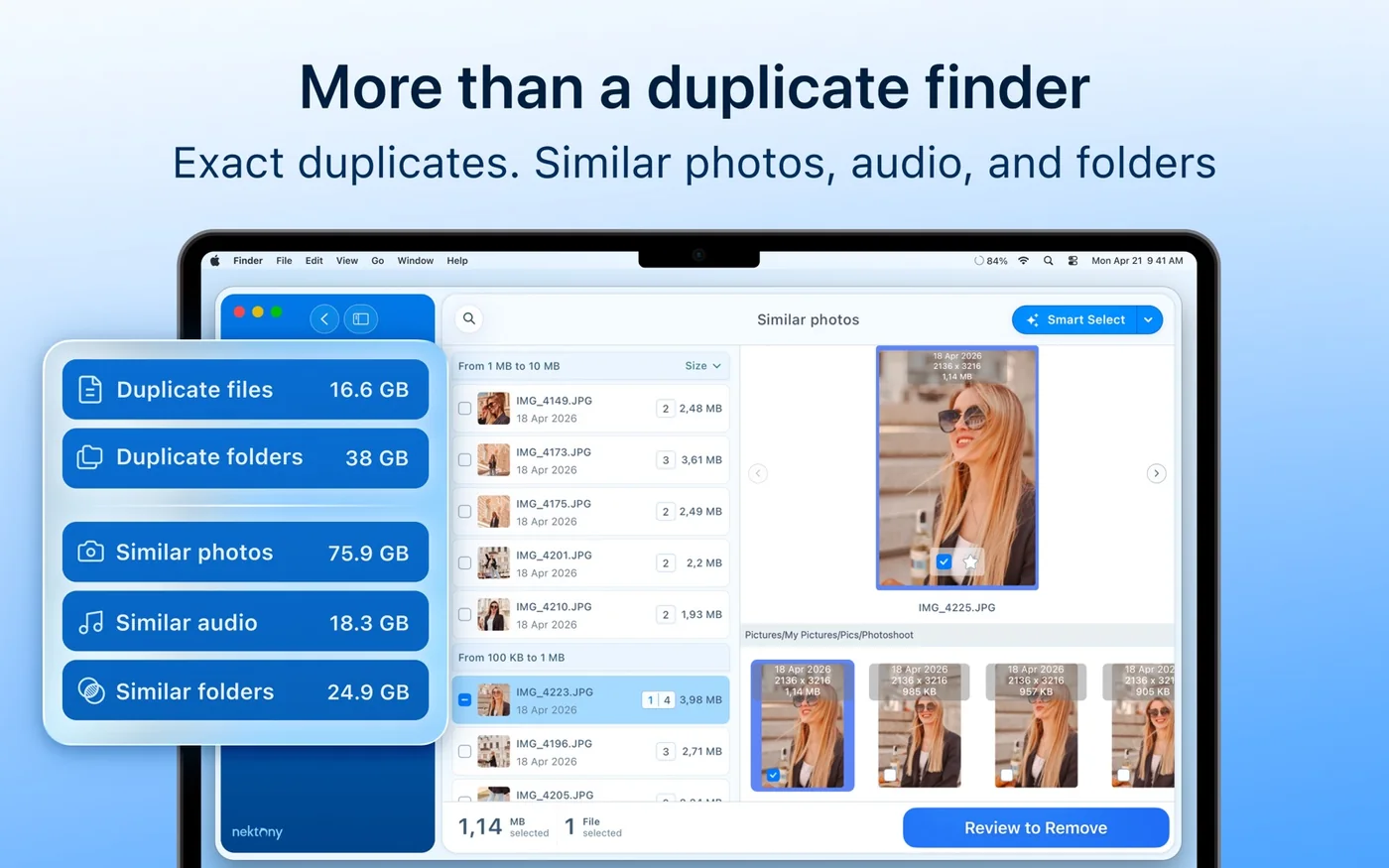
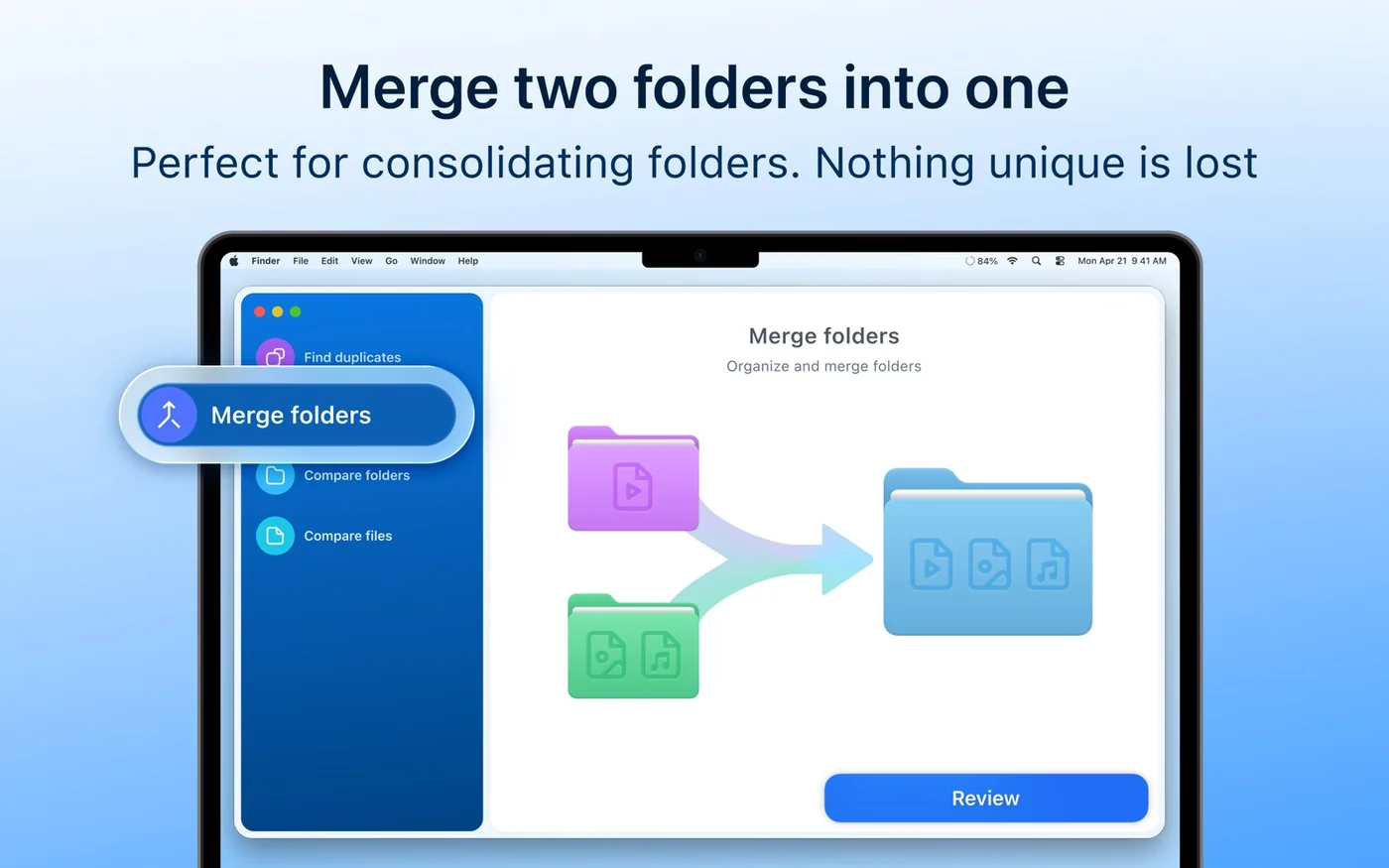
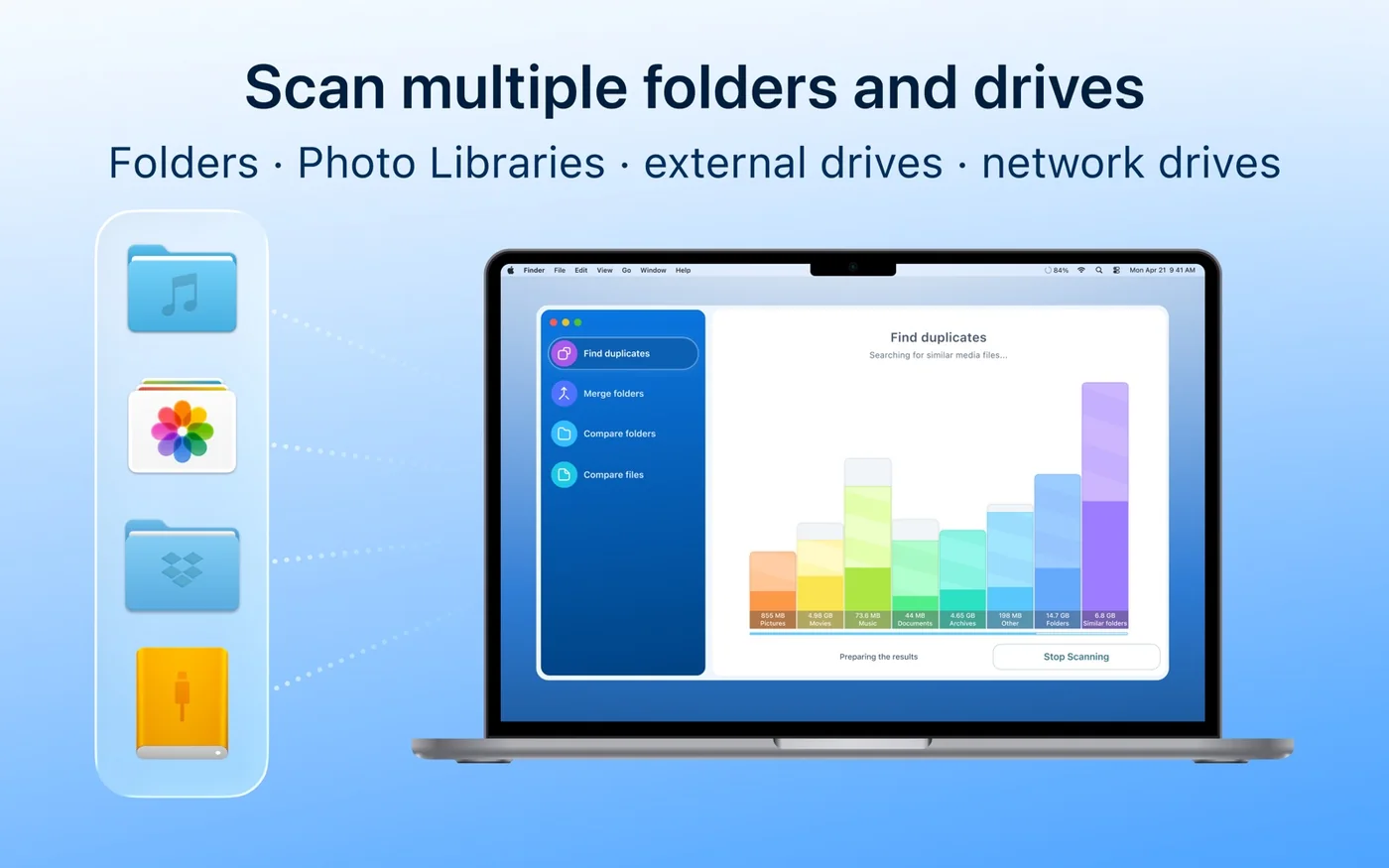
Screenshots from the Mac App Store listing for Duplicate File Finder PRO (id 962263890), checked 2026-11-27. More on our Duplicate File Finder PRO deal page.
Safety and features
| Topic | Duplicate File Finder PRO | TwinSweep |
|---|---|---|
| What it scans | Mac App Store and nektony.com: any drive type, including external, network and cloud storage; Home folder; Photos and Music libraries; multiple Photos libraries for duplicate and similar photos; similar audio. | Downloads, Desktop, Documents, a Photos library, or another folder. Network drives are never cleaned, because they have no Trash. It skips code projects (git, node_modules, build folders), does not treat a RAW + JPEG pair as duplicates, ignores hard links and iCloud files that are not downloaded, and warns about Dropbox, OneDrive, Google Drive and iCloud Drive folders. |
| Review and deletion | Preview duplicates, auto-select, sort by category, remove files and folders, merge similar folders or merge two folders into a new one, batch-merge, byte-for-byte compare. | Each group marks one copy Keep and extras Trash. Similar photos are not pre-selected. Smart Clean or Move Selected to Trash. Files only go to the Trash. Undo last clean-up, with a log so an earlier clean-up can be undone too. |
| Photos library | Scan one or more Photos libraries for duplicate and similar photos, then review and remove. | Photos library support is labelled beta. Duplicates can go to a review album, or be deleted in bulk after a macOS confirm dialog, remaining in Recently Deleted for 30 days. Favorites are never deleted. |
| Speed and extras | The product page describes a fast scan and a free edition alongside Pro. Languages listed include English, Spanish, German, French, Chinese, Italian and Ukrainian. | The product page cites 200,000 files scanned in about 39 seconds and 137 MB of memory on an Apple Silicon MacBook, with nothing running in the background. MCP, Shortcuts and a CLI are listed, including Claude and Cursor. |
| Trial and platforms | Sold in the Mac App Store as a one-time purchase. A free Nektony edition is also offered from the same site. macOS requirements are those of the store listing. | Free scan and review, clean 1 GB free, no account, one-time purchase, macOS 14 or later, Apple silicon and Intel. Built in Swift, with Dark Mode, VoiceOver and keyboard use listed. |
Privacy and data
TwinSweep’s privacy policy, last updated November 15, 2026, says files never leave this Mac. The app goes online only to check the license (key and the Mac’s name, sent to Polar, about once a week after activation) and, if you allow it, for updates. No analytics. Photos-library work reads thumbnails on the Mac and does not upload them. If you connect an AI assistant, that assistant’s own policy applies to what it sends; TwinSweep itself does not upload the files.
Nektony publishes a site-wide privacy policy at nektony.com/privacy-policy. We did not find a shorter, Duplicate File Finder–specific privacy page that we could quote in the same detail as TwinSweep’s, and we did not test either app’s network traffic. Purchases of the Pro edition in this listing go through the Mac App Store.
Updates and platforms
TwinSweep requires macOS 14 or later. Duplicate File Finder PRO is a Mac App Store app; use the store listing for the current macOS range and version. Both licenses above are paid once. The three-year totals assume you keep the version you buy.
Where TwinSweep is stronger
- A lower sale this week: $13.30 until December 1, versus $24.49 in the Mac App Store through November 30.
- You can scan and review for free, and clean 1 GB without paying.
- Trash-only deletion, a guaranteed kept copy, a re-check before the move, undo, and a clear list of folders and file types it will not treat as duplicates.
- An honest beta label on Photos-library clean-up, and an explicit “favorites are never deleted” rule.
Who should pick which
- Duplicate File Finder PRO suits someone who wants folder merge, similar-photo and similar-audio tools, and scans of network or cloud volumes, and who will use the $24.49 Mac App Store sale through November 30.
- TwinSweep suits someone who wants a lower paid-once total, a free review pass, undo, and the skip rules above, at $13.30 until December 1.
Our take: if you want the more cautious default — Trash, undo, and a free scan first — TwinSweep is the better starting point this week, and it costs less. If you specifically need folder merge or a scan that includes network or cloud storage, which TwinSweep will not clean, Duplicate File Finder PRO is the one that lists those tools.
Duplicate File Finder PRO at $24.49 through November 30
The Mac App Store shows the sale price; no code is needed. No affiliate link here.
Duplicate File Finder PRO ↗ TwinSweep ↗
Duplicate File Finder PRO on IndieMarkdowns · TwinSweep on IndieMarkdowns · All comparison pages
Sources and notes, checked Nov 27, 2026
- Duplicate File Finder PRO on the Mac App Store and Nektony’s product page, read November 27, 2026: Black Friday sale, was $34.99, now $24.49, through November 30; duplicate and similar photos, similar audio, folder merge, external / network / cloud storage, multiple Photos libraries. The developer, Lora Savenko at Nektony, confirmed the regular one-time price and the November 24–30 dates (Gmail 1a2150d2d343cb01). A free edition is also offered from the same site. A site-wide privacy policy is at nektony.com/privacy-policy.
- TwinSweep and its privacy policy (last updated November 15, 2026), read November 27, 2026: 30% off, BF2026 applied automatically until December 1; $19 one-time, $13.30 in the sale; free scan and review, clean 1 GB free, no account, macOS 14+; Trash only, keep-one-copy, re-check before move, no network-drive clean-up; skip rules for code projects, RAW + JPEG pairs, hard links and undownloaded iCloud files; Photos library beta; undo; MCP / Shortcuts / CLI; license checks via Polar; files stay on the Mac.
- We did not test either app.