At a glance

Ditto Translate, Black Friday
Best forPeople who read and reply to chats, emails and web pages in a second language and want a translation over any app
DeepL Pro Individual, annual
Best forProfessionals who translate whole documents and want help with grammar and tone
Quick verdict
Copy twice and Ditto shows the translation in a tiny floating window, with no account and nothing to renew.
DeepL’s app is the stronger pick when you translate files and want DeepL Write, and its free tier is a fair place to start.
Both figures come from the price table below. A one-time licence is paid once, so its 3-year cost stays the same unless you buy an upgrade.
Ditto Translate and the DeepL desktop app share the same trick: copy text twice and a translation appears. Ditto is a 267 KB menu bar app that uses Apple Translate out of the box, so it works the moment you install it, with no account and nothing to pay each month. DeepL’s own app is free to start and adds DeepL Write, file translation and saved translations, with paid plans for heavier use. If you translate the odd email, chat or web paragraph, Ditto at $2.99 covers it for good. If you translate documents every week, DeepL’s plans are built for that.
Ditto Translate on the Mac App Store ↗ DeepL for Mac ↗
Direct links; this page carries no affiliate deals.
Cost of translating on a Mac
| Plan | What you get | Year 1 | 3 years |
|---|---|---|---|
| Ditto Translate, Black Friday | The whole app with Apple Translate, paid once. Add your own DeepL key if you like. | $2.99 once | $2.99 |
| Ditto Translate | Regular store price. | $4.99 once | $4.99 |
| DeepL free version | The desktop app with 50,000 characters a month and one file translation. | $0 | $0 |
| DeepL Pro Individual, annual | 300,000 characters a month, three files, no training on your text. | €89.88 | €269.64 |
Read Nov 23, 2026: Ditto’s US store listing (id 6758614069); DeepL plans on deepl.com/pro, which showed euro prices to us (€7.49 a month, billed yearly).
Worked example
Kenji answers a German supplier in Slack and checks his reply before sending
He reads German slowly and wants to understand each message, then make sure his answer says what he meant, without leaving Slack.
Ditto’s way
He selects the message and presses Command-C twice. A small window floats over Slack with the English text. He types his reply into the window, watches it translate live, hits the swap button to read it back in English, and pastes. Command-Escape closes the window.
DeepL’s way
The same double copy opens the DeepL app with the translation, and DeepL Write can polish his German tone. On the free version he has 50,000 characters a month; a heavy month of supplier chat may push him to Pro.
Kenji’s cost: $2.99 once for Ditto, or €89.88 a year if he needs DeepL Pro.
A look inside Ditto Translate
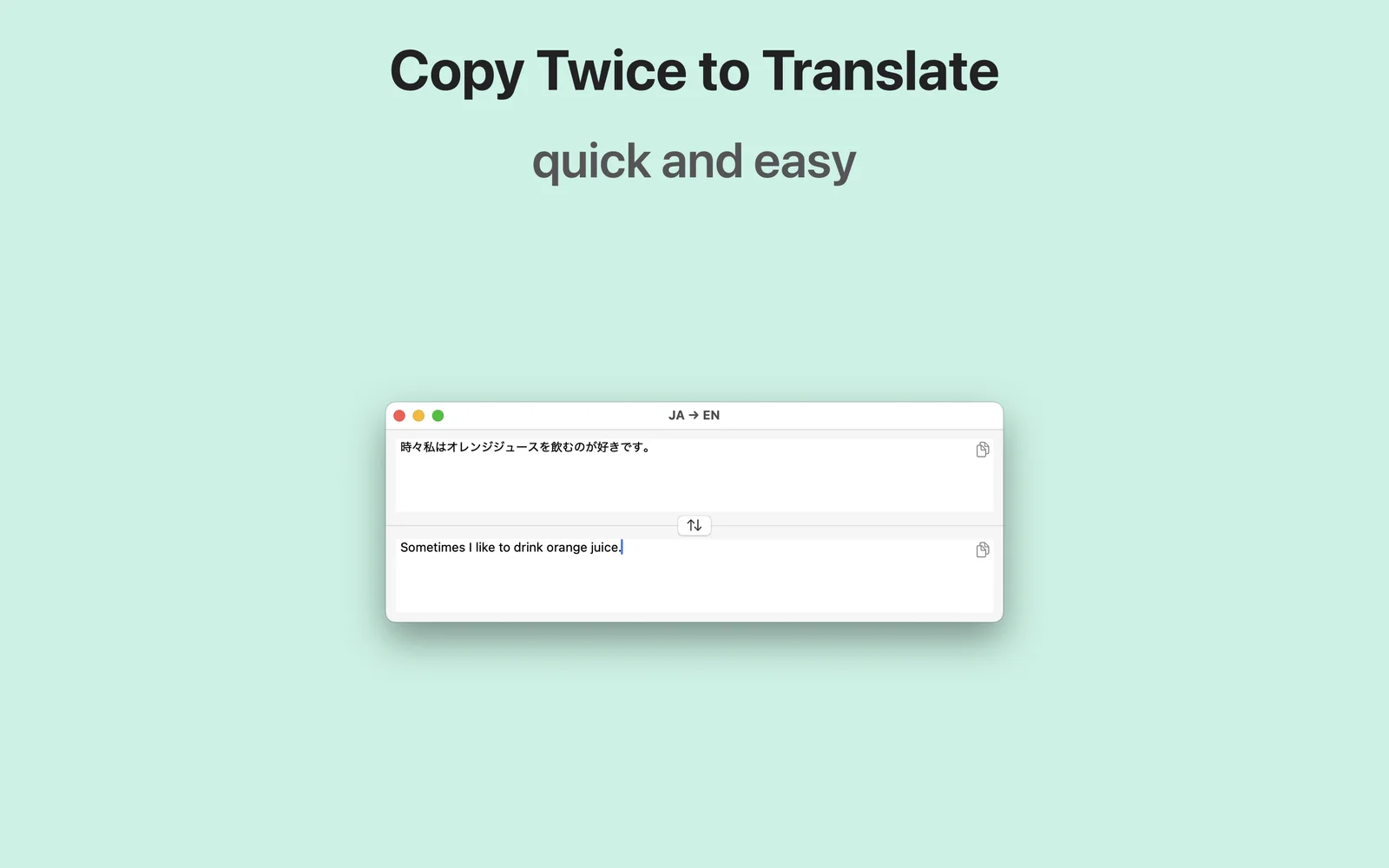
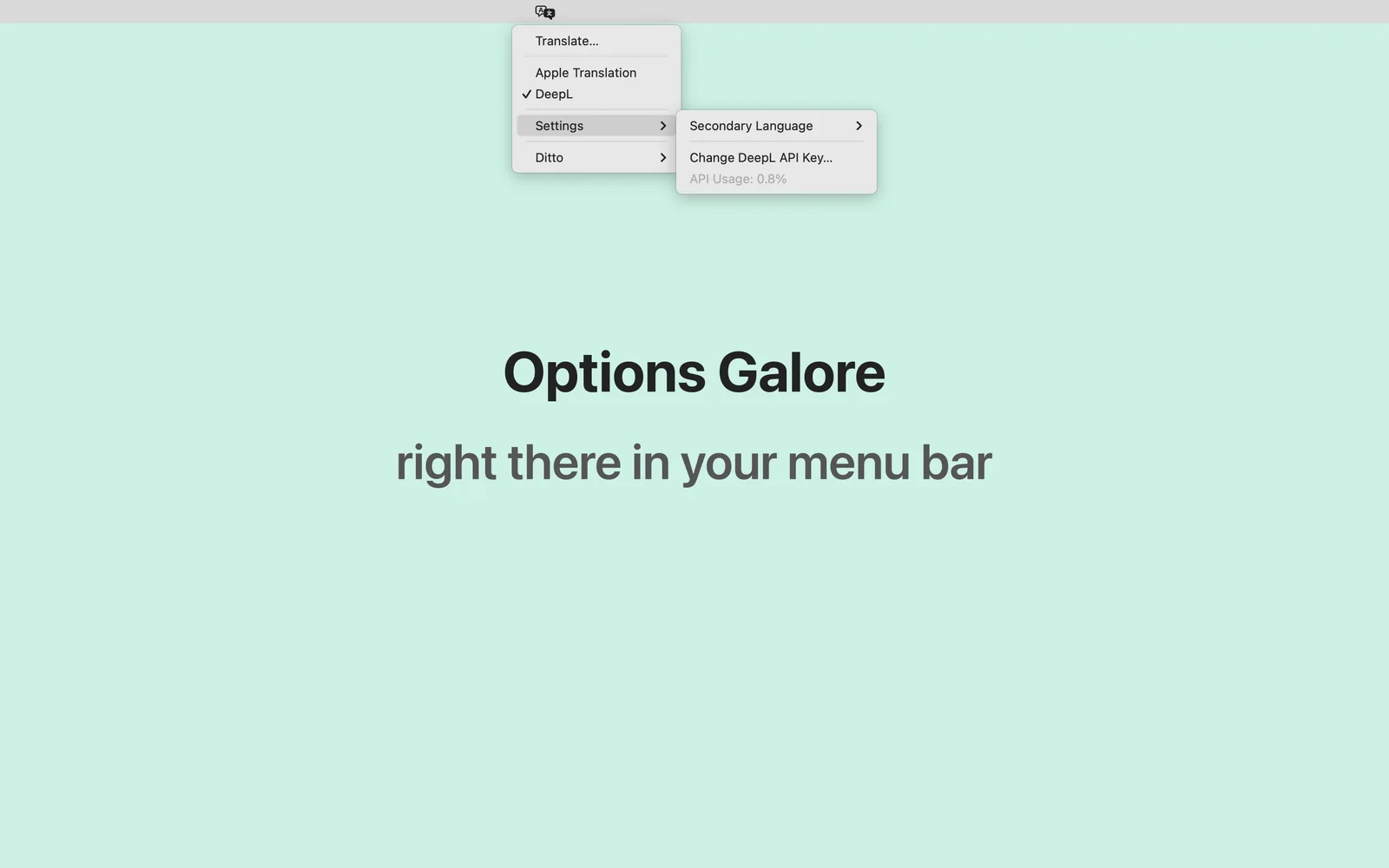
Mac screenshots from the Ditto Translate Mac App Store listing (https://apps.apple.com/us/app/id6758614069?mt=12), seller Matt Sephton. More on our Ditto Translate deal page.
How they differ
| Question | Ditto Translate | DeepL for Mac |
|---|---|---|
| Trigger | Command-C twice in any app. | Command-C twice; add Shift to choose a target language. |
| Translation engine | Apple Translate with no setup, or DeepL with your own Free or Pro API key. | DeepL, signed in with a DeepL account for paid plans. |
| Beyond translation | Live translation while you type, back-translation, API usage meter. | DeepL Write for grammar and tone, file translation, saved translations on Pro. |
| Footprint | A 267 KB menu bar app with no Dock icon. | A full desktop app. |
| Permissions | Watches the clipboard; no accessibility access needed. | Desktop app with its own shortcuts. |
| Requirements | macOS 15 Sequoia or later. | macOS 15 or later. |
Where your text goes
With Apple Translate selected, Ditto uses the translation built into macOS and needs no account. If you switch Ditto to DeepL, your text goes to DeepL under the terms of your API plan. DeepL says Pro text is never used to train its models.
Reasons to choose DeepL
- DeepL Write helps you fix grammar and pick a formal or casual tone.
- It translates whole files, not just copied text.
- The free version is enough for light use, and Pro adds a no-training guarantee.
Who each one is for
- Ditto Translate suits people who read and answer messages in a second language and want a quick, private translation over any app.
- Ditto Translate also suits DeepL API users who would rather pay for characters than for a subscription app.
- DeepL suits professionals who translate documents and polish formal writing every week.
Our take: Ditto makes everyday translation feel built into the Mac for less than three dollars. Move up to DeepL Pro once files and writing help become part of the job.
Get Ditto Translate for $2.99
No code needed, and the sale end date has not been announced. No commission is paid to us.
Sources and notes, checked Nov 23, 2026
- Ditto Translate on the Mac App Store: official listing, $2.99, version 1.5, macOS 15 or later. The maker confirmed the $4.99 regular price for our listing; no end date has been announced.
- Ditto official page: double copy, Apple Translate by default, DeepL Free or Pro API keys, live translation, swap button, 267 KB download.
- DeepL for Mac: free download, macOS 15 or higher, Command-C-C shortcut, DeepL Write.
- DeepL Pro plans: official prices. Individual is €7.49 a month billed annually; we multiplied by 12 and by 36. DeepL showed us euro prices including VAT; US visitors may see dollars. The free version allows 50,000 characters and one file a month.
- DeepL API usage through Ditto is billed by DeepL under its own API plans, which we did not price here.