DiskNinja vs DaisyDisk
DiskNinja and DaisyDisk both scan a Mac volume and show you what is taking up space, so you can choose what to remove. This page uses official prices and feature lists only, checked Nov 21, 2026, on diskninja.app, diskninja.app/black-friday/, diskninja.app/privacy/, and daisydiskapp.com.
A look inside DiskNinja
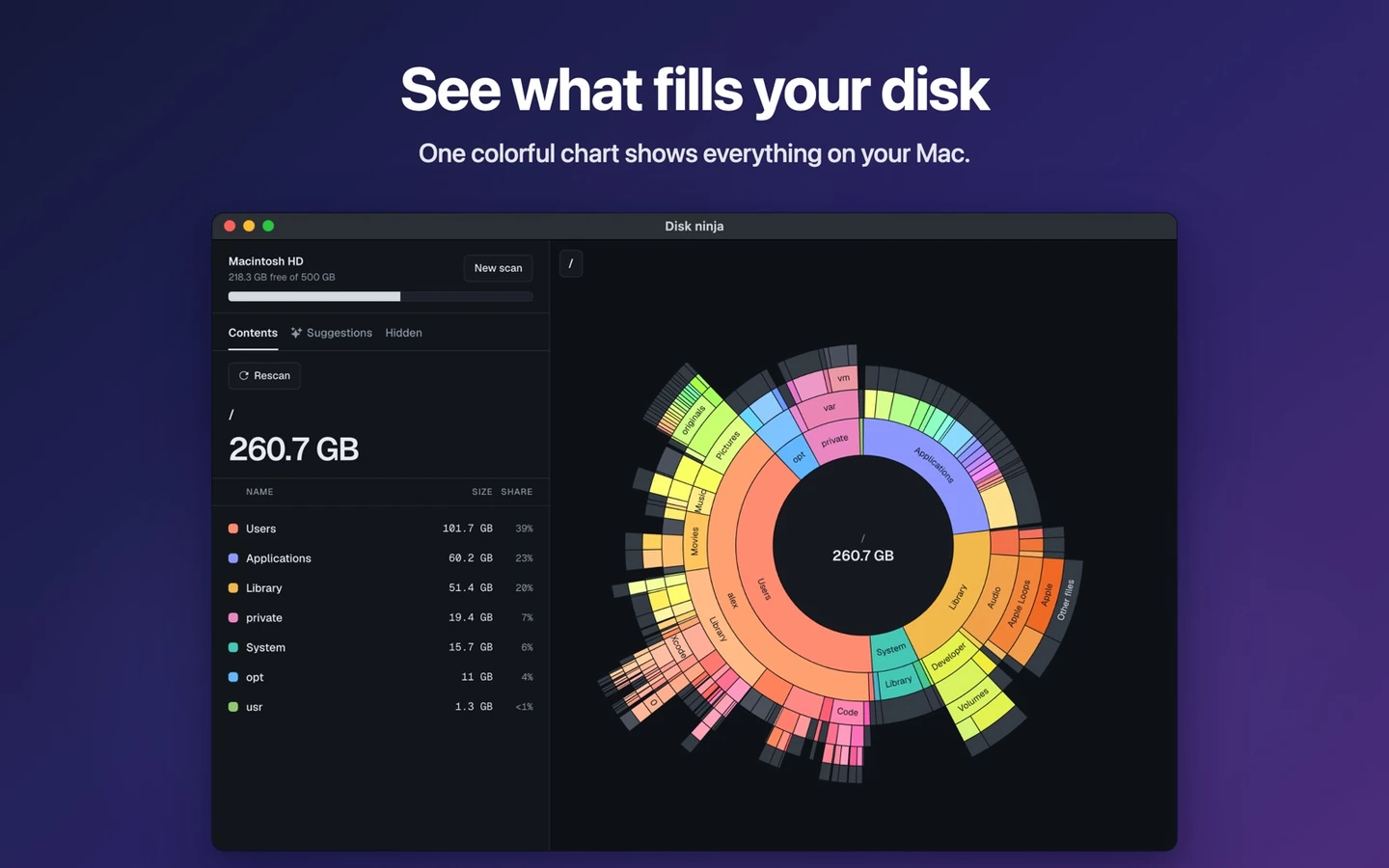
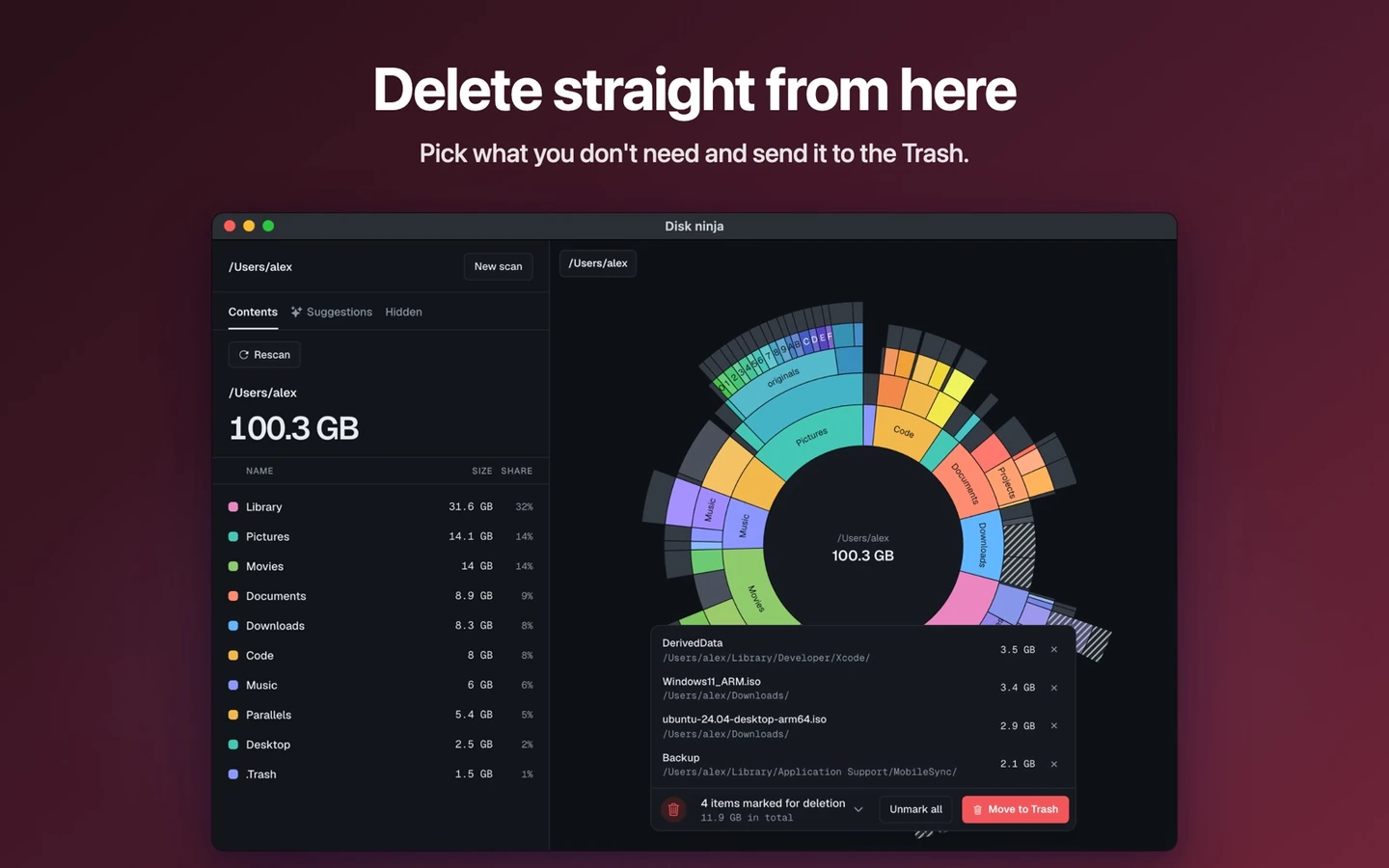
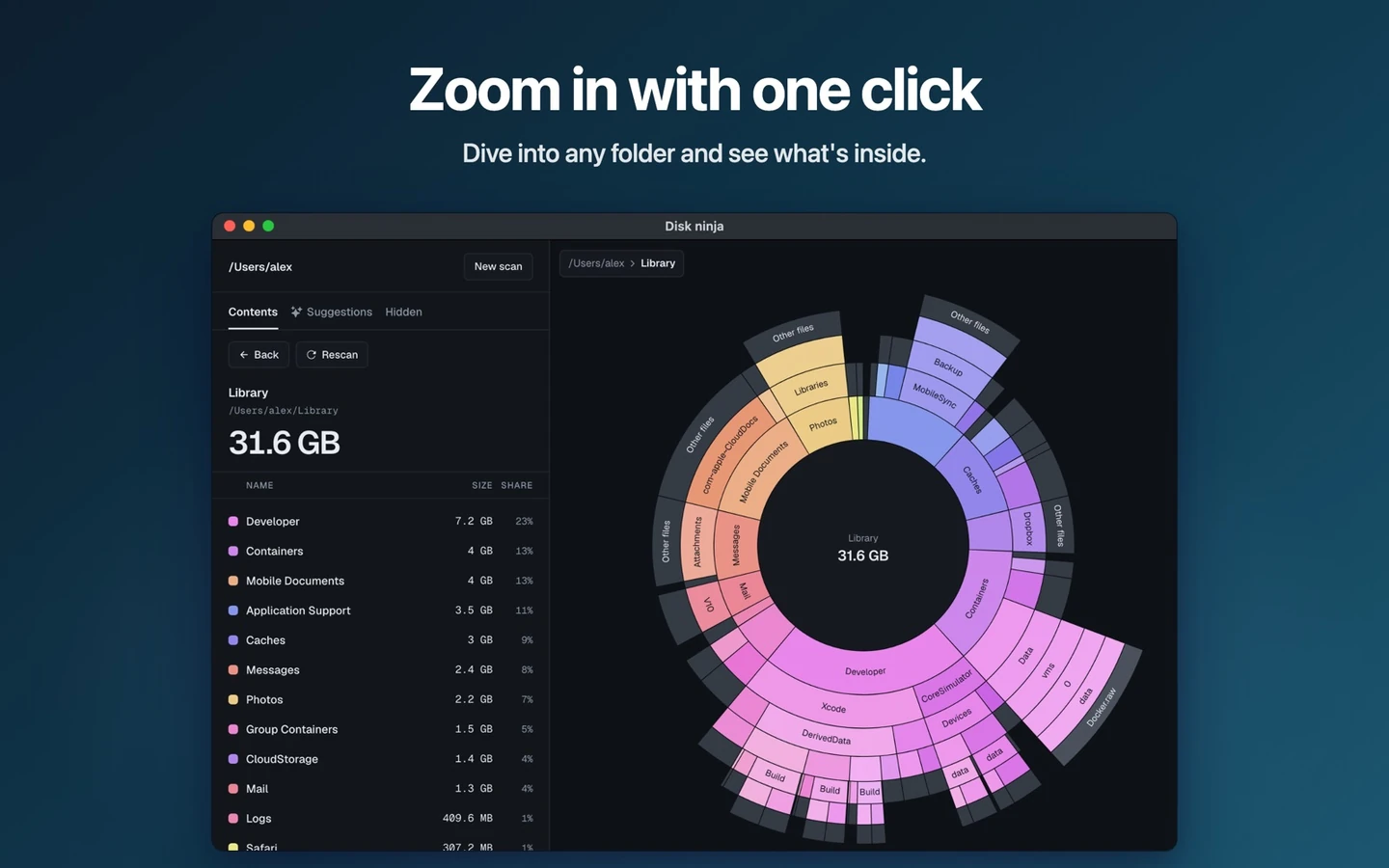
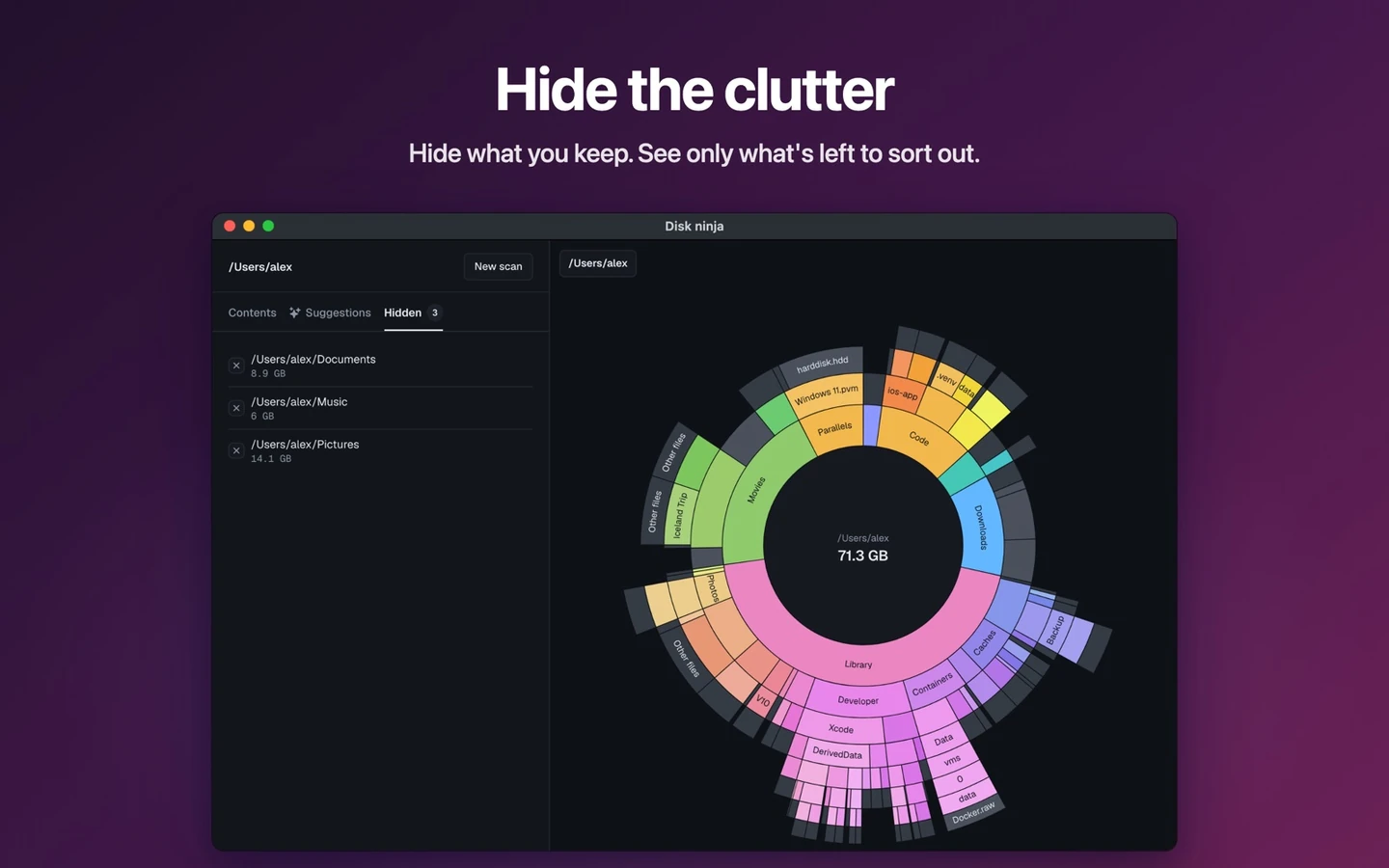
Official screenshots from the Mac App Store listing for DiskNinja: Disk Space Cleaner, https://apps.apple.com/app/id6819043889. More on our DiskNinja deal page.
At a glance
| DiskNinja | DaisyDisk | |
|---|---|---|
| What it is | A Mac disk map that scans a volume and can move chosen files to Trash. The scan, the chart and that cleanup stay free. Pro can also build a suggested cleanup list and answer what a large item is. | A Mac disk map that draws storage as colourful rings so you can drill from large folders down to files you may want to delete. A collector gathers leftovers before you empty them. |
| What you pay (regular) | Scanning, the chart and Move to Trash are free. Official Pro Yearly is $14.99 a year after any first-year offer. This is a subscription, not a lifetime licence. | Official DaisyDisk is a one-time $9.99 lifetime licence on daisydiskapp.com, with a free trial, and it is also sold through the Mac App Store. The official site says it is not a subscription, and that minor updates are included. |
| 2026 holiday offer | From November 24 through December 2, 2026 (23:59 UK time), new Pro Yearly subscribers can pay $7.49 for the first year instead of $14.99 with code NINJABF26. After the first year it renews at $14.99 a year unless you cancel. Confirmed with the app maker, and the official Black Friday page shows the same first-year price, code and end date. | We did not find a 2026 Black Friday price on daisydiskapp.com when we checked Nov 21, 2026. The official printed price remains $9.99 once. |
| Mac requirement | macOS 13 or later, on the Mac App Store (id 6819043889), sold by Azat Zulkarnyaev. | A native Mac app, also on the Mac App Store. The official site advertises support for internal and external disks, SSDs, network and virtual volumes, and optional cloud storage (Dropbox, Google Drive, Microsoft OneDrive, Box). |
| How cleanup works | You choose files, and the app can move them to Trash. It does not empty Trash for you. The scan and that cleanup run on your Mac. | You decide what to delete. The official site says system files are automatically safeguarded, and that a collector lets you gather items before you empty them. |
| Optional AI | Listed under R-168. The optional Pro AI feature (asking what an item is, or asking for cleanup suggestions) sends file and folder metadata to the maker's server, which then passes that metadata to OpenAI. The official privacy policy, updated 3 November 2026, says each request includes paths with your user name replaced, names of the item and some of its contents, sizes, item types, your platform and the kind of drive. File contents are never opened or sent. Core scanning and Move to Trash still run on the Mac. Source: official DiskNinja privacy policy. | The official pages we checked on Nov 21, 2026 describe a local disk map, administrator scanning, snapshots and cloud-disk scanning. They do not describe an AI assistant that sends file metadata to a third-party model. |
Price, in official numbers
If you only want a map of what is filling a disk, official DiskNinja leaves that work free, with no time limit. Official DaisyDisk is $9.99 once for a lifetime licence, after a free trial. If you want DiskNinja Pro, the regular official price is $14.99 a year; the 2026 first-year official sale is $7.49 with code NINJABF26 from November 24 through December 2. That first-year figure is lower than DaisyDisk's $9.99, but it is a year of a subscription, not a lifetime licence, and it then renews at $14.99 unless you cancel. We are not calling either one universally cheaper.
Which one fits
- Choose DiskNinja if you want a free scan and Move to Trash on macOS 13 or later, or if a first-year Pro price of $7.49 (then $14.99 a year) is acceptable and you are comfortable with the optional Pro AI metadata flow described above.
- Choose DaisyDisk if you want a one-time $9.99 lifetime licence, the ring map and collector, administrator scanning, snapshot cleanup, or official cloud-disk scanning, and you would rather not pay a yearly Pro plan.
- DiskNinja is not a substitute if you need a lifetime licence at a single printed dollar amount. DaisyDisk is not a substitute if you want the cleanup map itself to stay free.
Our verdict
These are close tools with different price floors. DaisyDisk wins if a $9.99 lifetime licence and the official ring-map workflow are enough. DiskNinja wins if a free scan is the point, or if you want the time-limited first-year Pro sale and accept that optional Pro AI leaves the Mac. The R-168 note on DiskNinja's deal page, checked against the official privacy policy, is part of that choice, not a footnote.
Sources, checked Nov 21, 2026: https://diskninja.app/, https://diskninja.app/black-friday/, https://diskninja.app/privacy/, maker email 1a1fe277d6a88861, https://daisydiskapp.com/.
Get DiskNinja or DaisyDisk
Official DiskNinja pricing is on diskninja.app/black-friday/. Official DaisyDisk pricing is on daisydiskapp.com. Our deal pages record the same official figures. There is no IndieMarkdowns affiliate link for either listing.
Get DiskNinja ↗ Get DaisyDisk ↗
All comparison pages · DiskNinja on IndieMarkdowns · DaisyDisk on IndieMarkdowns